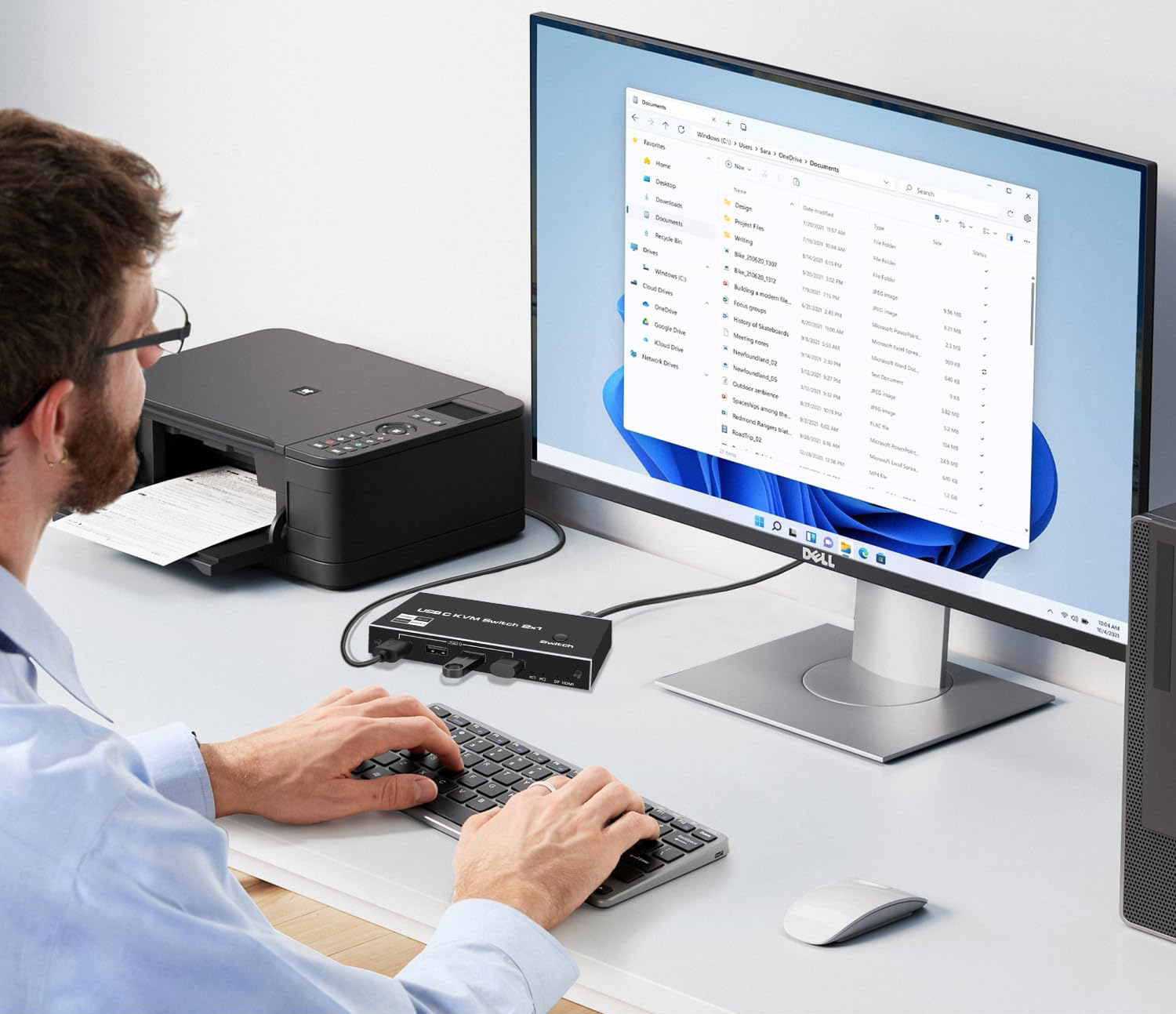
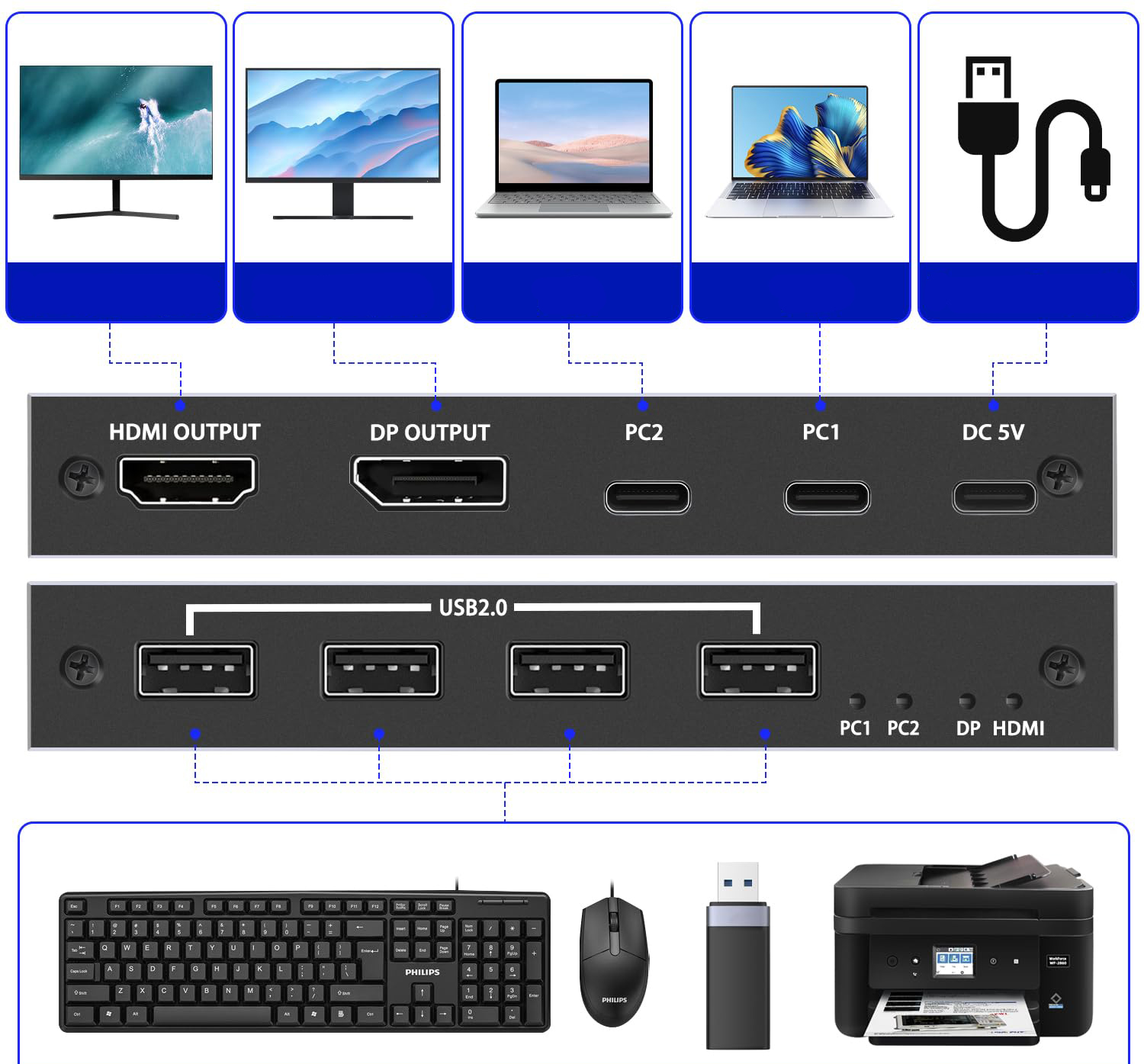
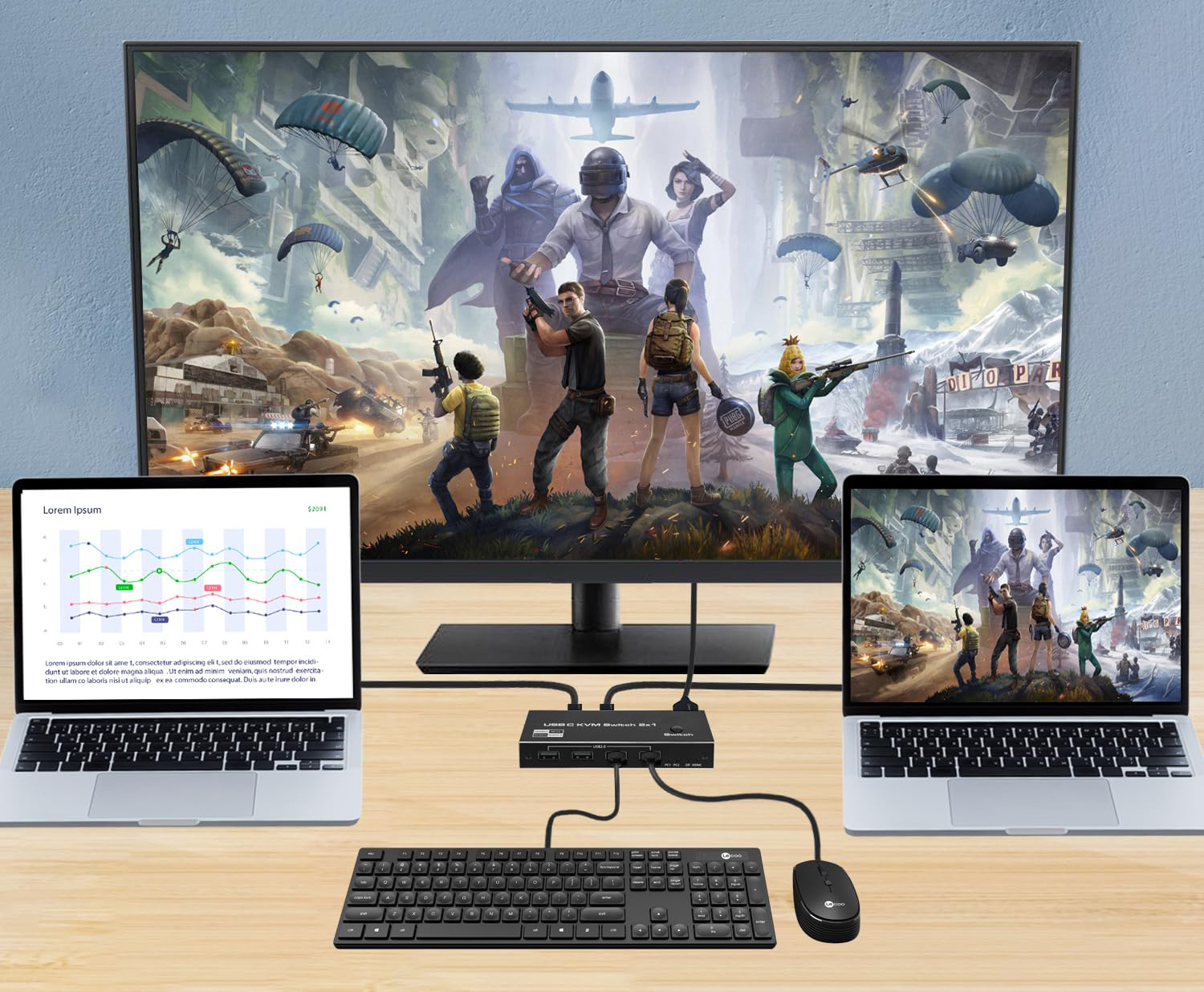
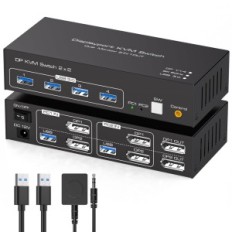
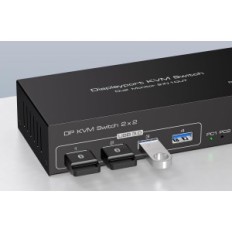
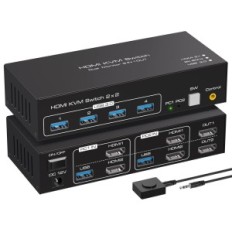
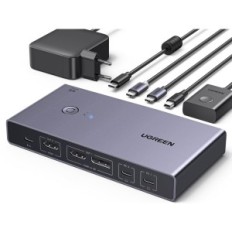
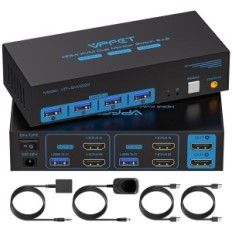
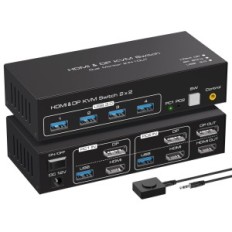
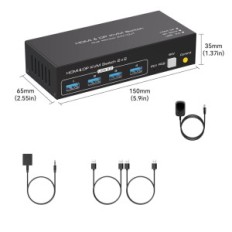
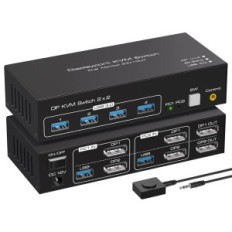
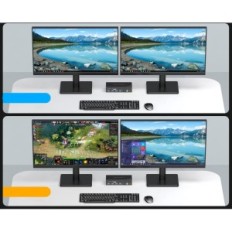
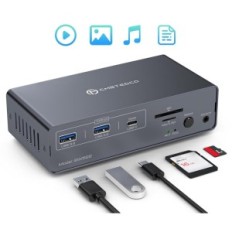
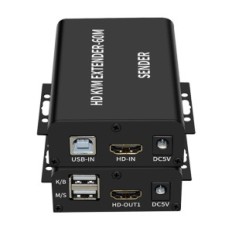
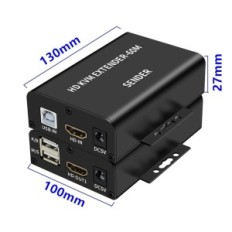
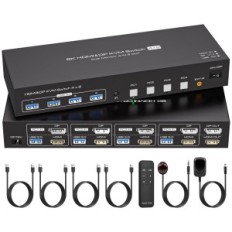
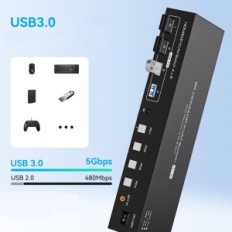
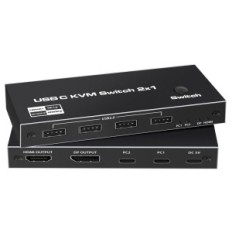
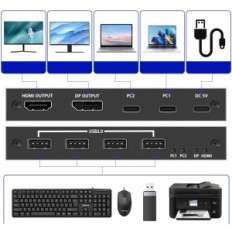
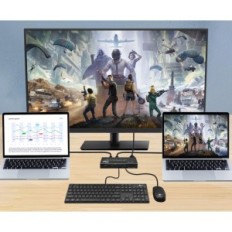
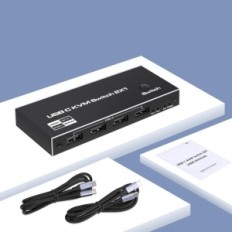
2-port KVM USB-C switch - allows you to use one monitor, keyboard and mouse to control two computers with USB-C ports. Supports two types of HDMI / DisplayPort outputs, providing greater flexibility for your devices. Centrally check and manage multiple computers without moving between workplaces, saving a place, energy and equipment costs thanks to this DP USB-C KVM switch.
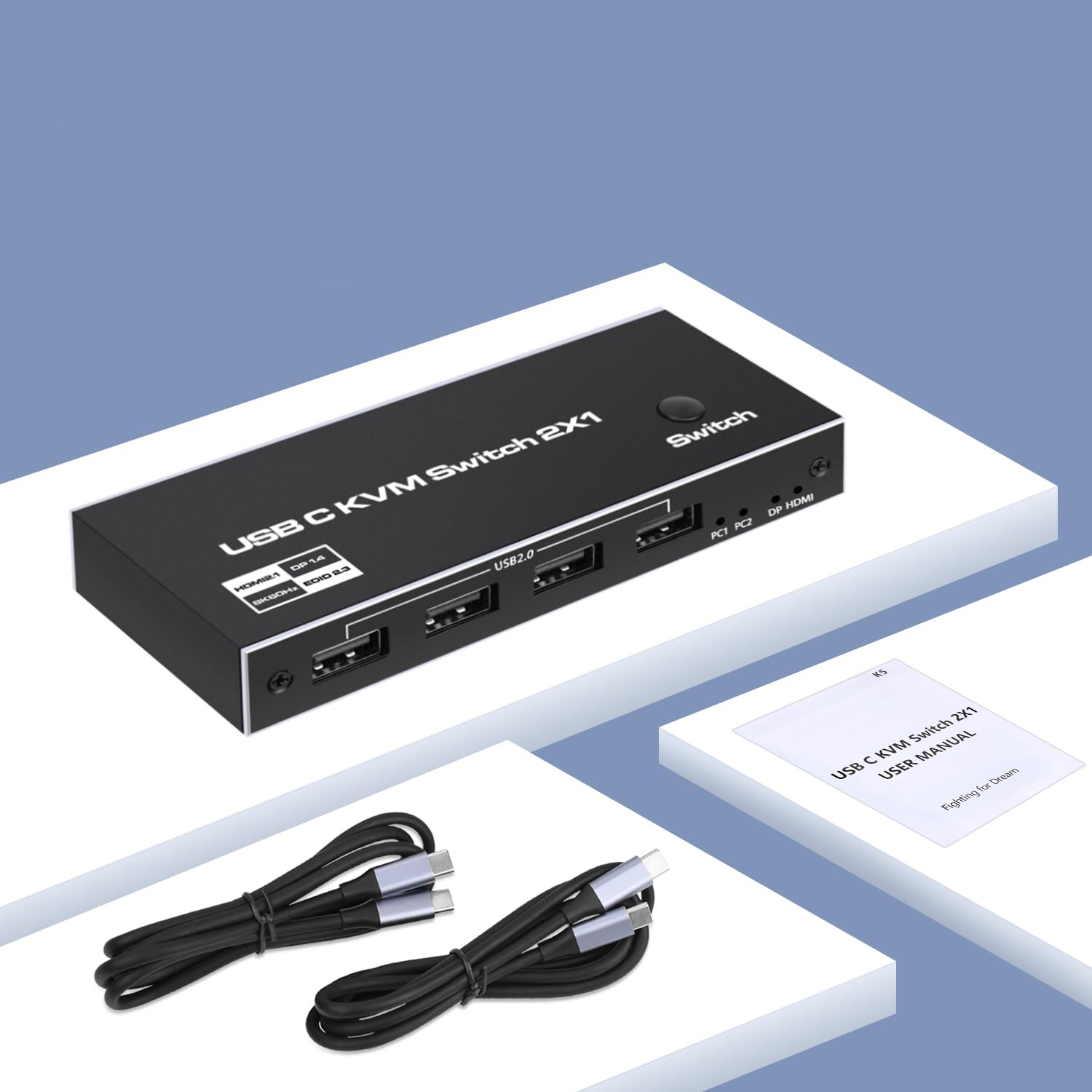
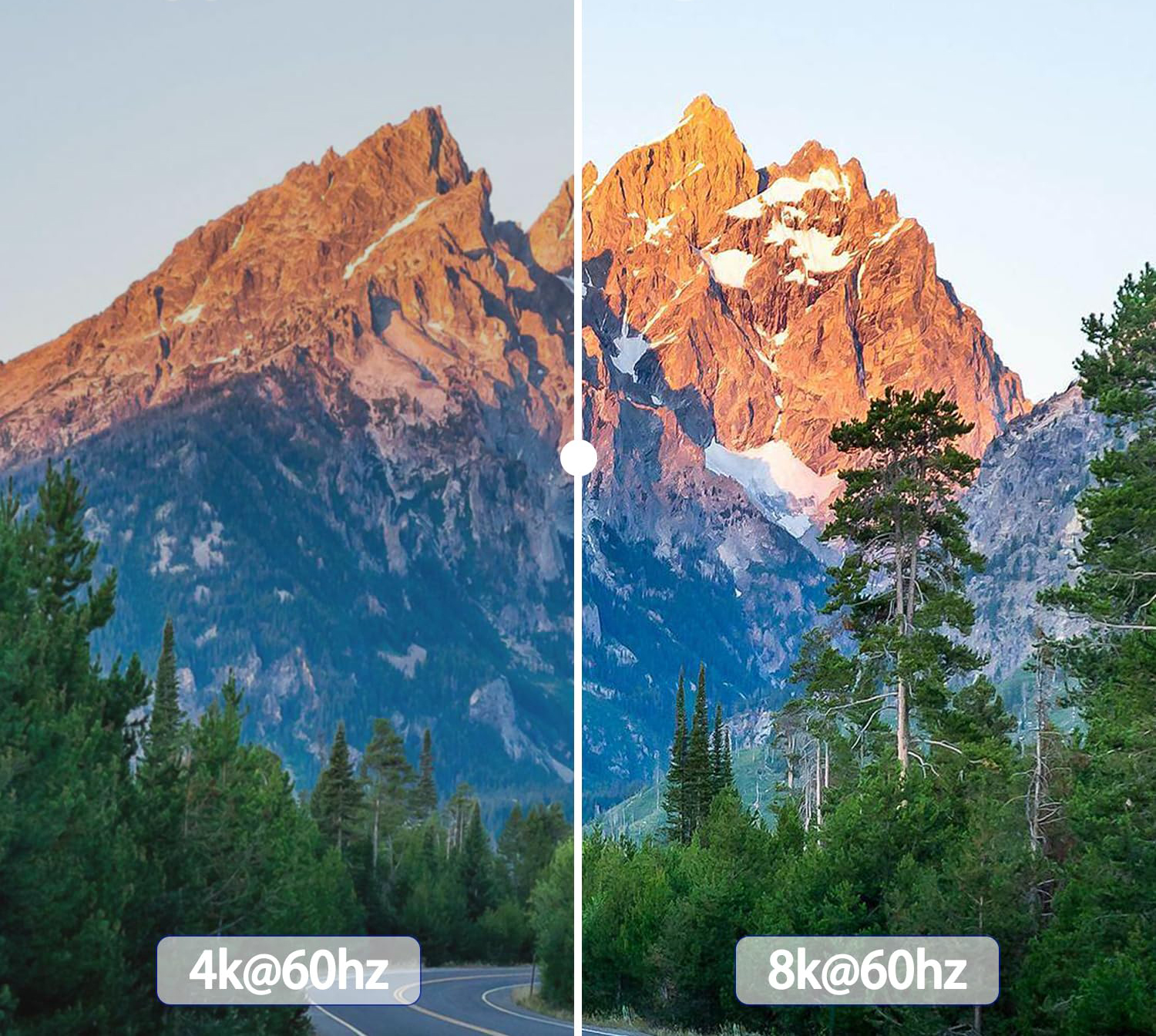
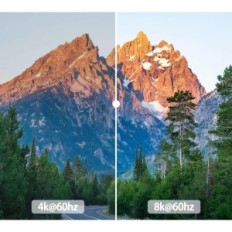
KVM USB-C 8K @ 60Hz switch - this CVM type C switch supports resolution to 8k @ 60Hz and 4k @ 60Hz / 120Hz / 144Hz and 1080p @ 60Hz / 120Hz / 165Hz; Supports HDMI 2.1, DisplayPort 1.4 and HDCP 2.2, HDR. Automatically reads and remembers the monitor parameters (EDID) to maintain the best display resolution. Note: The DP output can reach 4K / 120Hz and 8k / 60Hz only when the USB-C port of the connected laptop supports Thunderbolt 4.
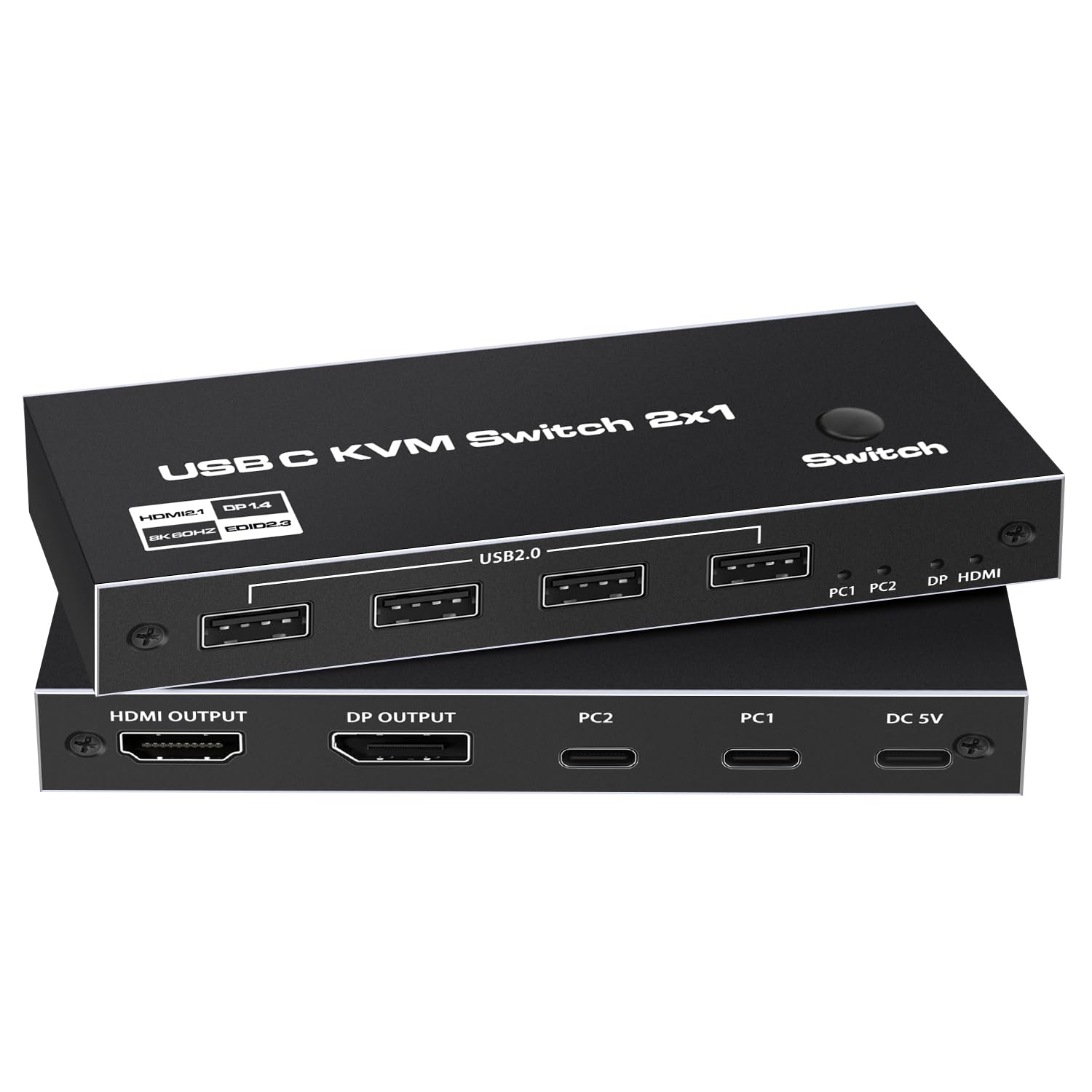
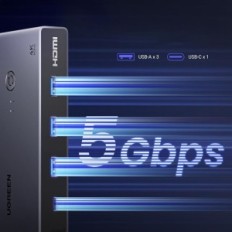
KVM USB C switch with four USB 2.0 ports - in addition to 2 USB ports on the keyboard and mouse, there are also 2 additional standard USB 2.0 ports that allow you to connect a USB hub, USB memory, printer, webcam, webcams or other USB devices, dividing various peripheral devices between different input devices, without the need to install drivers. Typically, the USB C KVM HDMI switch is powered by a USB C cable connected to a computer, but when using USB devices with a high power consumption, the DC 5V power adapter must be connected.
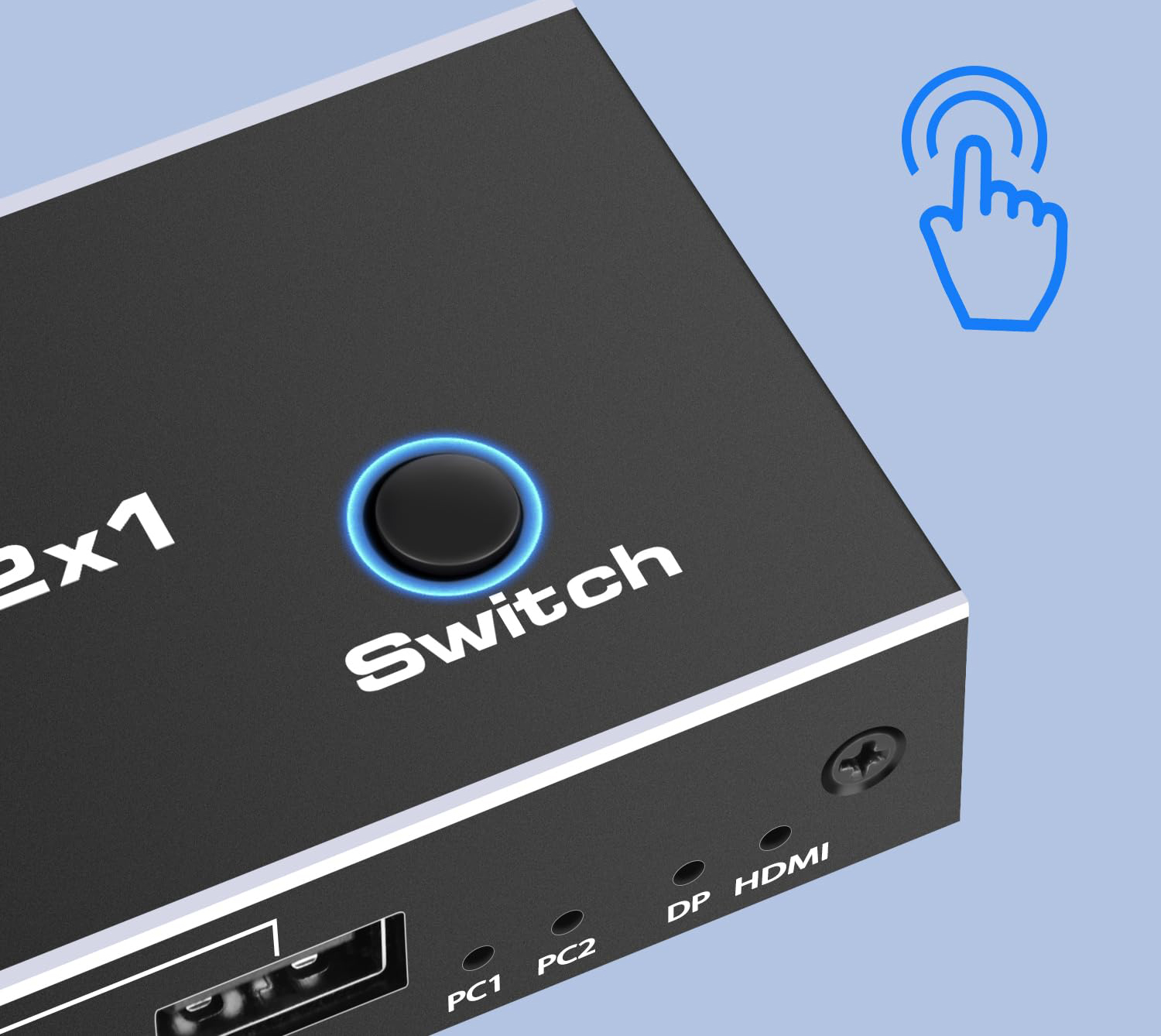
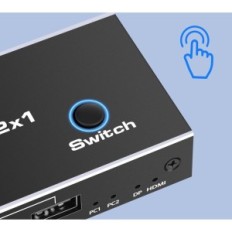
Plug and play - Easy to use, just press the button on the USB-C KVM switch to select USB-C input device. DP1.4 and HDMI2.1 outputs make the image more sophisticated and realistic and the colors are brighter, providing exceptional visual pleasure. To achieve 8K @ 60Hz, 4K @ 120Hz, in addition to computers and monitors that support this resolution, use a DP 1.4 / HDMI cable 2.1. This USB-C KVM switch does not support switching using keyboard shortcuts.
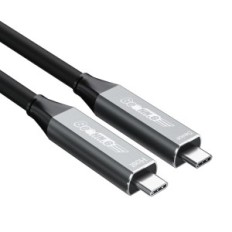
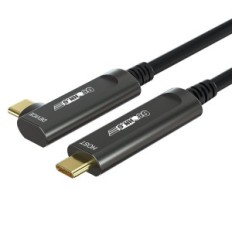
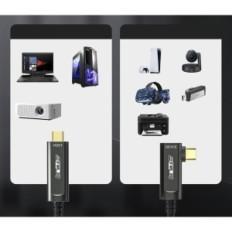
Wide compatibility - compatible with laptops or computers with a TYPE-C port, without drivers for Windows 11 / 10/8 / 8.1 / 7 / Vista / XP, Mac OS and Linux. Use the supplied USB-C cable to connect the USB-C port (PC1 / PC2) to KVM and computer to send data, images and videos, configured to tasks requiring high resolution, such as graphic design, programming, Financial applications, video games and multimedia applications to simplify your work and improve performance.


 Français
 Polski
 English
 Čeština
 Dansk
Dansk Deutsch
 ελληνικά
 Español
 Eesti keel
 Suomi
Suomi Hrvatski
 Magyar
 Italiano
 Nederlands
 Bokmål
 Português PT
 Svenska
 Slovenčina
 Slovenščina
 Lietuvių kalba
 Latviešu valoda

 Secure payment
 Easy going back
 Fast delivery