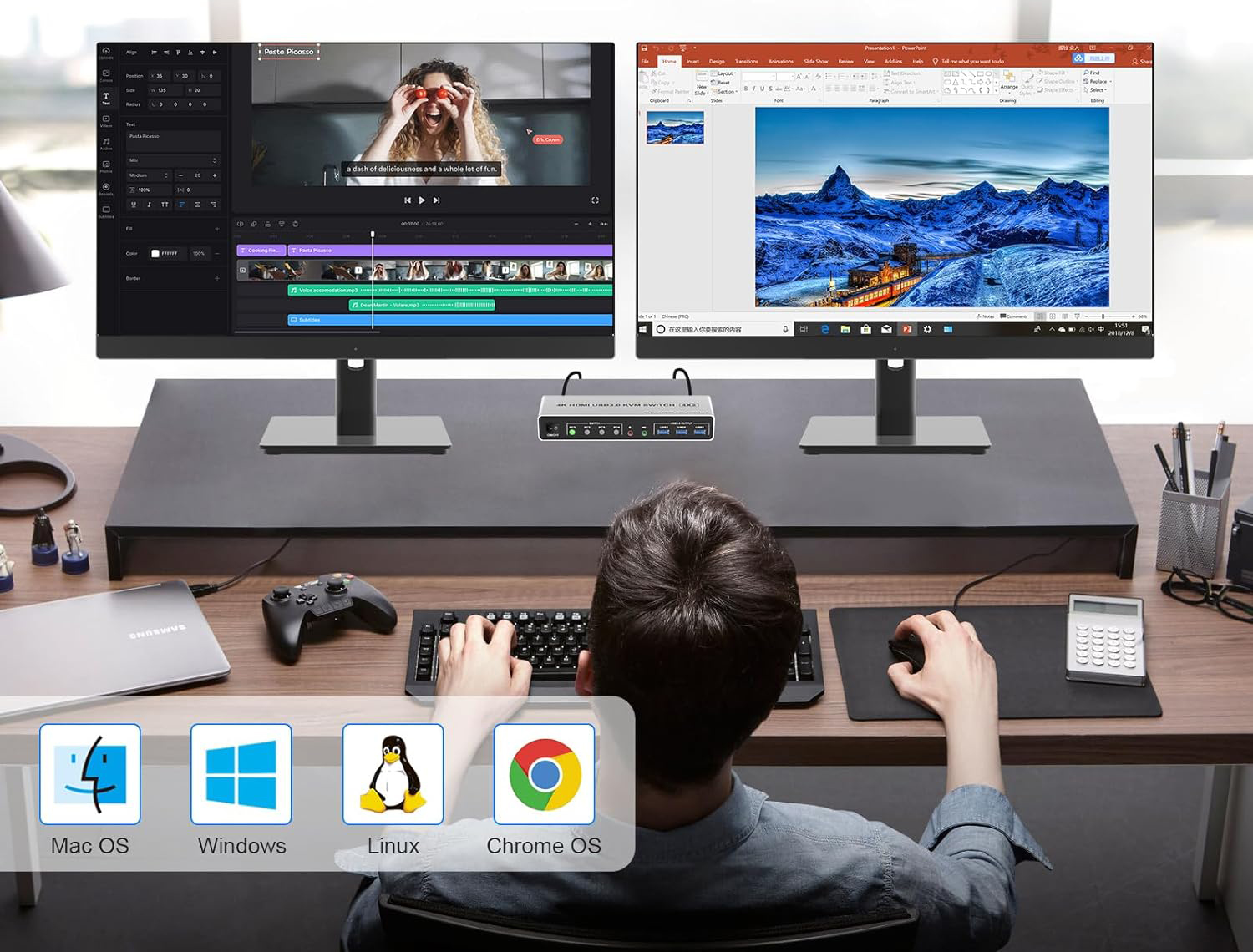
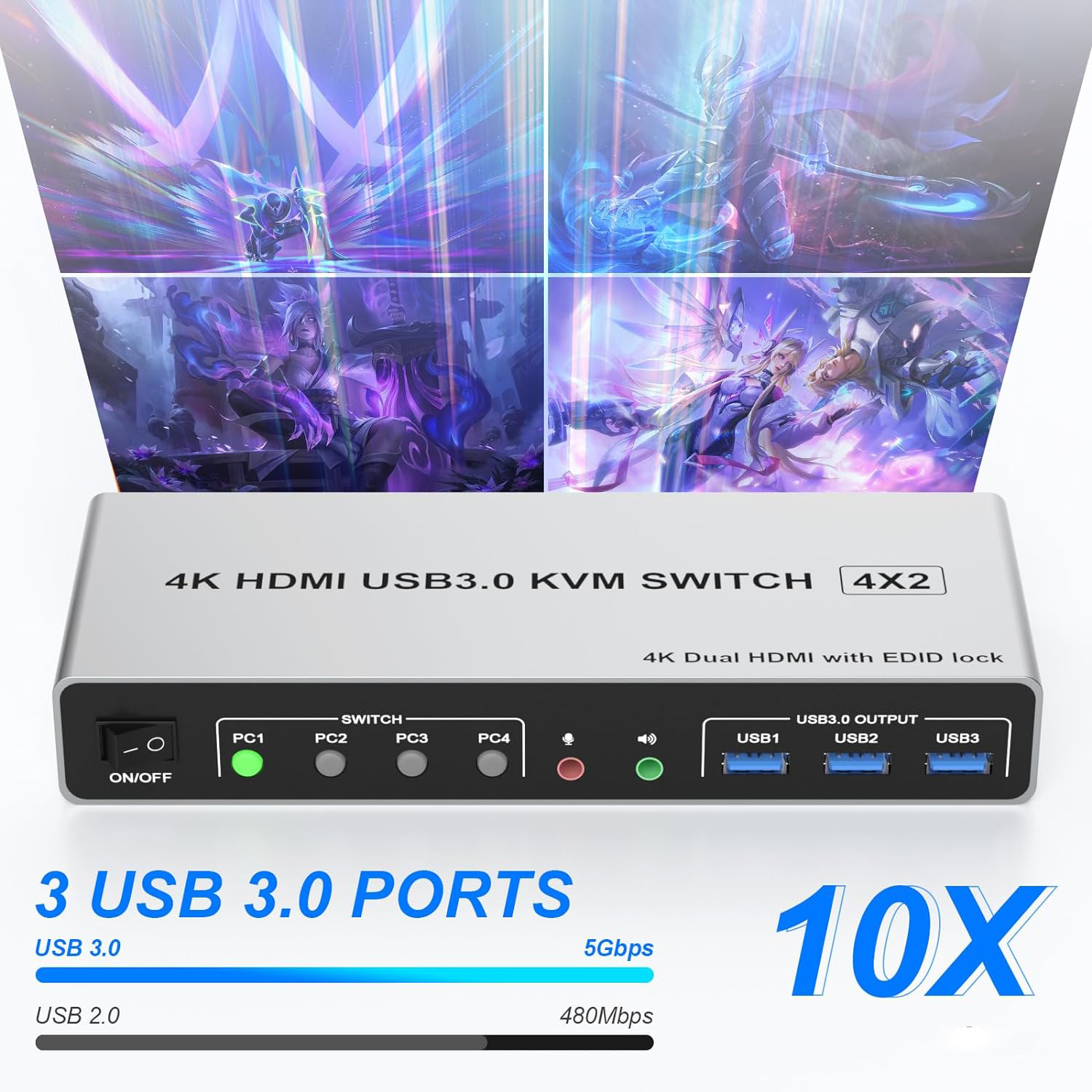
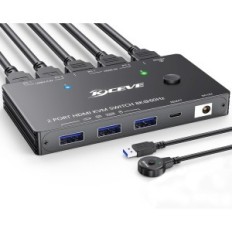
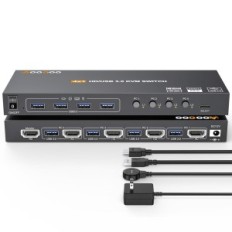
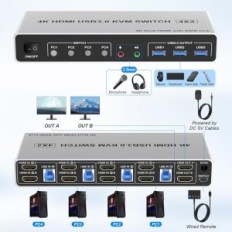
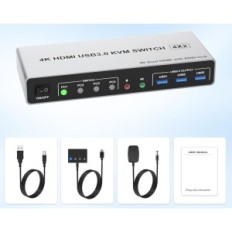
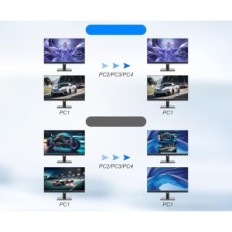
4 HDMI port KVM Switch: This 4 In 2 OUT HDMI KVM Switch allows you to connect 4 desktops or laptops to one keyboard, mice and 2 monitors, enabling an extended or mirror display. KVM works with 4 PC, dividing 2 monitors, only when the computer supports Dual Display or Multi Display. (Extended or mirror modes depend on the computer's graphics card)
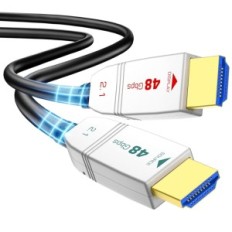
Ultra HD 4K @ 60Hz: This KVM switch with two monitors supports resolution and refresh frequencies up to 4K @ 60Hz, as well as 4k @ 30Hz or other lower resolutions (Backward compatibility). NOTE: To obtain a 4K @ 60Hz effect, the computer's graphics card, the monitor and HDMI cable must support 4K @ 60Hz, so check the device before buying.
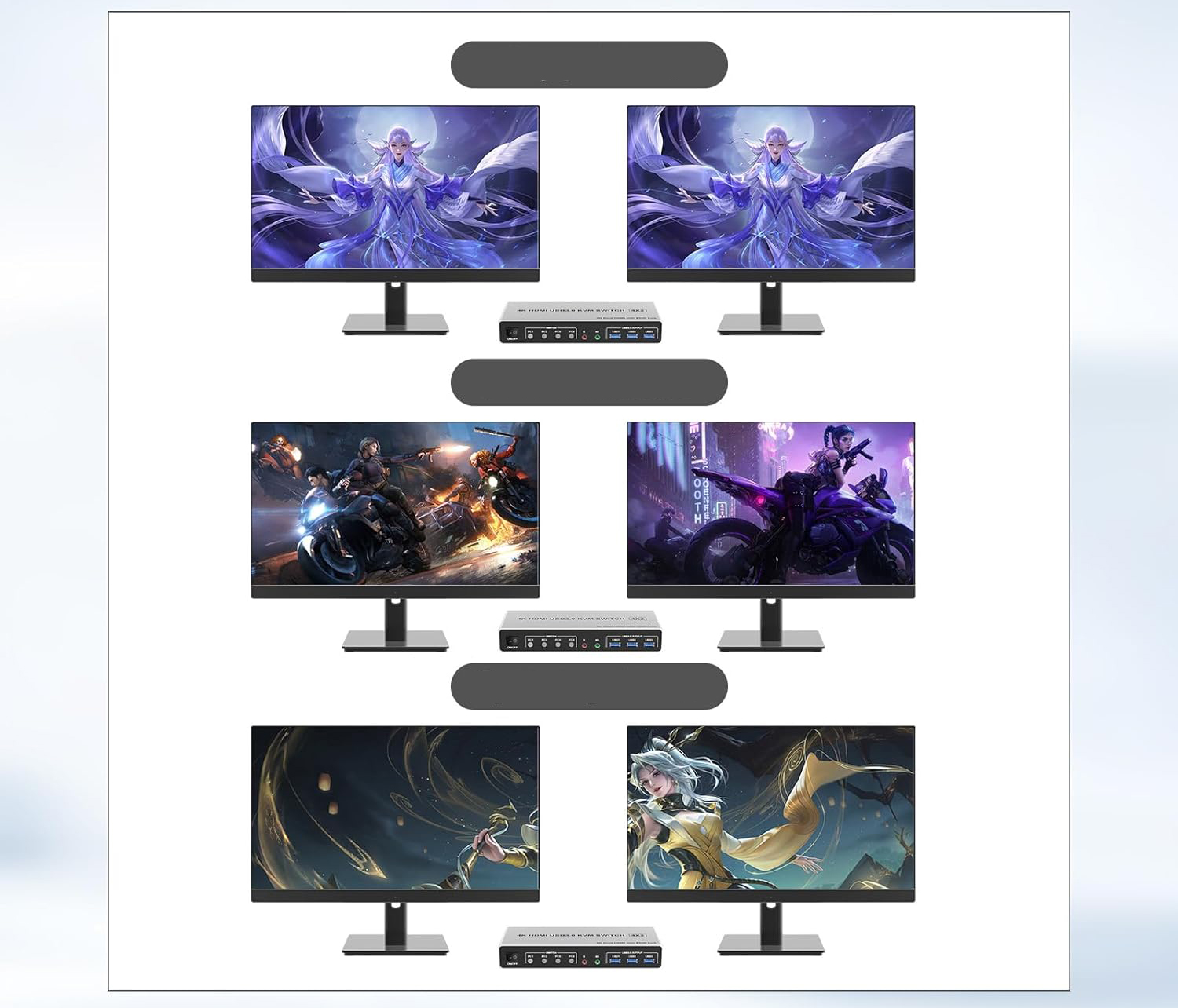
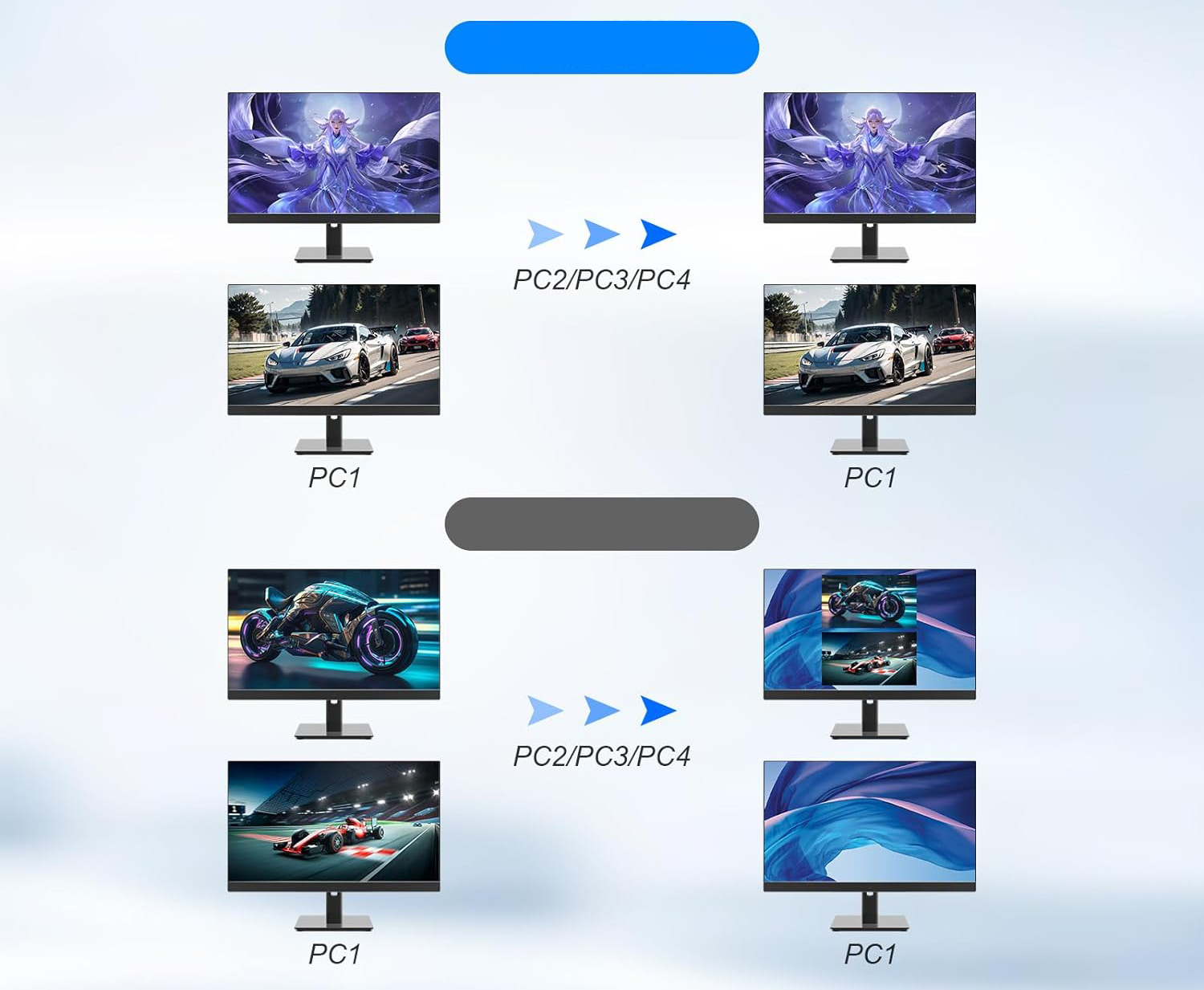
With the EDID simulation: this HDMI KVM switch with 4 ports and two monitors can simulate Edid Display and store its resolution and frequency refresh. Equipped with EDID emulators in each input port, provides correct information about the computers. Thanks to Edid, you do not have to wait until the windows adapt when switching. EDID automatically identifies the best resolution.
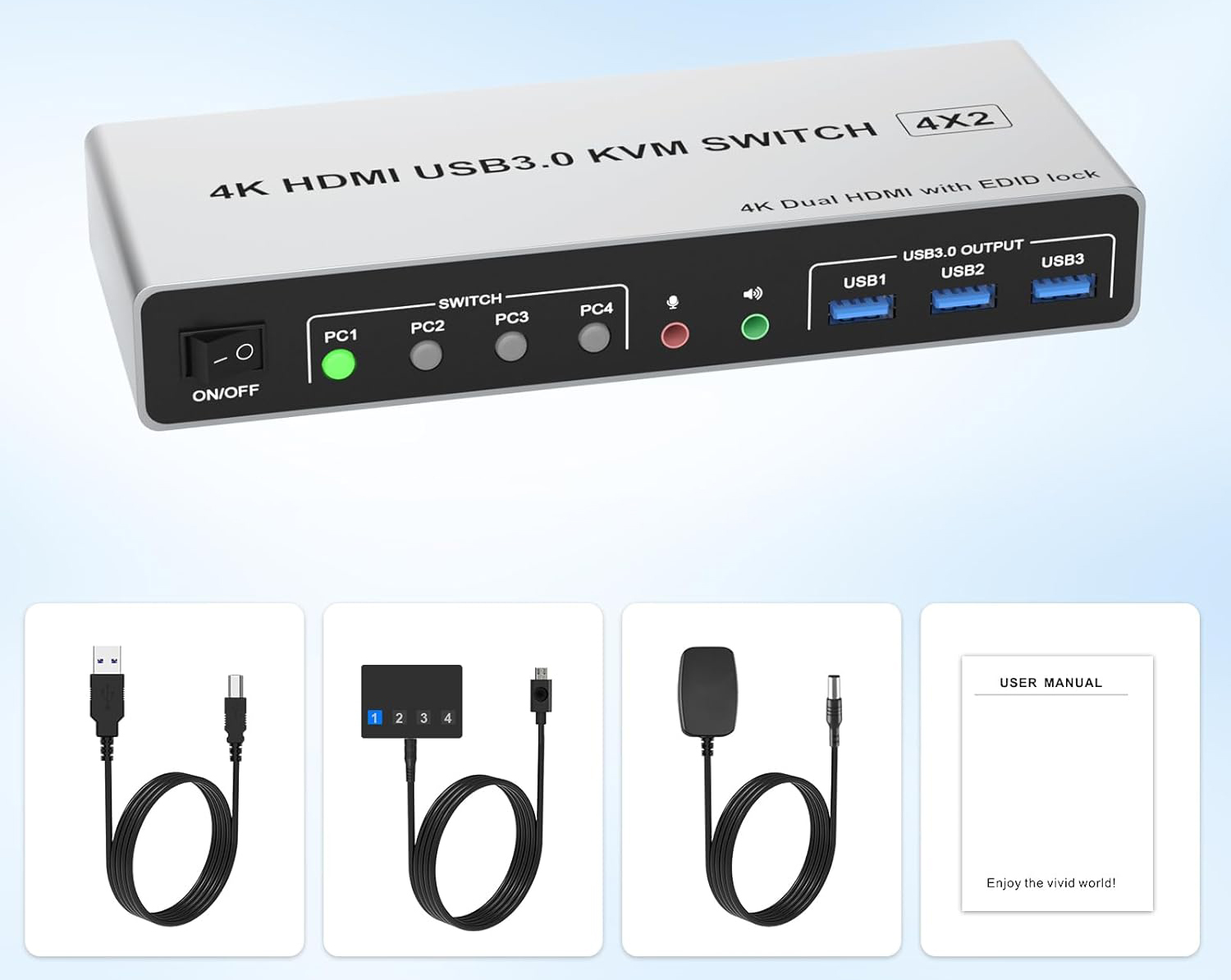
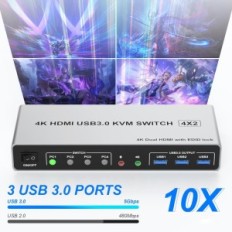
HDMI switch with USB 3.0 ports: HDMI switch with two monitors and 3 USB 3.0 ports, which recognize the keyboard, mouse, printer, scanner and other USB devices. Plug and play, without the need to install the software. The USB 3.0 transmission speed is up to 5GBPS, while USB 2.0 offers data transfer speeds to 480Mbps.
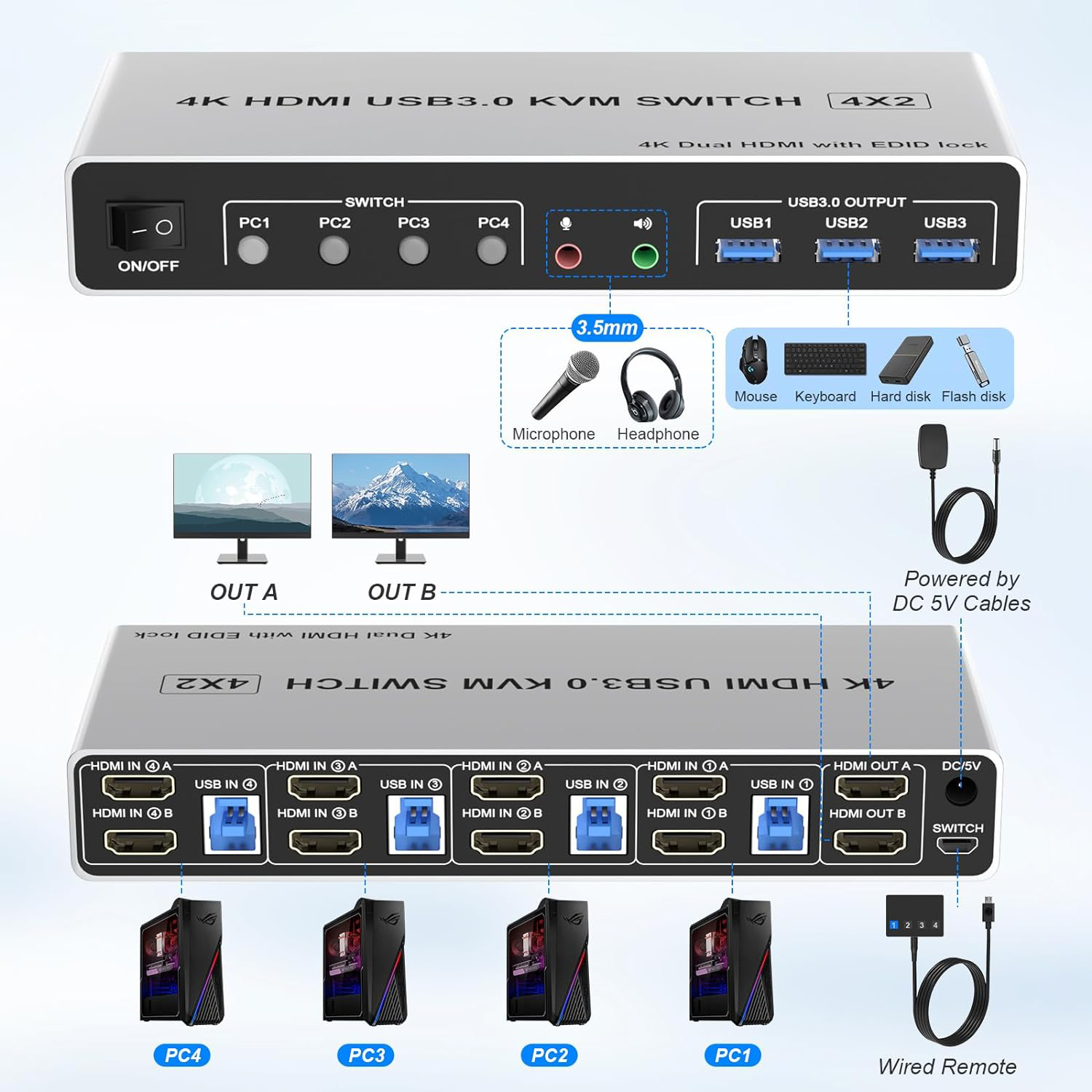
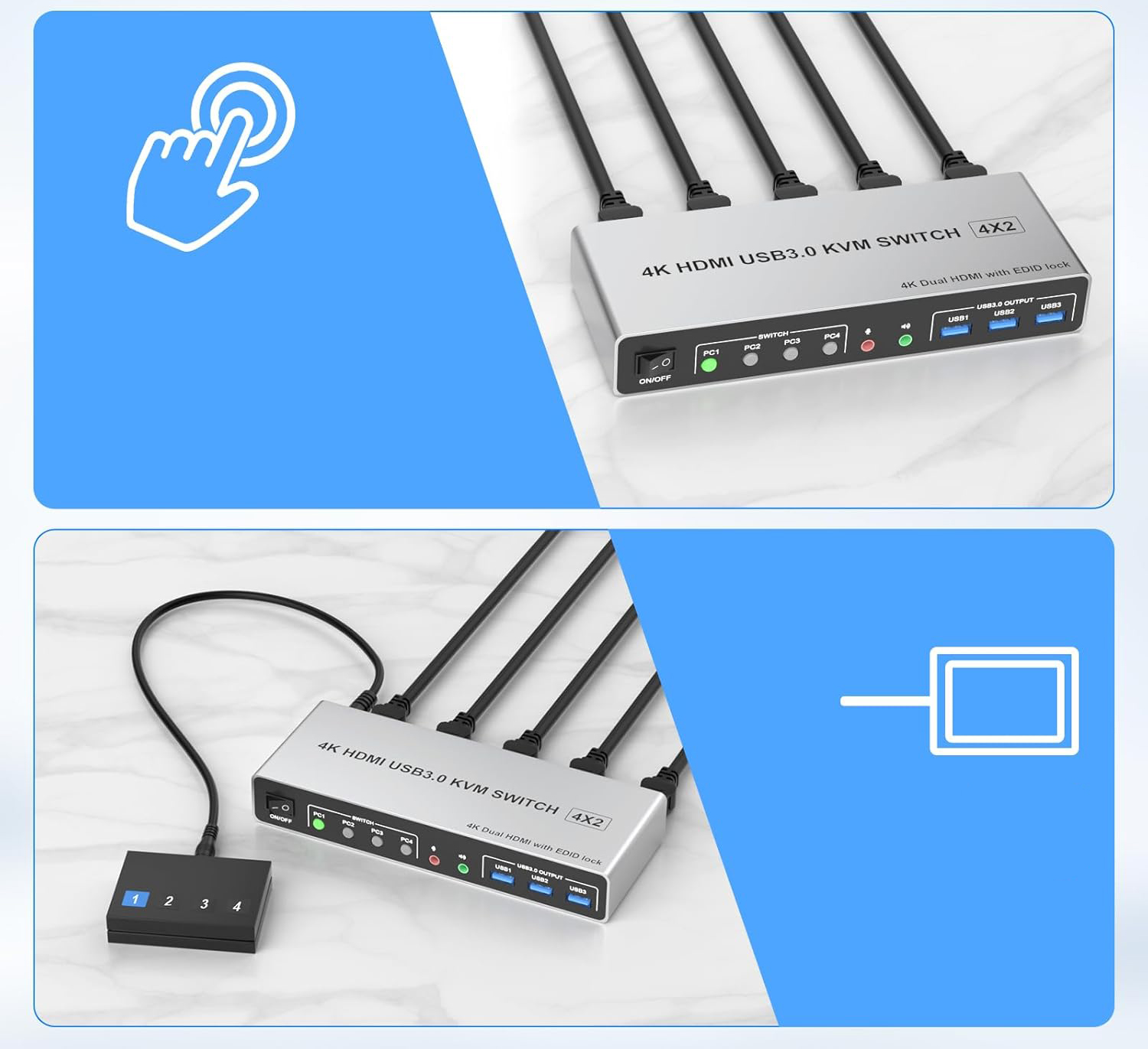
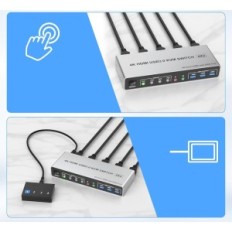
Excellent compatibility and 2 switching modes: 4 In 2 OUT HDMI KVM Switch is compatible with Windows, Linux, Mac, UNIX, Ubuntu, Raspberry and most other main operating systems. Plug and play. You can switch computers using the button on the panel or wired remote control (included). LEDs indicate an active computer.
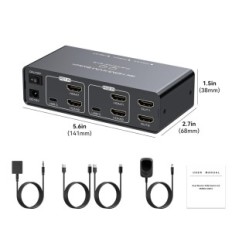
What contains: 1x 4 USB 3.0 HDMI KVM SWITCH port, 4 x USB 3.0 cables, 1x power adapter, 1x wired button controller, 1x Operating instructions
Important: After connecting computers and monitors via KVM, set the screen output on the computer (press Windows + P) and select the output mode in the dialog box on the screen. Switching with keyboard shortcuts is not supported.


 Français
 Polski
 English
 Čeština
 Dansk
Dansk Deutsch
 ελληνικά
 Español
 Eesti keel
 Suomi
Suomi Hrvatski
 Magyar
 Italiano
 Nederlands
 Bokmål
 Português PT
 Svenska
 Slovenčina
 Slovenščina
 Lietuvių kalba
 Latviešu valoda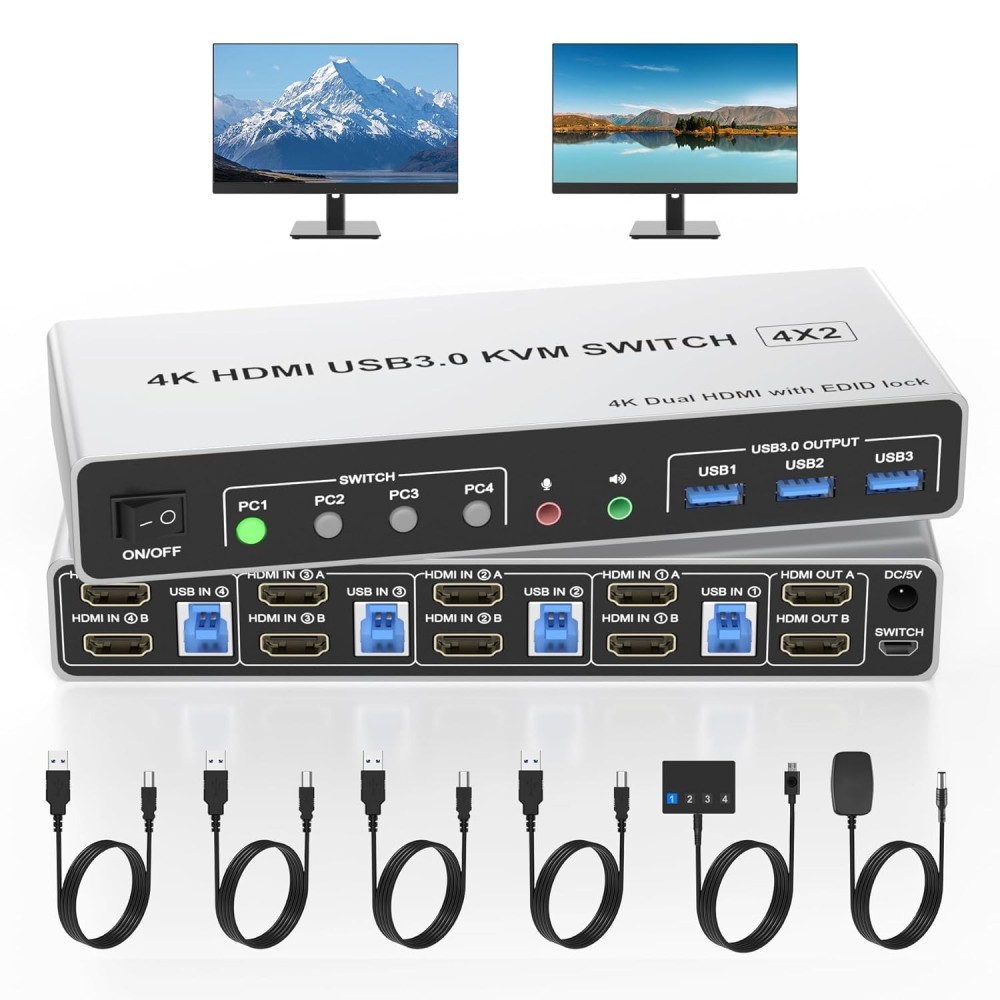

 Secure payment
 Easy going back
 Fast delivery