
 Français
 Polski
 English
 Čeština
 Dansk
Dansk Deutsch
 ελληνικά
 Español
 Eesti keel
 Suomi
Suomi Hrvatski
 Magyar
 Italiano
 Nederlands
 Bokmål
 Português PT
 Svenska
 Slovenčina
 Slovenščina
 Lietuvių kalba
 Latviešu valoda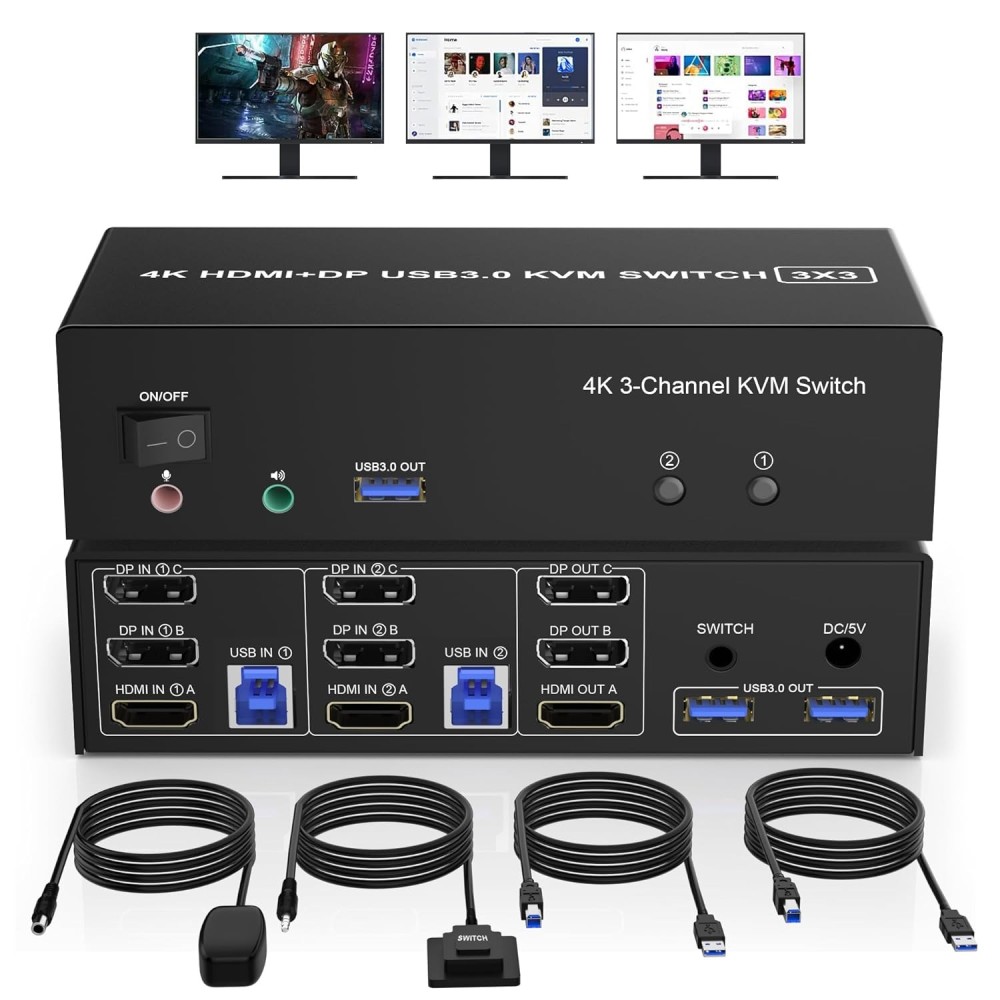
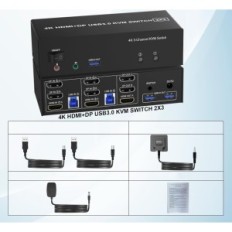
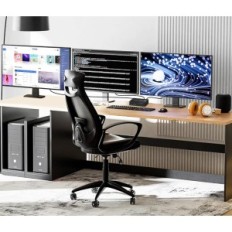

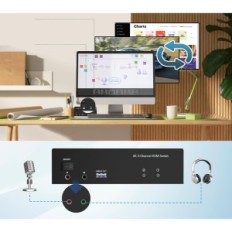
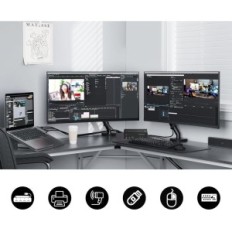
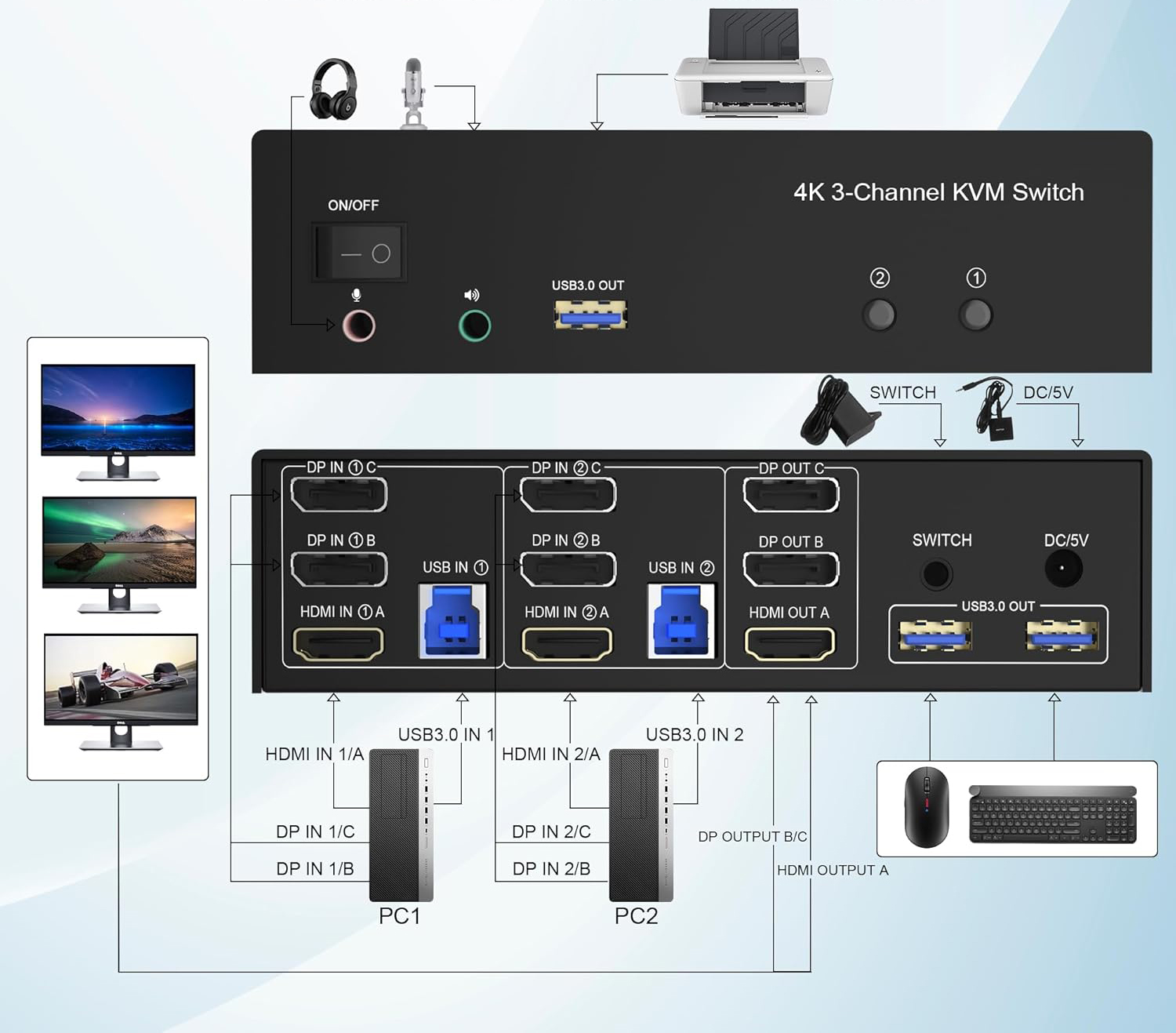
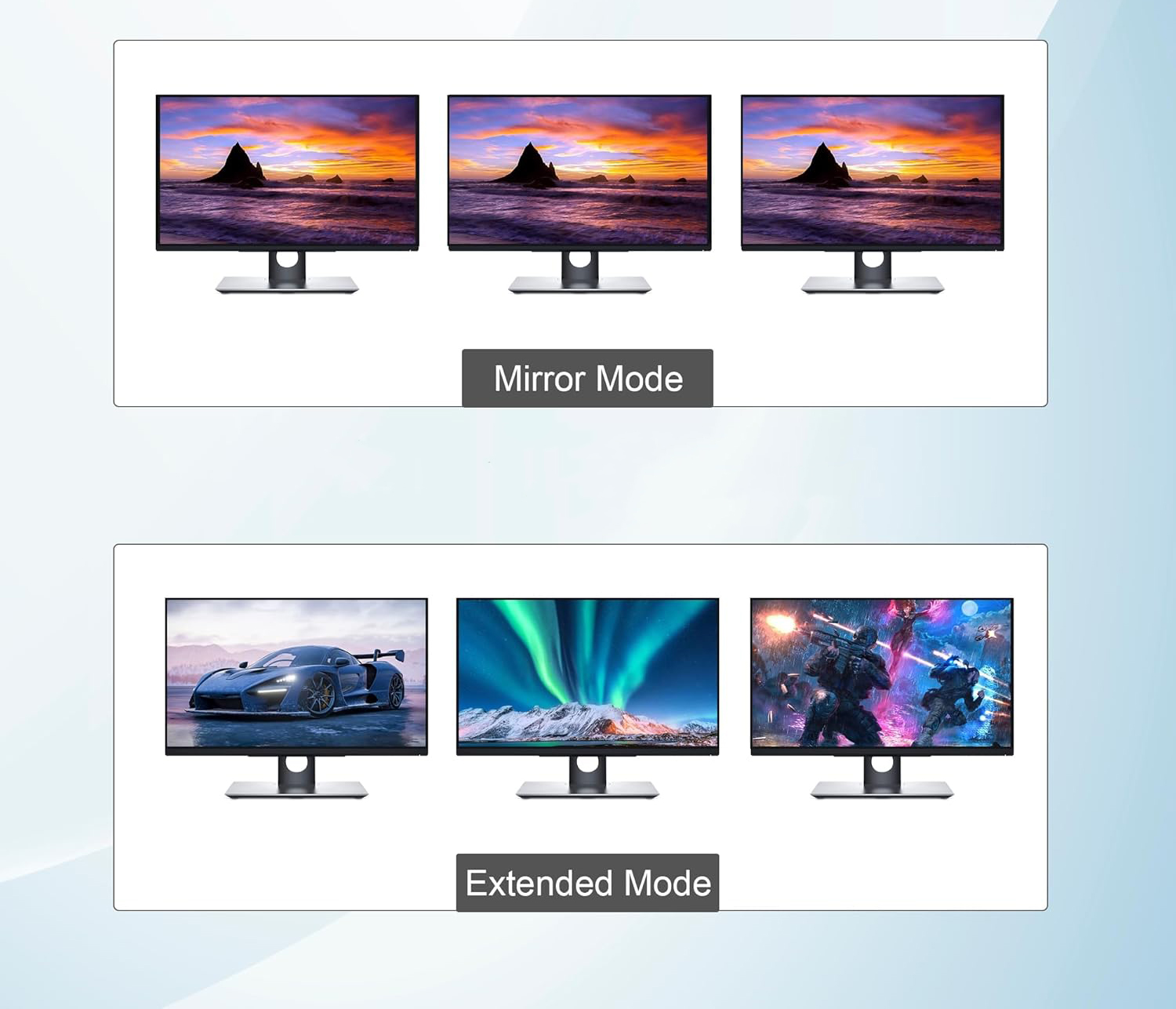
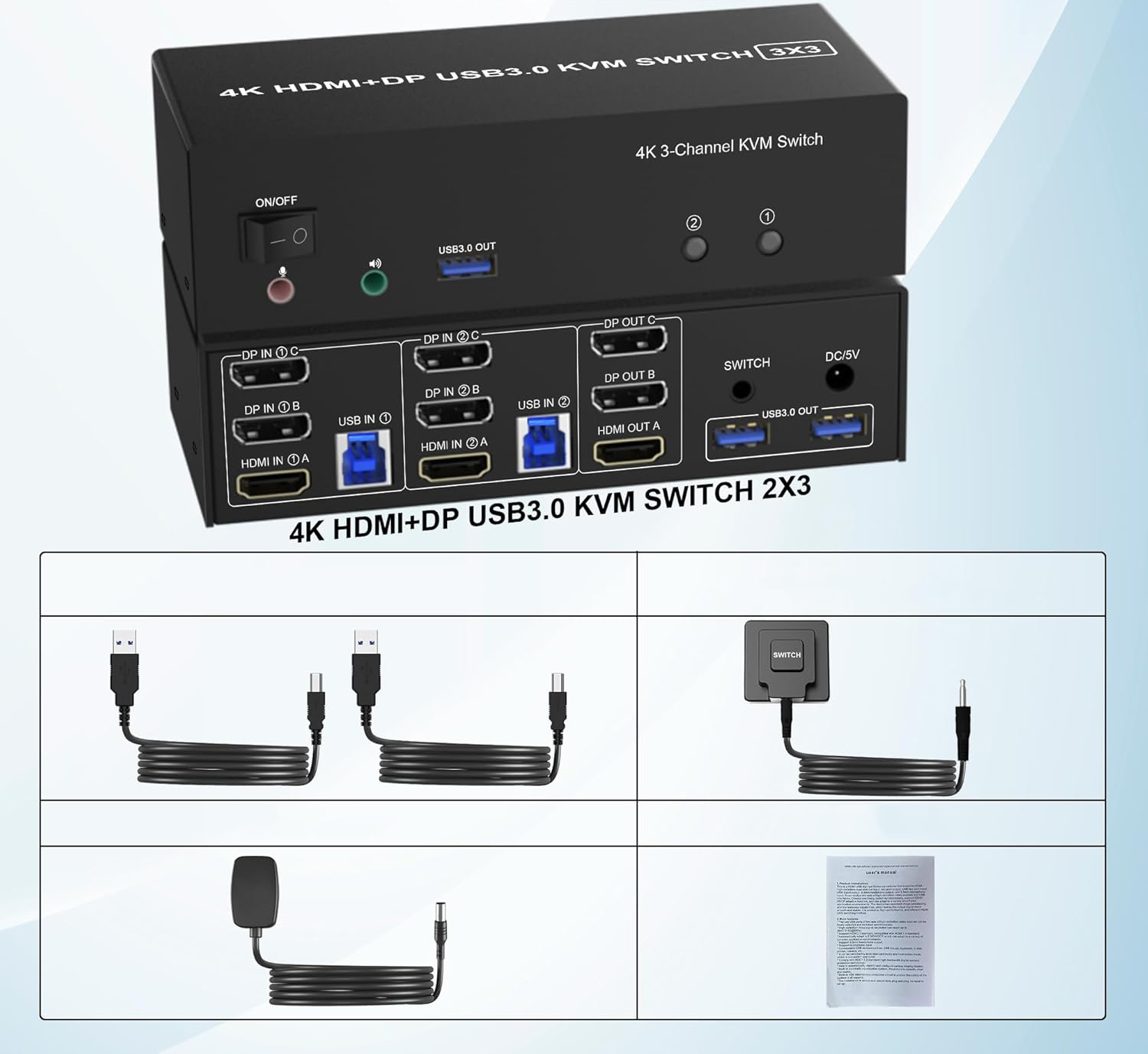
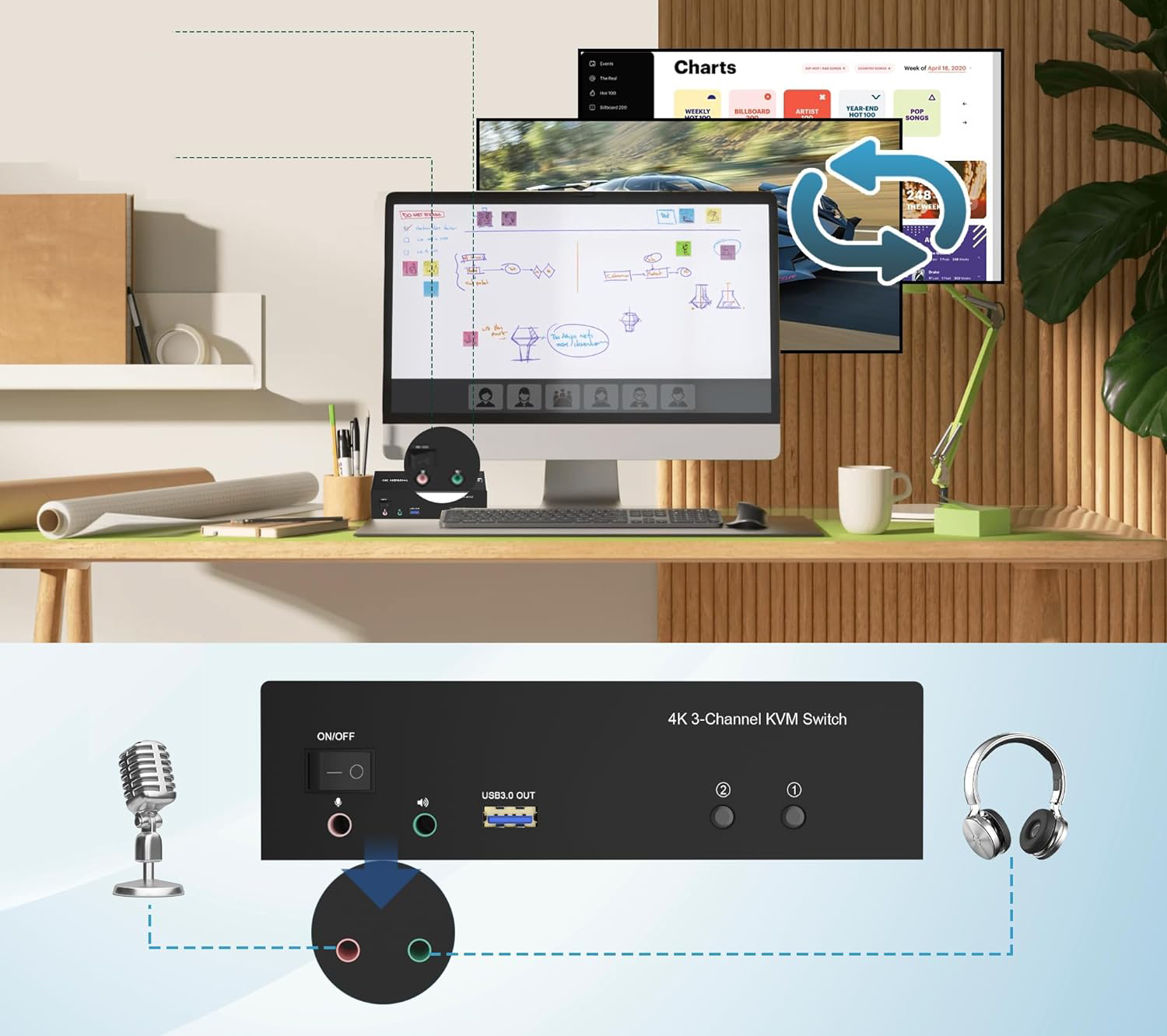
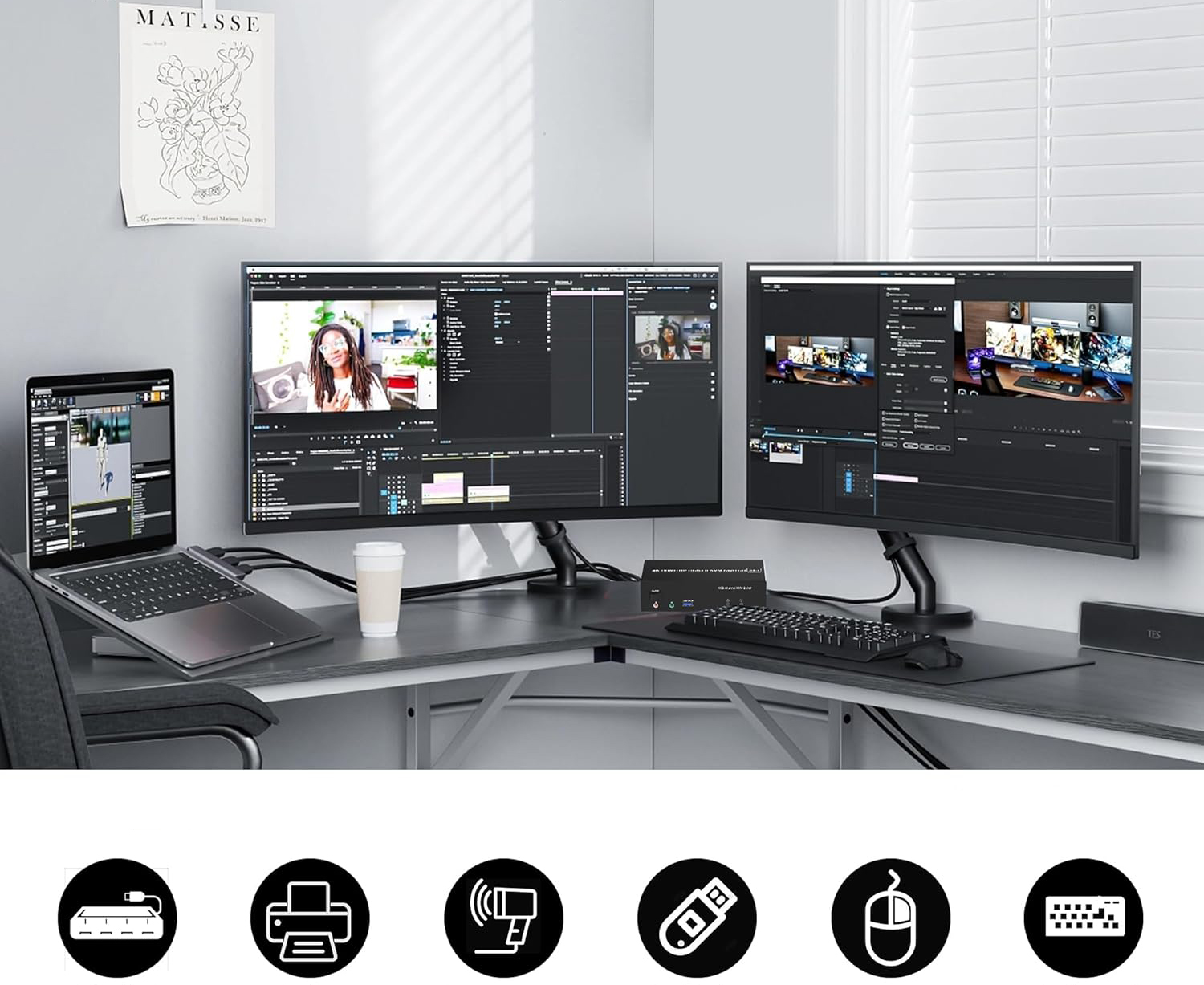
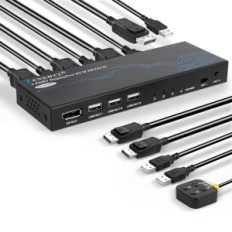
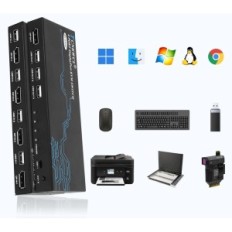
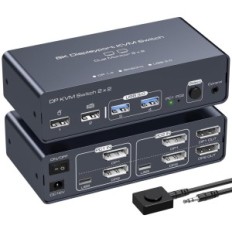
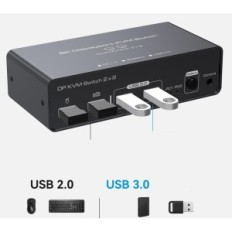
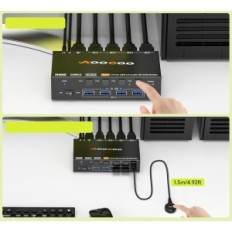
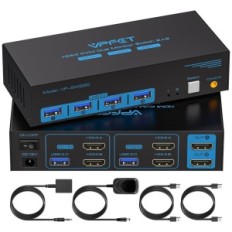
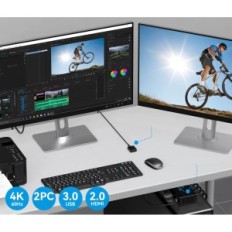
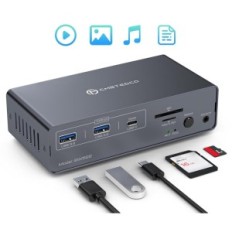
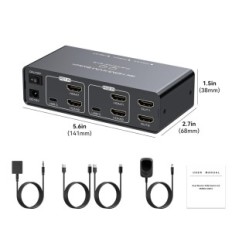
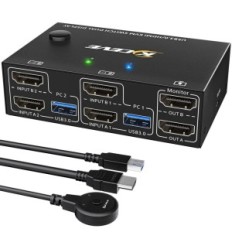
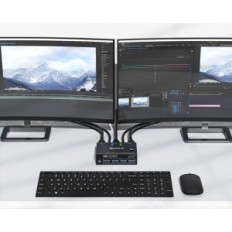
KVM Clickfish HDMI switch + 2 DisplayPort, 3 Monitors, for 2 computers DKM203B
B0CFZR2PNQ
KVM Clickfish HDMI switch + 2 DisplayPort, 3 Monitors, for 2 computers DKM203B
 Secure payment
By credit card and paypal
 Easy going back
Buy safely
 Fast delivery
With online tracking