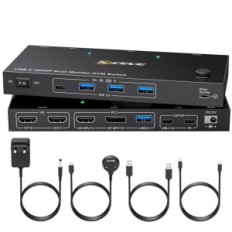
Used / incomplete switch KVM TJCXELE DISPLAYPORT 4K144Hz 2 PC
By credit card and paypal
Buy safely
With online tracking
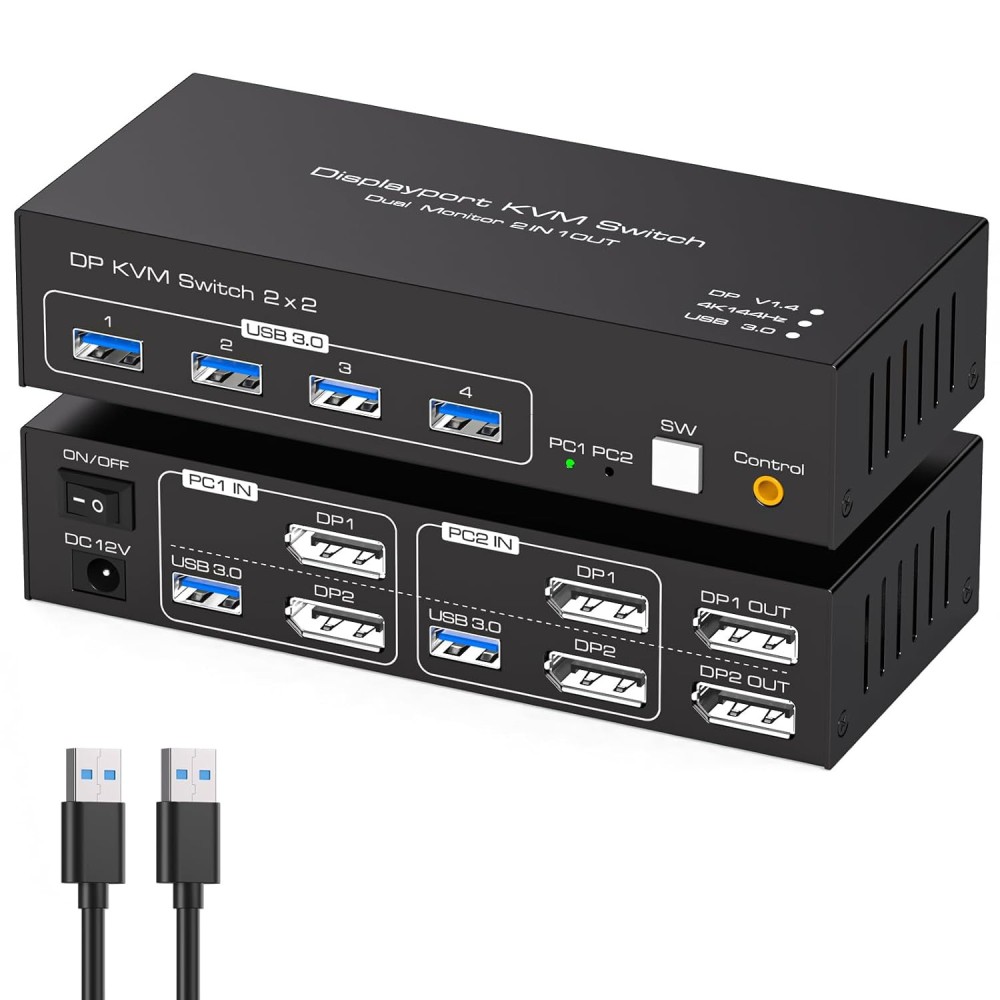
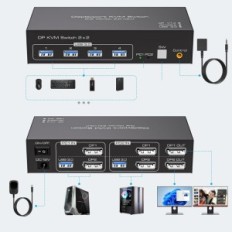
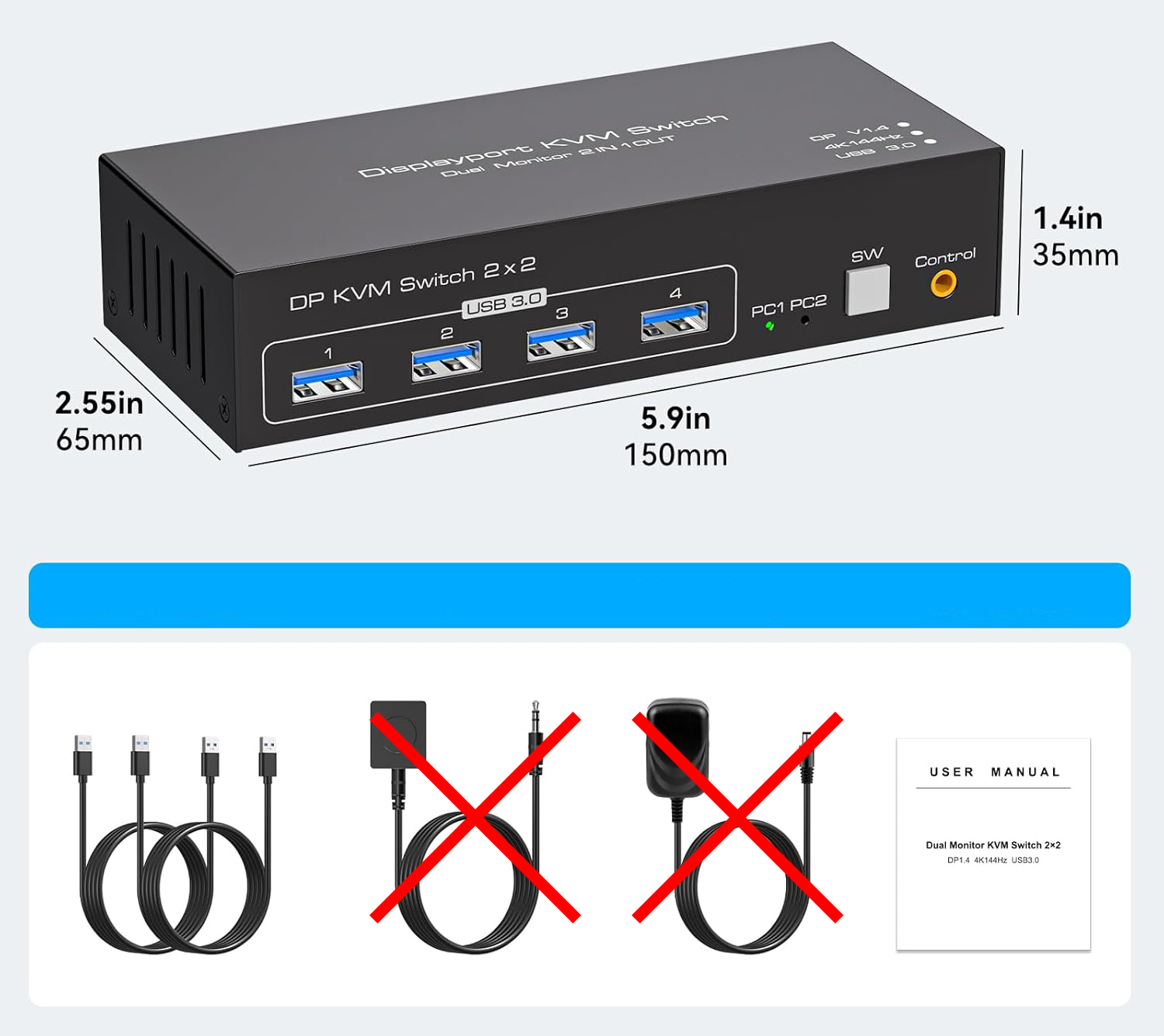
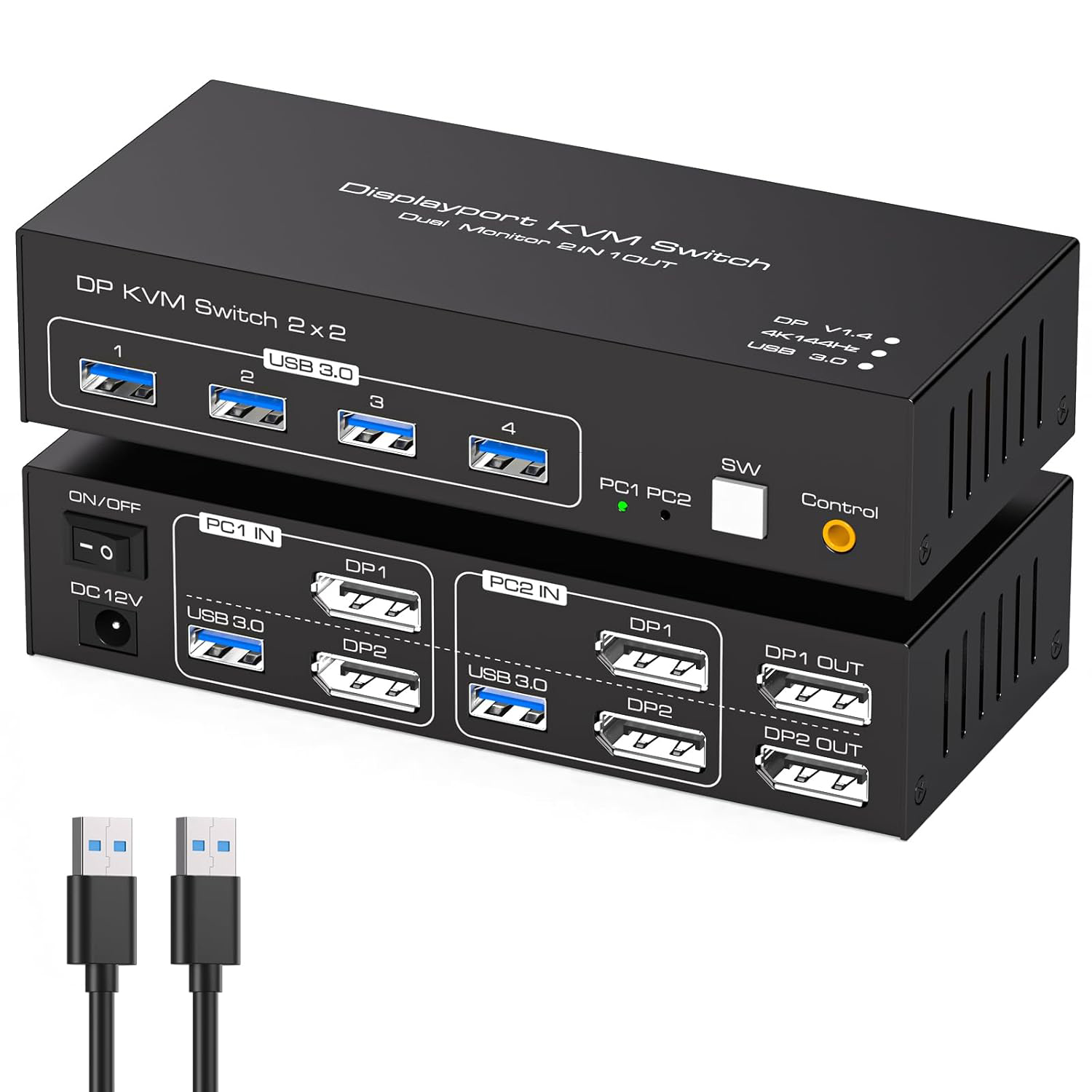
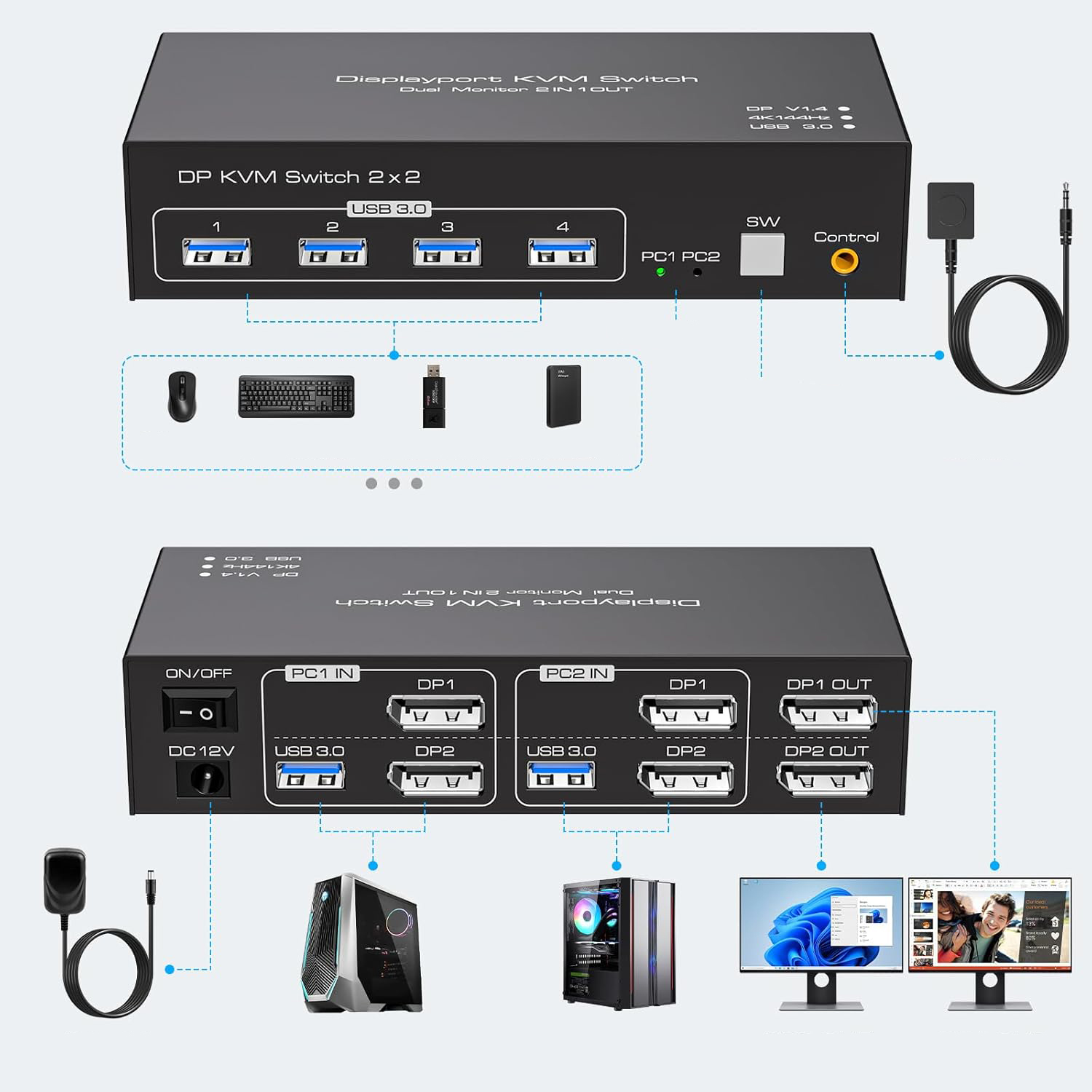
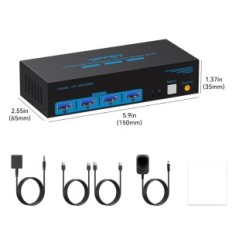
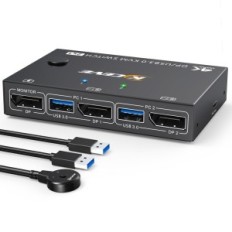
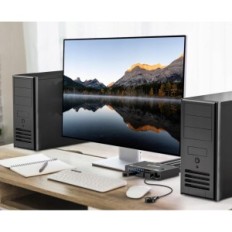
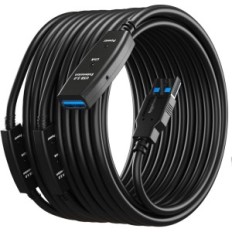
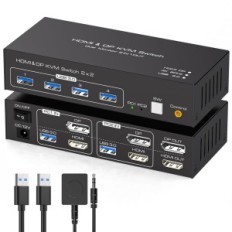
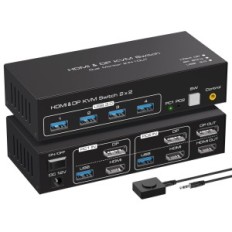
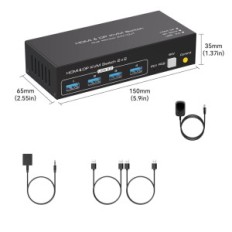
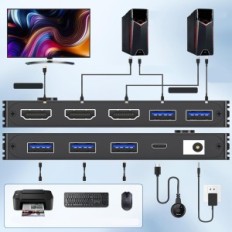
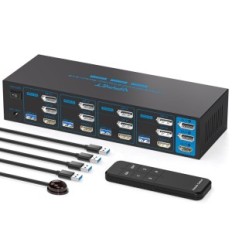
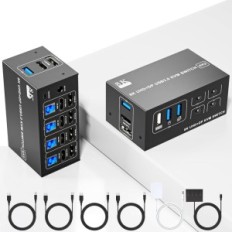
The KVM TJCXELE switch is a great solution for all who are looking for effective management of two computers using two monitors and shareholding USB devices. As a device used, offers many functionalities available in modern KVM, while maintaining an attractive price. Each computer must be connected to the switch with two DisplayPort cables and one USB-A cable, which allows full use of each of the connected computers. It is worth remembering that the maximum length of the cables does not exceed 3 meters, which is crucial for image transmission quality, especially when requiring multimedia applications.
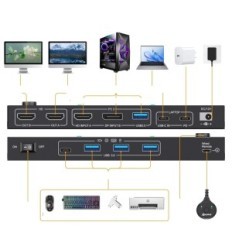
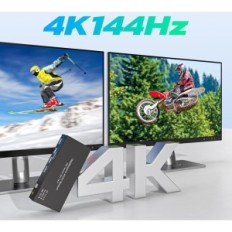
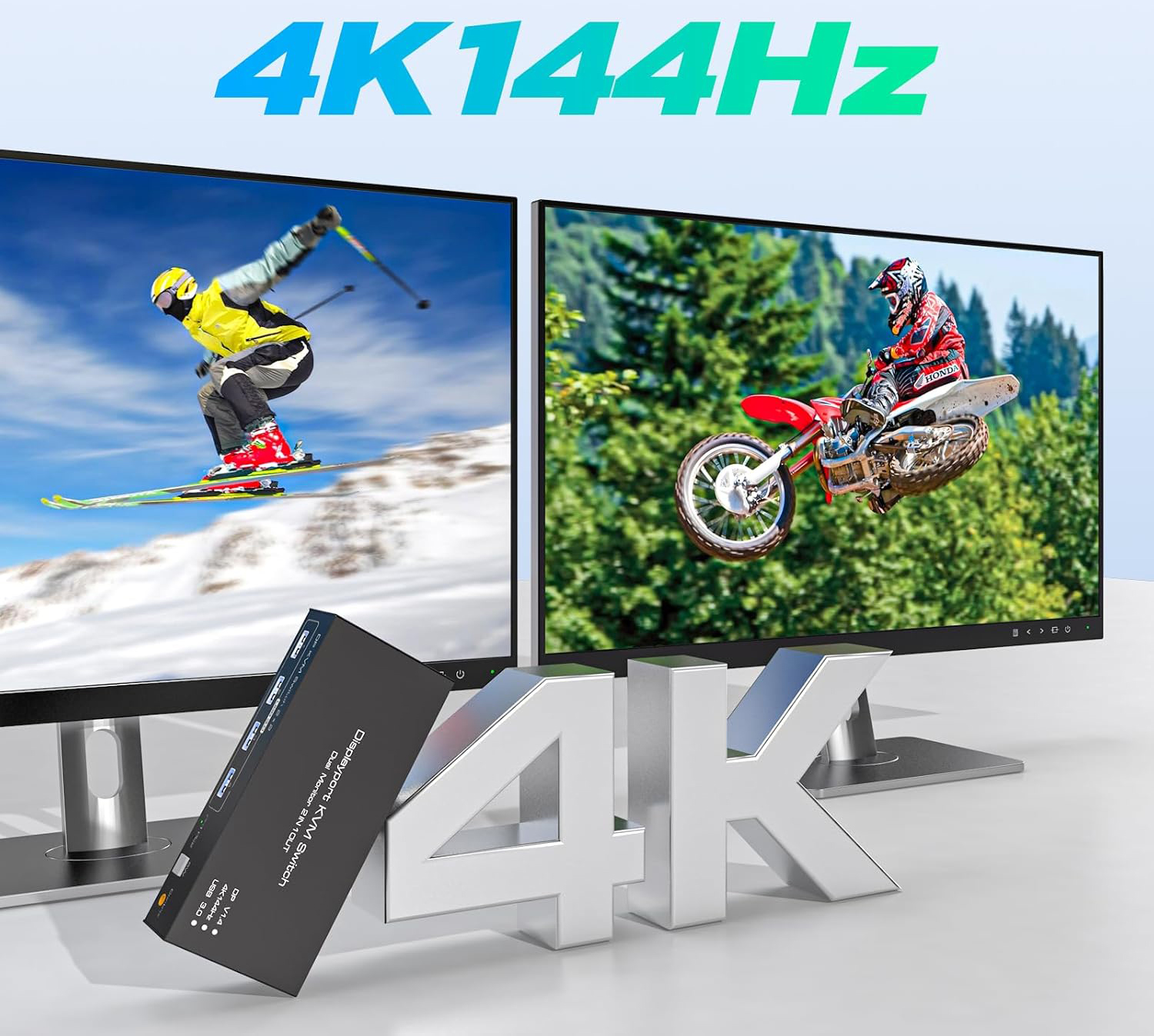
The device supports resolution Ultra HD 4K144Hz and 8k60Hz, which provides extraordinary visual experiences. Thanks to the support for DP1.4, it is possible to achieve a maximum resolution of 3840x2160 at 144Hz refresh frequency and 8K at 60Hz. It is worth noting that the final image quality may vary depending on the graphics, monitor and cables used. If you need to purchase cables, remember that there are no DisplayPort cables in the set, so you should purchase them separately. Adapters are also not recommended because they can negatively affect the image quality.
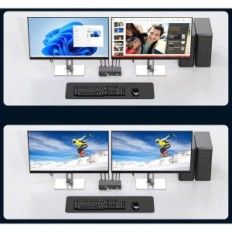
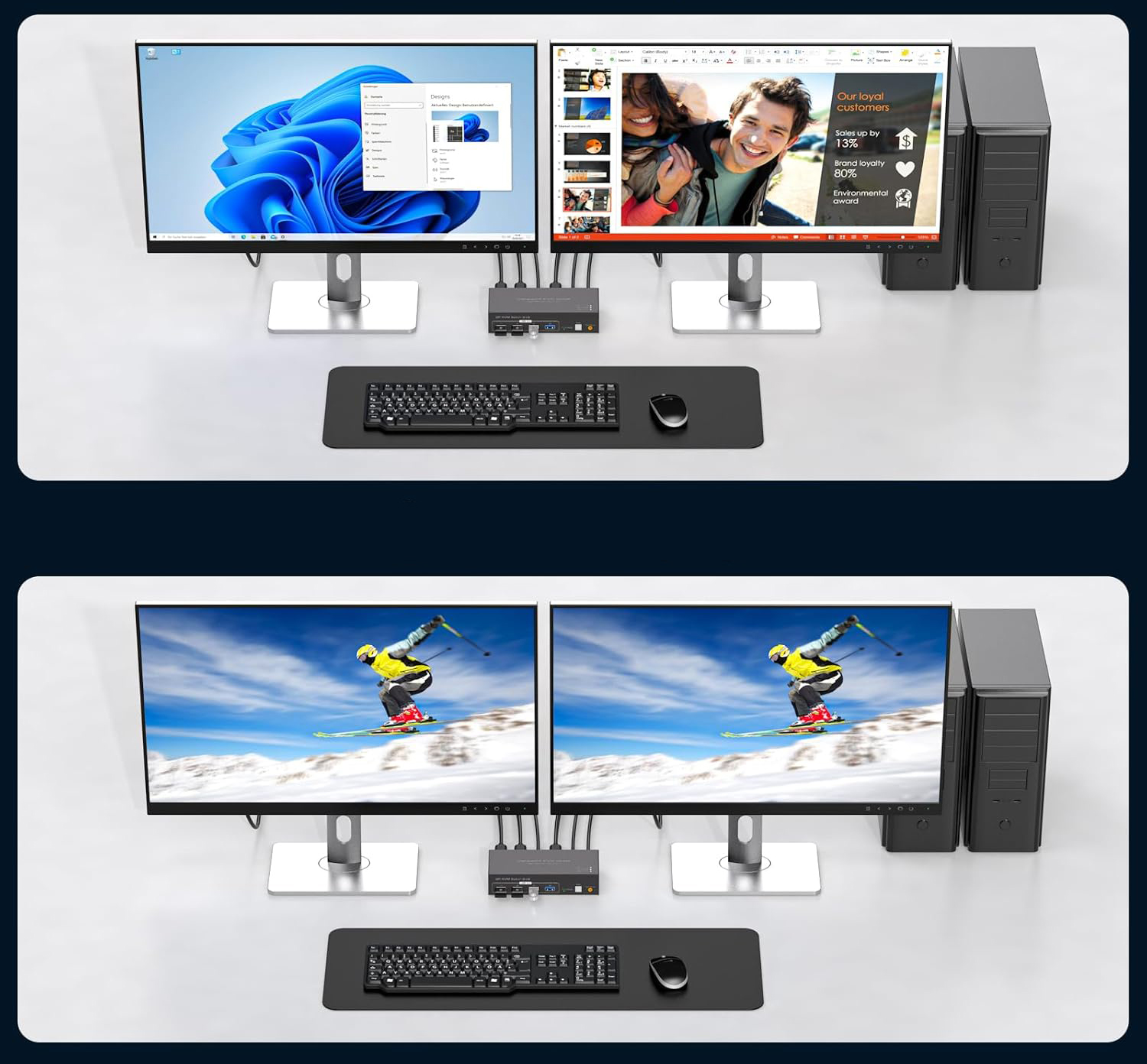
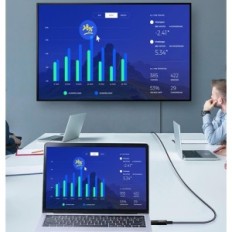
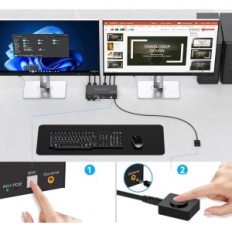
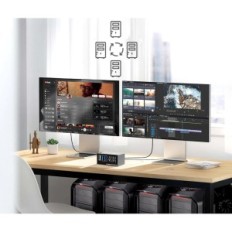
The KVM TJCXELE switch impresses for versatility because it supports Copy and extended display modes. Thanks to the right pressing of the "Windows + P" key combination, you can select the preferred display mode. In extended mode, applications can be transferred between monitors, which makes Multitasking much easier. In turn, the copy mode allows you to display the same image on two screens, which is ideal for presentation or work in a group where you need a view to shared materials.
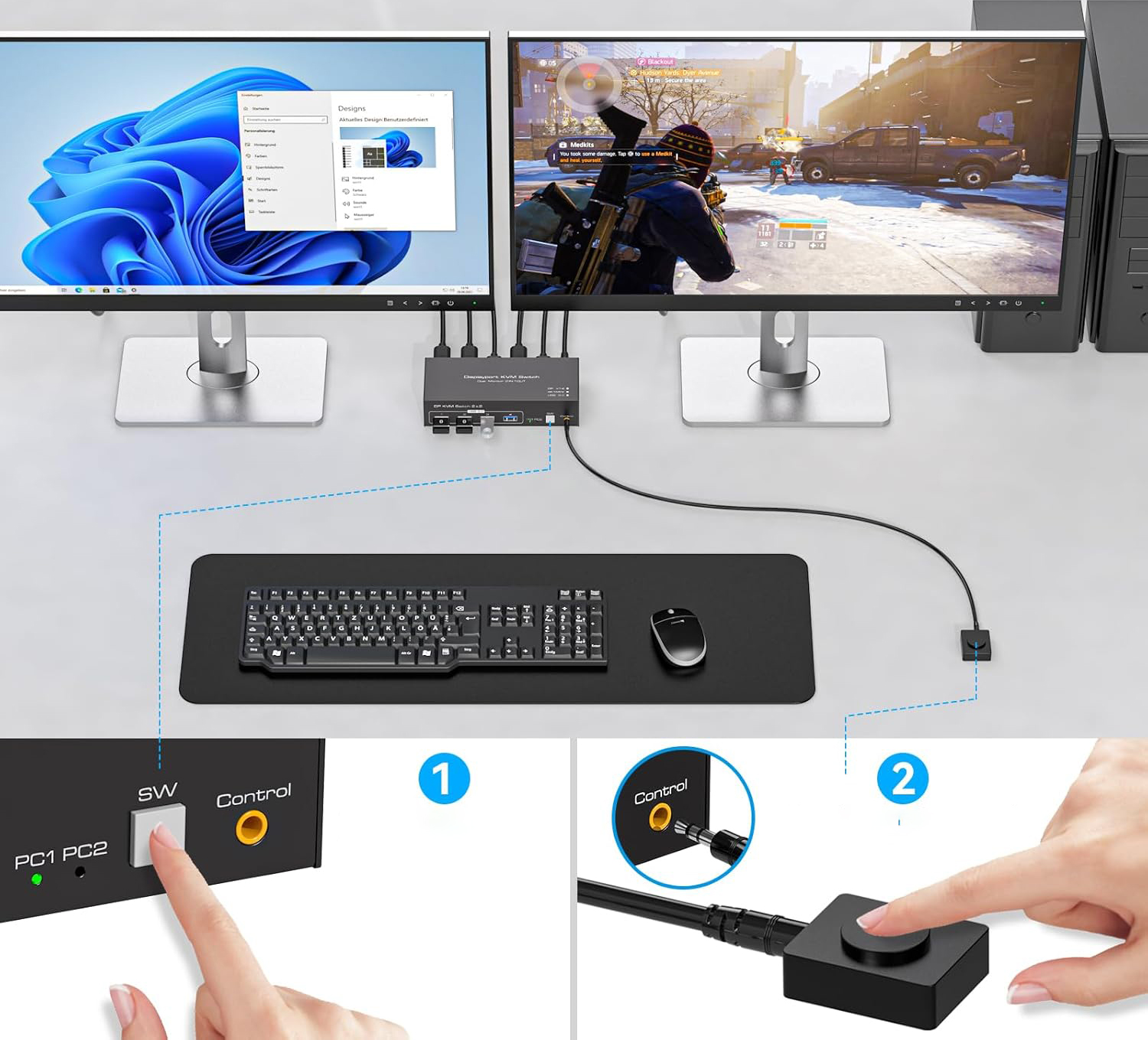
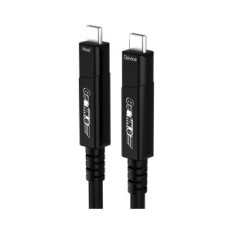
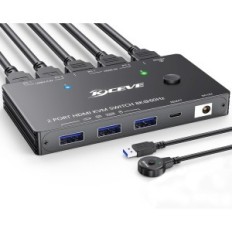
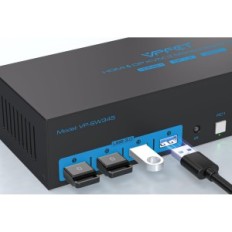
The great advantage of this switch is The possibility of sharing four USB devices Between two computers, at the transfer rate to 5GBPS. This makes the workplace more orderly and functional. KVM does not require drivers installation - this is a device type plug-and-playWhich means that you can easily connect them and use it almost right away. Switching the signal source can be made in two ways: by means of a button on the device or via a remote desktop controller. LEDs indicate an active device, which eliminates the problem with frequent connection and disconnection of devices.