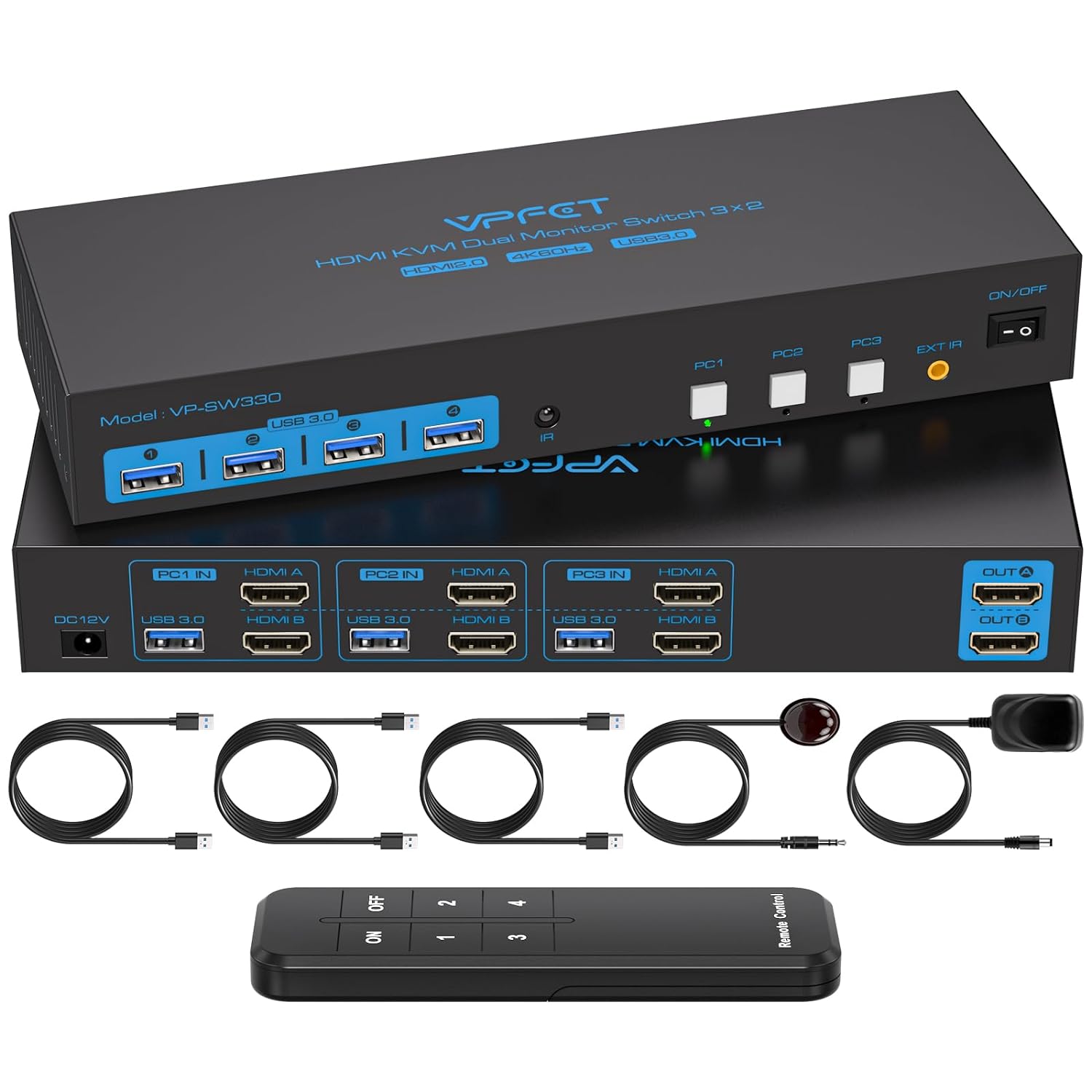
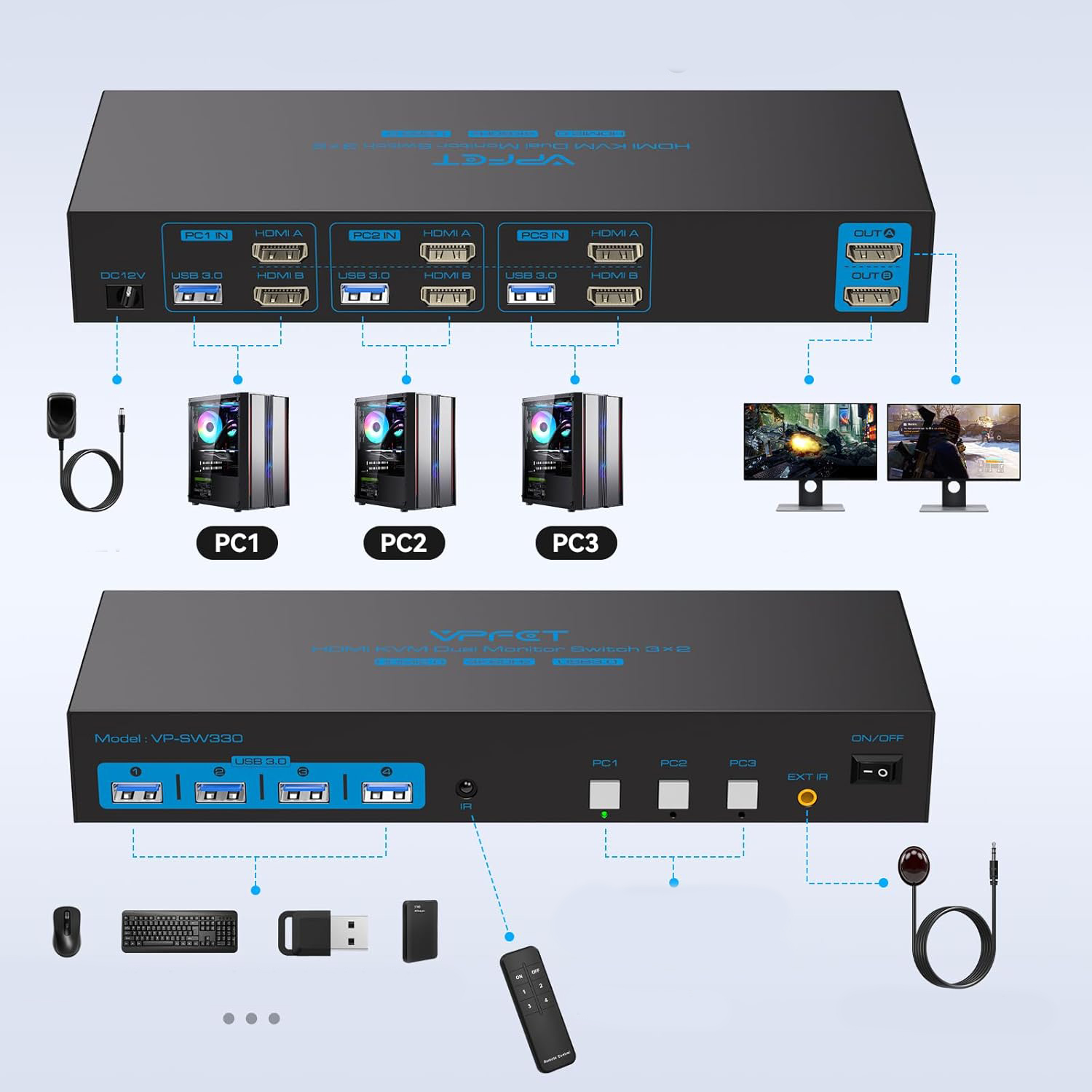
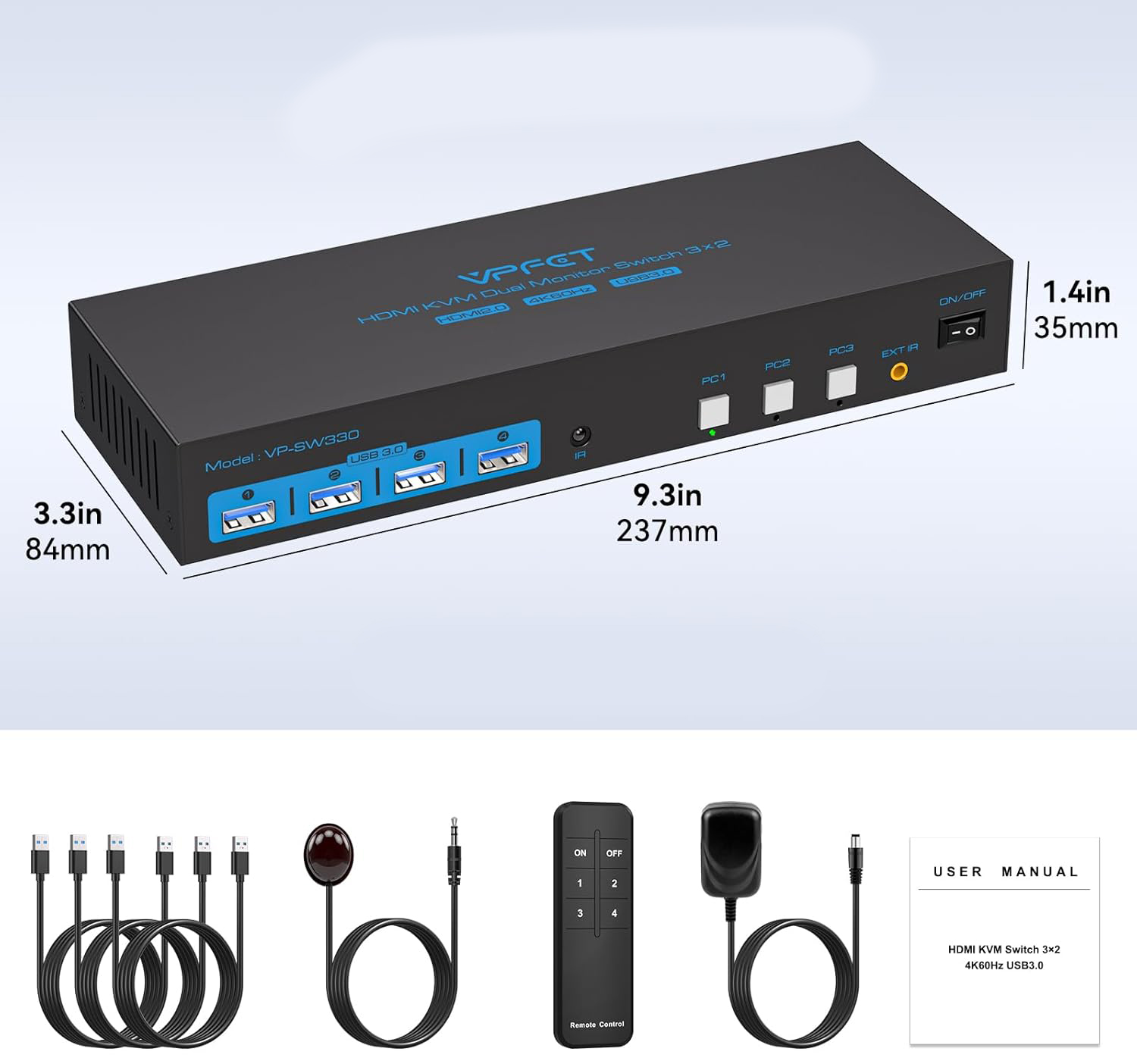
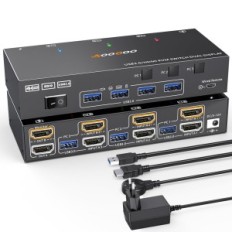
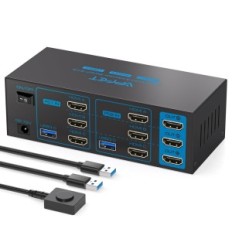
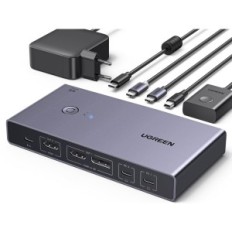
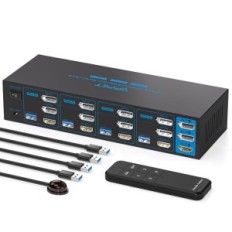
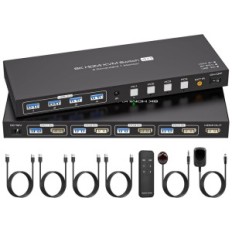
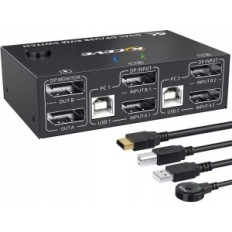
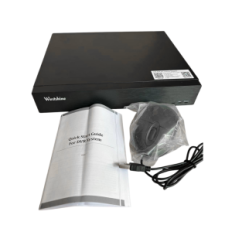
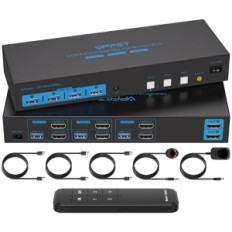
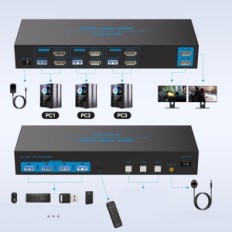
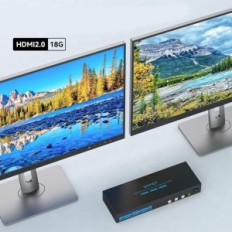
【KVM 3 PC switch 2 Monitors】 KVM HDMI switch on 2 Monitors Allows you to control 3 computers or laptops with one set of keyboards and mice, as well as sharing 4 USB 3.0 and 2 monitors. Supports extension and copy modes - press "Windows + P" to select "Duplicate" or "Extend".
NOTE: For the function of the double monitor to work, the computer must have two graphics cards.
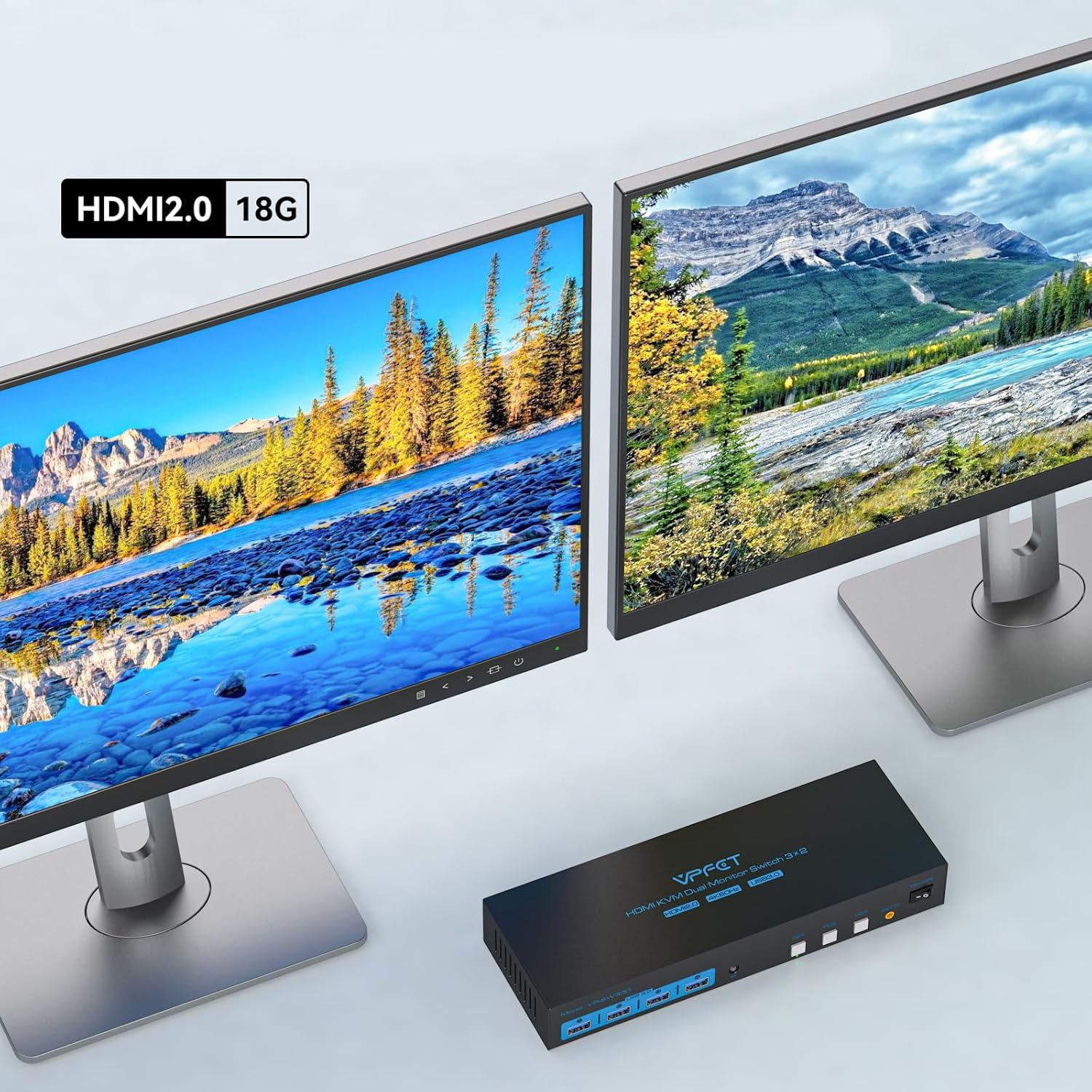
【UltraWySuca Image Quality】 KVM switch with 3 ports and two monitors supports the maximum resolution to 4K @ 60Hz and is compatible backwards with 4K @ 30Hz, 1440p @ 60Hz and 1080p @ 60Hz. Provides realistic visual effects.
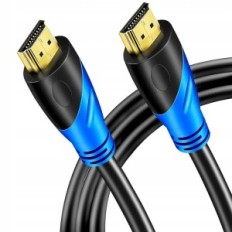
NOTE: For a 4K @ 60Hz resolution, make sure that the HDMI cable, computer and monitor support this resolution. It is recommended to use a high quality HDMI 2.0 cable that supports high refresh frequencies.
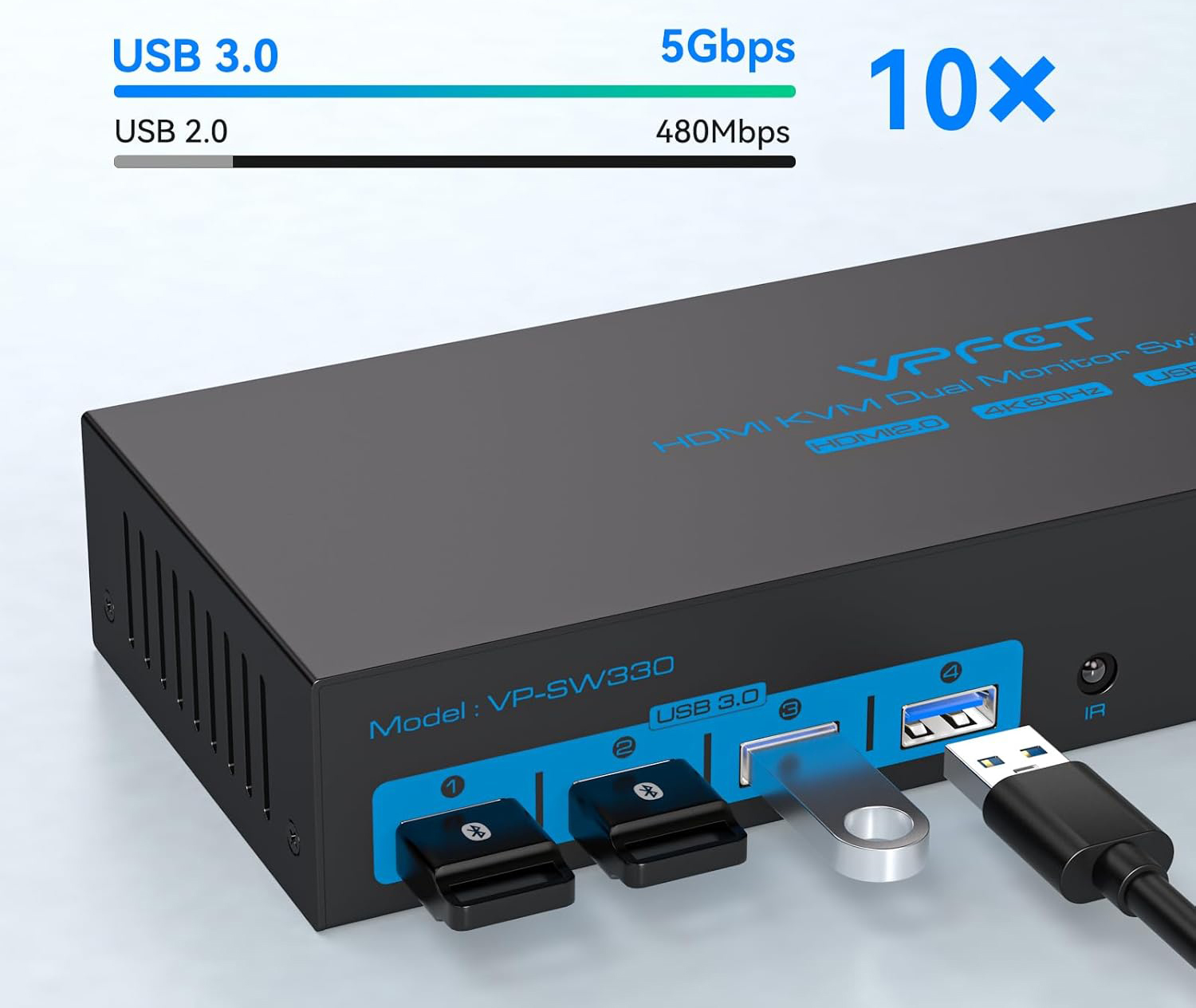
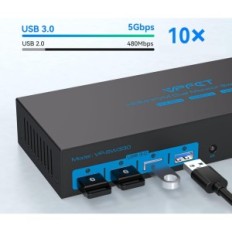
【KVM on 2 Monitors with 4 USB 3.0 ports】 The HDMI KVM switch is equipped with 4 USB 3.0 ports, allowing 3 computers to share USB devices, such as a printer, a keyboard or mouse. Supports a fast USB 3.0 data transfer to 5GBPS, compatible with USB 2.0, 1.1 and 1.0, providing a 10-fold higher transmission speed than USB 2.0.
Make sure each computer is connected to KVM using a USB cable - otherwise the USB device will not be recognized.
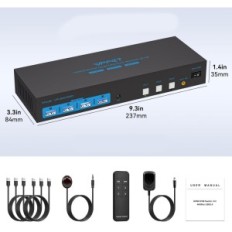
【Edid simulation and 2 switching modes】 HDMI KVM switch supports switching between 3 computers using the IR remote control or buttons on the control panel. EDID emulation is also supported - when switching from PC1 to PC2 and vice versa, the layout of the PC1 window remains unchanged.
NOTE: To use the remote control, connect the IR cable to the device. Switching with a keyboard shortcut is not supported.
【Stable operation】 KVM 3 PC switch 2 Monitors are equipped with an external power supply 12V 1A. Connect the power before use to ensure stable USB device.


 Français
 Polski
 English
 Čeština
 Dansk
Dansk Deutsch
 ελληνικά
 Español
 Eesti keel
 Suomi
Suomi Hrvatski
 Magyar
 Italiano
 Nederlands
 Bokmål
 Português PT
 Svenska
 Slovenčina
 Slovenščina
 Lietuvių kalba
 Latviešu valoda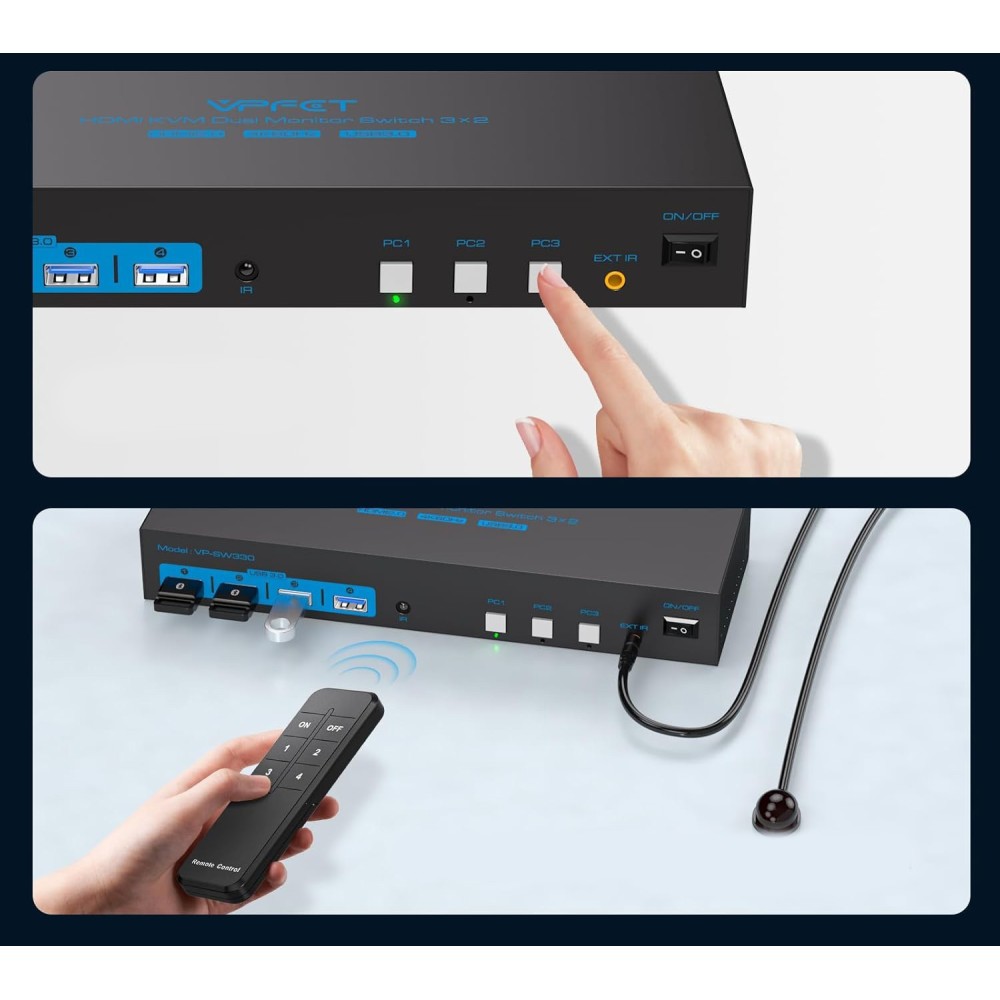
 Secure payment
 Easy going back
 Fast delivery