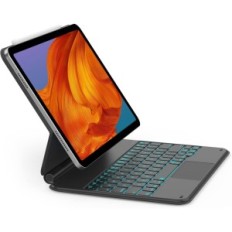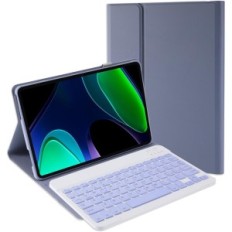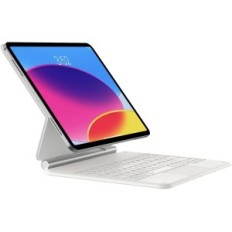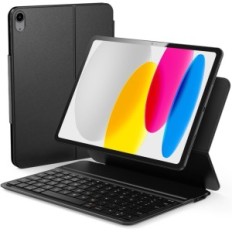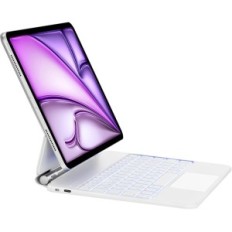
OfficeLab KB09111 keyboard, for iPad Air 5 / 4th and iPad Pro 11 ", Used

OfficeLab KB09111 keyboard, for iPad Air 5 / 4th and iPad Pro 11 ", Used

bez marki
B09RV74N7K-U
OfficeLab KB09111 keyboard, for iPad Air 5 / 4th and iPad Pro 11 ", Used
Out of Stock
€64.87
Tax included
Quantity

Out-of-Stock
  Secure payment

By credit card and paypal

  Easy going back

Buy safely

  Fast delivery

With online tracking

1d60e6f540989856d7afcb81cb32d316.jpg

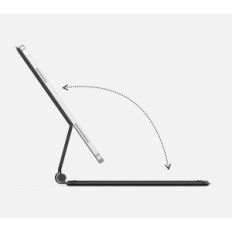
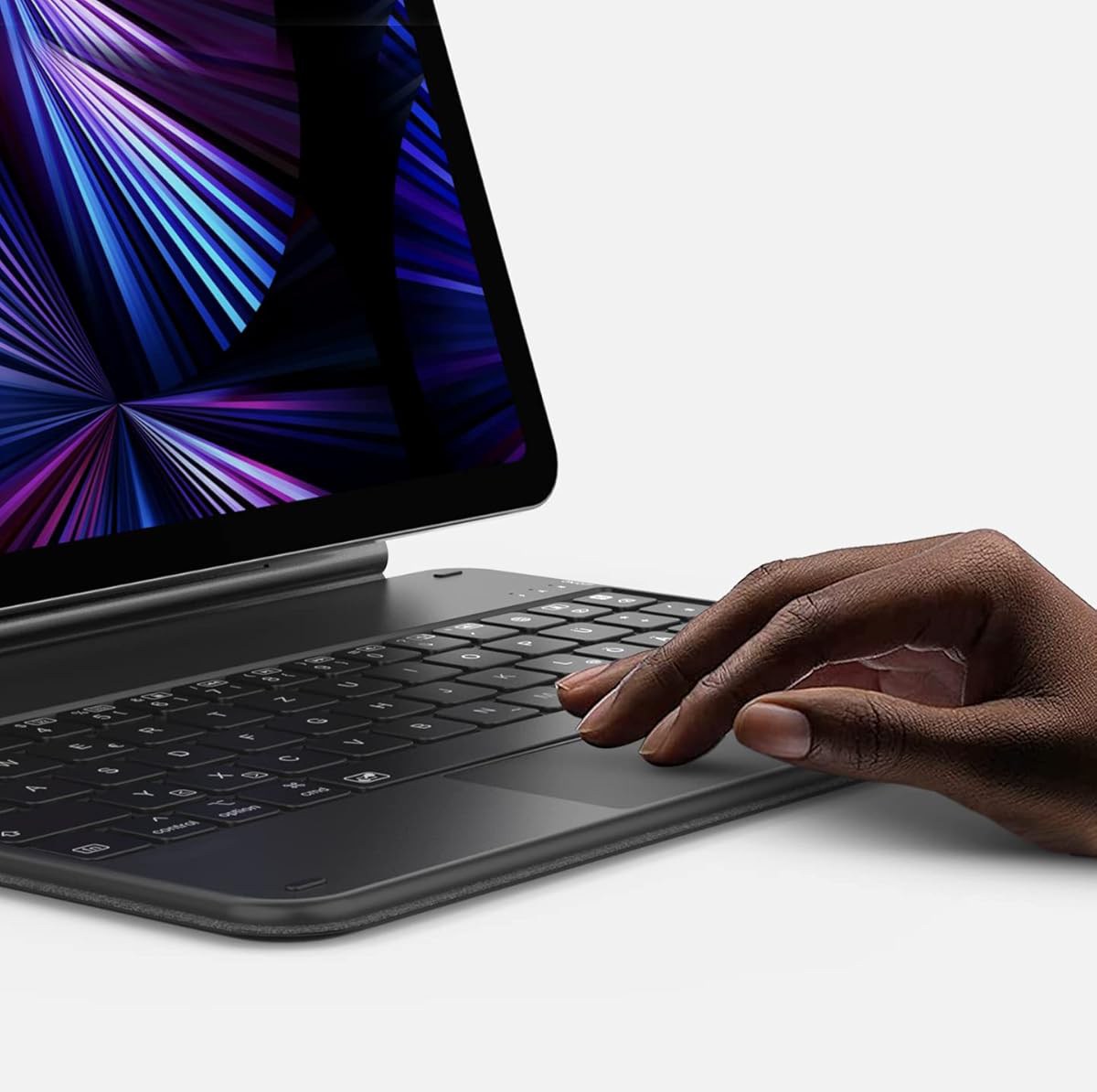
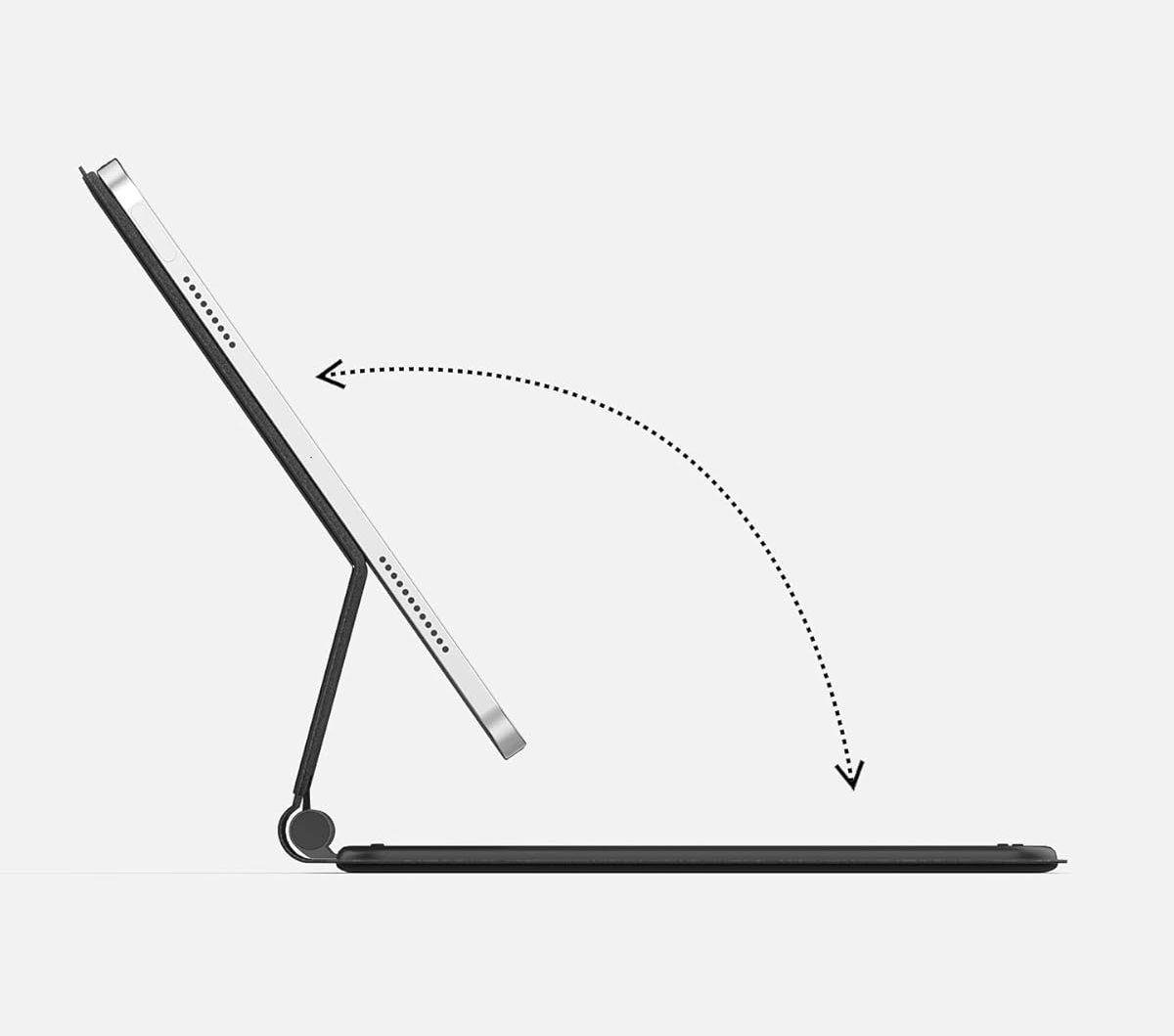
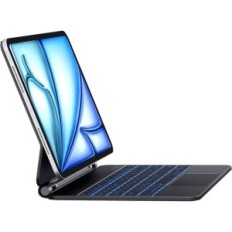
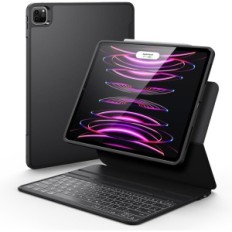
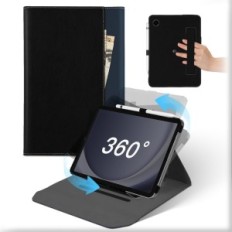
Officelab KB09111 is an ideal companion for iPad Pro 11 inches and iPad Air (5th and 4th generation). Thanks to the use of high quality PU materials and microfiber, KB09111 looks attractive and is easy to use. The Bluetooth 5.1 protocol provides a stable connection between the keyboard and iPad. Suspension and double adjustable revolving axes, as well as an adjustable viewing angle, make the work more effective and comfortable. The case is folded, which not only provides effective protection of the iPad, but also makes it portable.

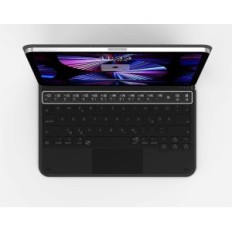
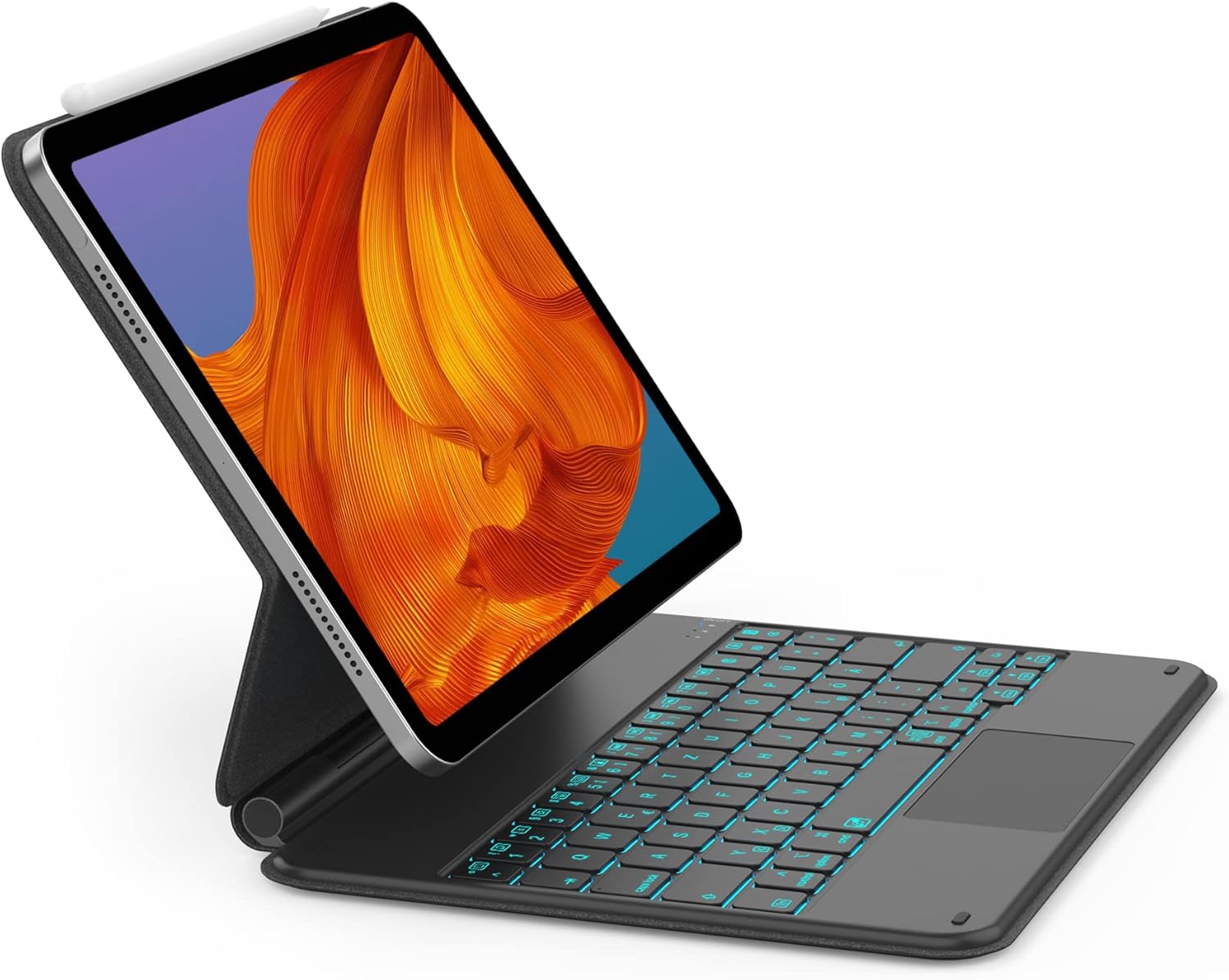
LED backlight allows for convenient writing in different conditions. Thanks to 7 colors of the backlight, KB0911 not only meets the basic requirements, but offers a wider range of colors. Officelab is convinced that only the user experience counts.
Compatible with iPad Pro 11 "(1.2, 3rd generations) and iPad AIR (5th and 4th generation).

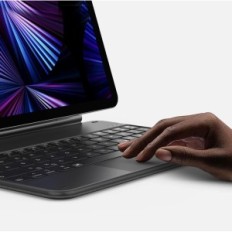
Touchpad Laptop: TouchPad with support for multi-color gestures. Flexible and precise.

Bluetooth connection: Chip Broadcom Bluetooth provides a faster and more stable connection.

Contents of the packaging:

  • KB09111 X1
  • 1 x charging cable
  • 1 x User's Guide (in English)
5c0a9348decd3e7f48474bd784128aba.jpg

FAQ:

  1. How can I use my keyboard with my iPad? First attach the iPad to the KB09111 cover. Turn on Bluetooth on the iPad, and then connect both devices using Bluetooth.

  2. Why does not my iPad connect with KB09111? Please try the following steps to solve the problem:

  1. Charge the keyboard for 4 hours and remove previous connections KB09111 on the iPad.
  2. Turn off Bluetooth on the iPad.
  3. Turn on Bluetooth on KB09111 to activate the pairing mode.
  4. Turn on Bluetooth on the iPad and burn it again with KB09111.
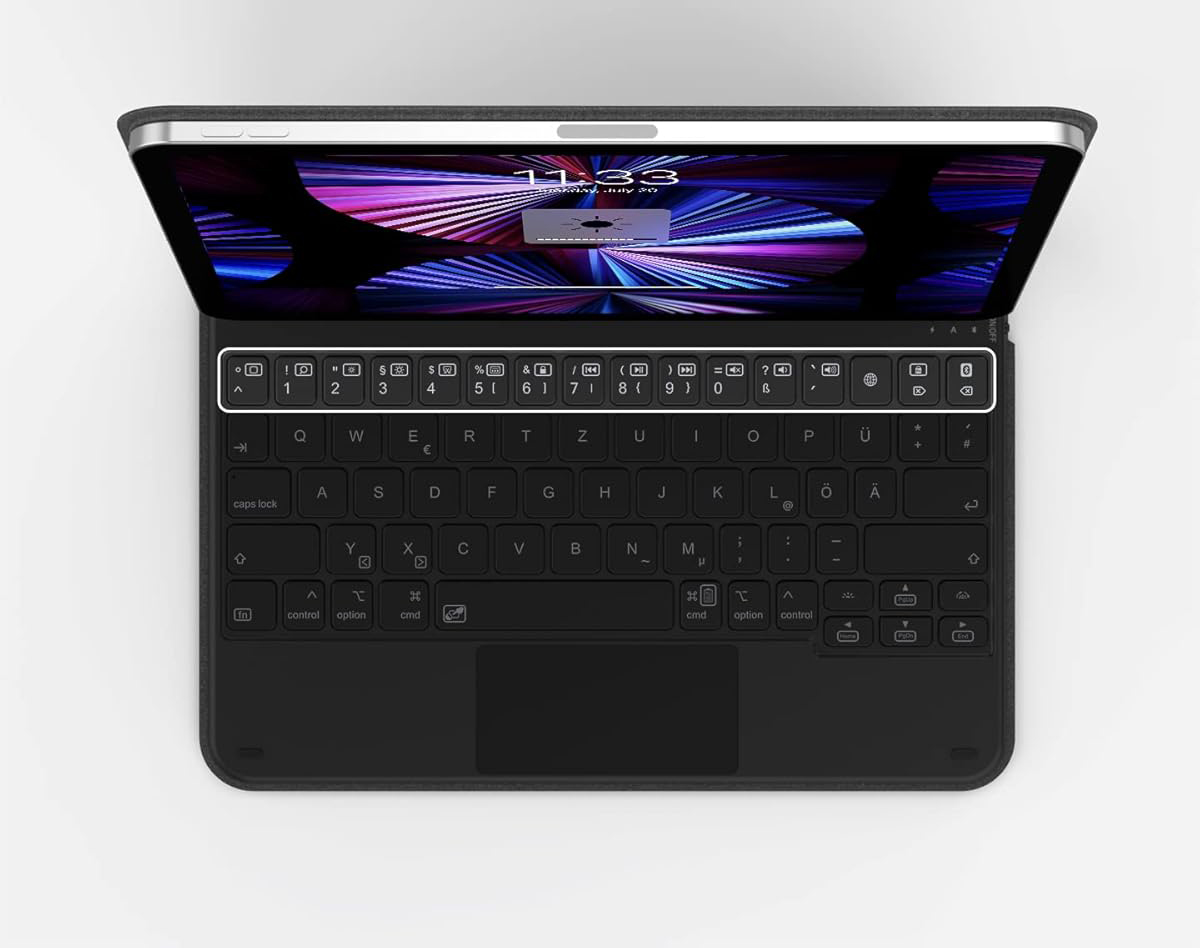
  1. Does KB09111 have shortcut buttons? Yes, KB09111 has quick functions buttons. Functions can be made directly via "Fn + shortcut button".
9ef5664327654f2b880f9538fb6a82da.jpg
1e10ae3cedade1cc4d8ebe5f229288d2.jpg
f48f70bbad42558515dab6e22d321598.jpg
d9854ae51e7095e0773ba89b15b1ef5c.jpg
bez marki
: B09RV74N7K-U
Out of Stock

Specific References

EAN13
6972085139842

16 other products in the same category:


Viewed products