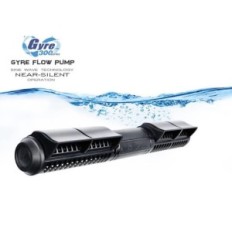
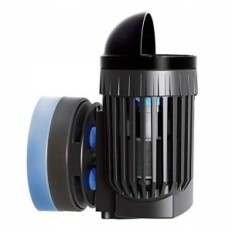
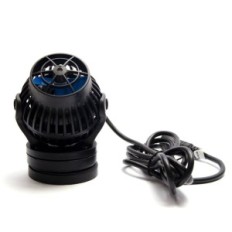
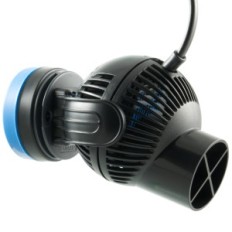
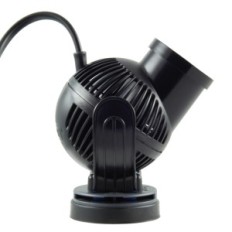
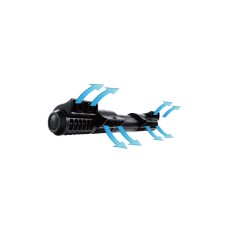
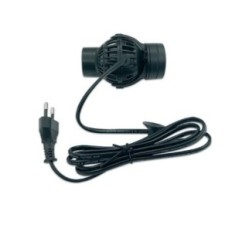
Yebao Mow-9 circulator
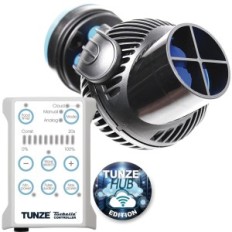
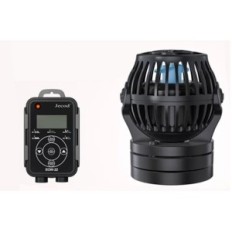
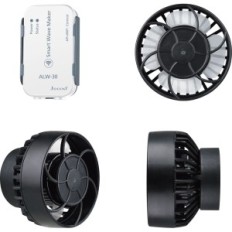
Jebao Wavemaker circulators, controlled using the Wi-Fi application.
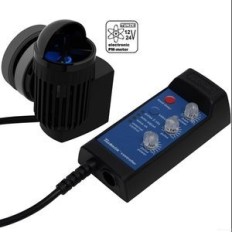
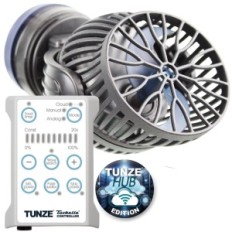
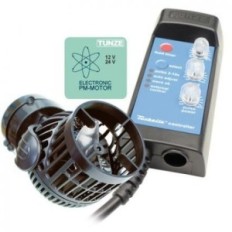
These pumps are included with a double interface controller that allows you to adjust the pump settings directly from the control unit or remotely through the Jebao Aqua application.
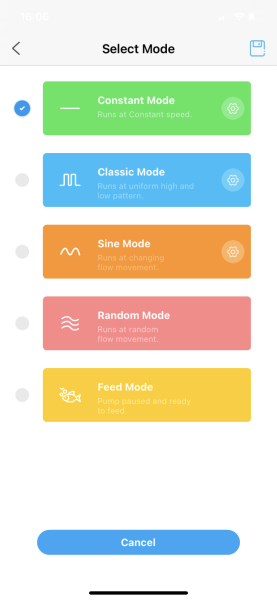
There are many options available to choose from using a controller or application interface. These include Classic, Sine, Random and Constant modes.
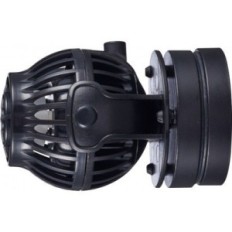
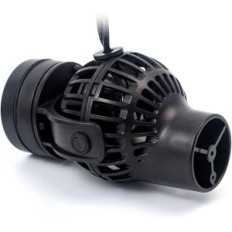
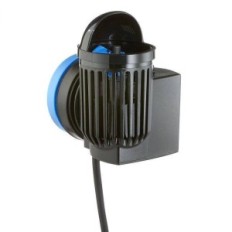
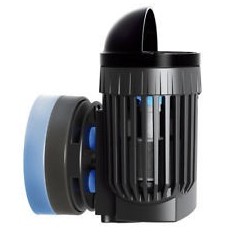
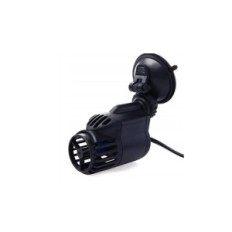
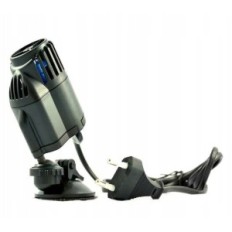
These pumps have a compact form with high efficiency and magnetic fastening for safe positioning in the aquarium in almost every position. The turning points on the bracket enable the pump inclination angle to set the flow direction. Super quiet engine uses sinusoidal technology for reliable and quiet work.
Technical data:
Maximum flow rate
Mow-5: 5000 L / H
Mow-9: 9000 L / H
MOW-16: 16000 L / H
Mow-22: 22000 L / H
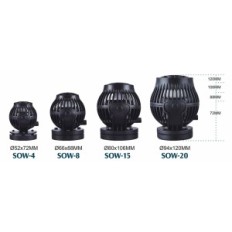
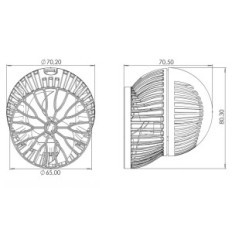
Approximate pump dimensions:
MOW-5: Diameter 52 mm x 70 mm
MOW-9: Diameter 66 mm x 82 mm
MOW-16: diameter 80 mm x 97 mm
MOW-22: diameter 94 mm x 120 mm
Specification of magnetic fastening:
MOW-5: Suitable for a thickness of up to 8 mm thick
MOW-9: Suitable for a thickness of up to 12 mm thick
MOW-16: Suitable for a glass with a thickness of up to 15 mm
Mow-22: Suitable for a glass of up to 19 mm
Rated power:
Mow-5: 24 V, 12 W
Mow-9: 24 V, 23 W
Mow-16: 24 V, 23 W
Mow-22: 24 V, 50 W
Intelligent Wi-Fi controller
• Flashing: Controller in intelligent configuration mode
• Flashing from AP: Controller in AP or Direct Configuration
• Do not flash: connected to the router
• Does not display: Lost connection to the router
B Wave Frequency (wave frequency)
It can be set in the range from 5 (quick changes of the wave pattern) up to 100 (free changes of the wave pattern).
C Wi-Fi button
Press and hold to switch between the intelligent configuration mode and the access point configuration mode.
Touch to set the device in Master, Slave or Stand Alone mode
D adjustment button
Down adjustment button Press to reduce the power or frequency setting.
Mode button e tap
To switch between the wavel mode options. In wave mode, press and hold for three seconds to customize the wavelength.
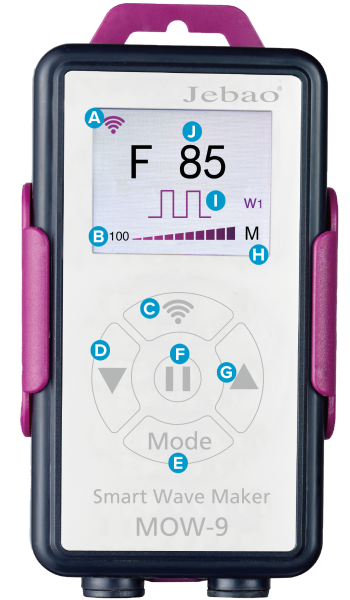
F Pause button
Tap to switch the device into feeding or exit the feed mode and return to normal operation. Holding the button for 2-3 seconds will turn off the pump, re-pressing and holding the pump will turn on again.
G up
Press to increase the power or frequency setting.
H Master / Slave control
• M: Device set to main control mode
• S: The device set to SLAVE control mode
• Nothing is displayed: the device set to stand-alone mode
And wave mode
• W1 classic wave mode
• W2 Sinusoidal wave mode
• E random wave mode
• H permanent flow mode
• C shifted wave mode
J Current maximum power setting
You can set in the range from 30 to 100
Classic Wave mode (SHIFT WAVE mode)
The pump will alternately set the minimum and maximum power level. The maximum power level and pump switching frequency can be set directly on the controller or in the application. In CLASSIC WAVE mode, two flow options are available: Pulse ("W1" on the controller) or Cross Flow ("C" on the controller). This wave mode is suitable for corals that prefer high-power wave patterns, such as those occurring on the back of the reef.
In pulsating mode, the pump will not turn off completely, it will quickly switch between the set minimum working speed and the programmable maximum power level that can be set in the range from 30 to 100. In this mode, fast frequency changes are set in this mode 0.3 - 1.6 seconds.
Cross flow mode Switches the pump between the switch-off and the maximum power-programmed power, in the range from 30 to 100. The frequency period that can be set is longer compared to pulsating mode and is from 2 to 60 seconds. When connecting together as a Master and Slave pump, it is also possible in this mode that two pumps work in opposite cycles relative to each other, e.g. when one is on and the other turned off. This can allow a standing wave if the aquarium is sufficiently long and the frequency is set according to length.

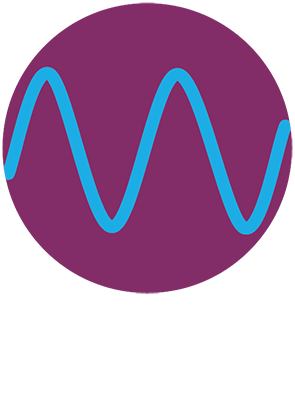
Sinusoidal wave mode
In the sinusoidal wave mode ("W2" on the controller, a delicate pulsating flow pattern is created). The pump will be lifted and fall between two setpoints, creating a delicate wave simulating deeper reefs or a calmer lagoon environment. Thanks to this, it is ideal for aquariums with a larger number of LPS or soft corals. The maximum power achieved by the pump can be programmed in the range of 30 to 100 on the controller or in the application. The frequency with which the pump changes power levels, is also fully regulated on both control platforms.
Random wave mode
In this mode, the controller creates a completely random wave pattern. The pump will automatically switch and flash at different intervals, changing power settings throughout the working range, simulating a more chaotic reef environment in which the flow is constantly changing. This is also useful in preventing the accumulation of the detritus in areas, which sometimes can be observed when the flow patterns run according to a fixed, repeated cycle. In this mode, the frequency or power level can not be changed.

Solid wave mode
In this mode, the controller creates a fixed power that constantly works without interruption. Possible to manipulate a wave through the controller or application on the phone, on which we can set the right power of the wave stream.

Application control
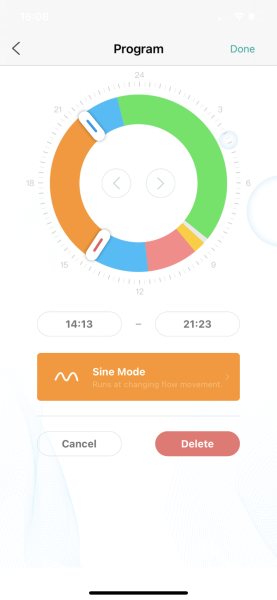
The pump is fully controlled in the application and has the option "timer mode" for a more complex configuration or service. This feature allows you to set different waves or power levels within 24 hours. By using this, you can set night schedules to create calmer waves or change the conditions during the day to get a more natural environment. Increasing the flow rate can be set to coincide with the lighting schedule tops, so a greater flow is available when the corals are fully developed and the pace of metabolism is the highest.
For this daily schedule, you can add feeding mode, stopping the circulation with specific times to feed fish, you can also turn on the switch-off periods so that all pumps do not work constantly or all at the same time. This can allow even more complex flow schemes in the aquarium in which multiple pumps are used.


 Français
 Polski
 English
 Čeština
 Dansk
Dansk Deutsch
 ελληνικά
 Español
 Eesti keel
 Suomi
Suomi Hrvatski
 Magyar
 Italiano
 Nederlands
 Bokmål
 Português PT
 Svenska
 Slovenčina
 Slovenščina
 Lietuvių kalba
 Latviešu valoda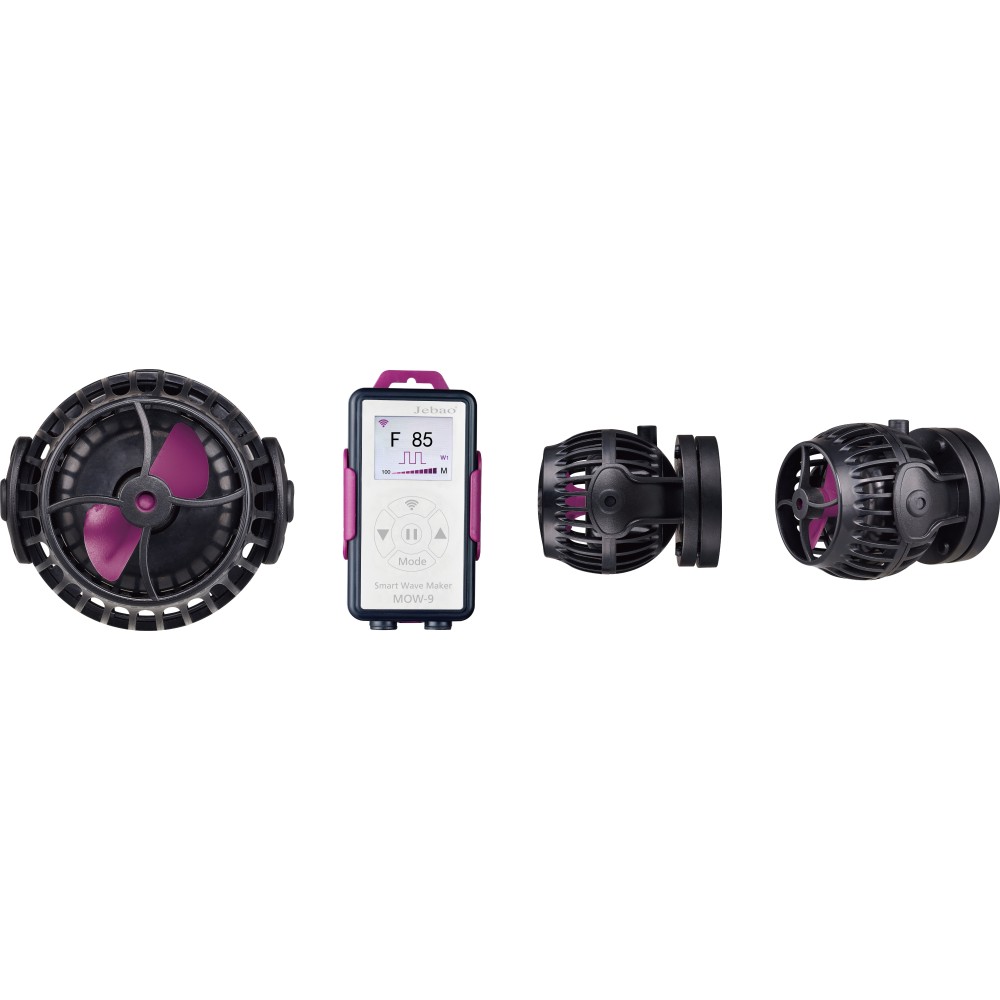

 Secure payment
 Easy going back
 Fast delivery