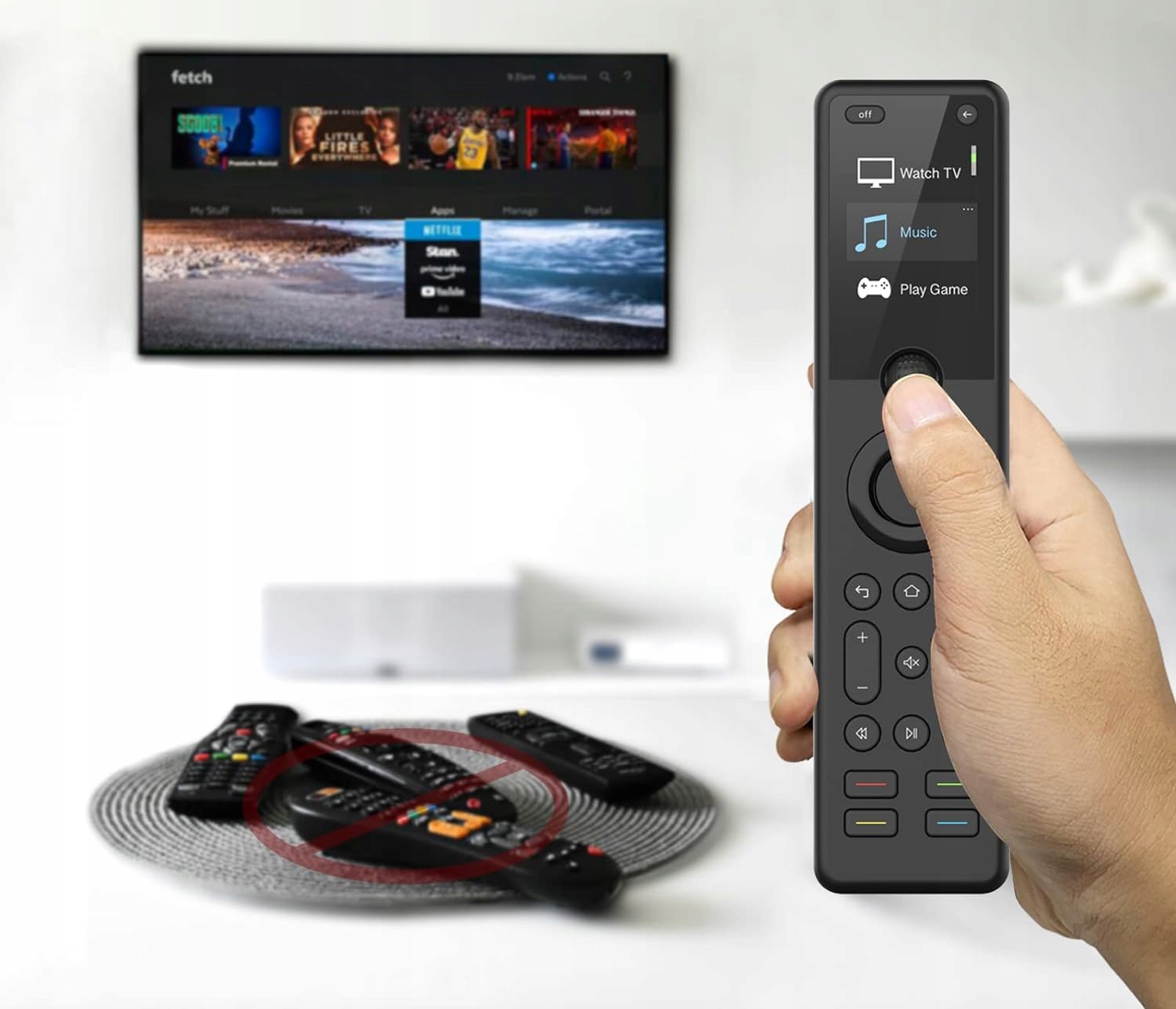
Get rid of chaotic pilots, combine all your entertainment devices using one powerful Sofabaton X1 remote control.
More reasons why you should choose remote control X1:
- A powerful code database
- Works with over 500,000 home entertainment devices
- Intelligent application available for both IOS and Android
- Create personalized actions by one touch
- Works with the GOO * LE assistant for voice control
- Wireless Hub 3 in 1 IR, WLAN and Bluetooth
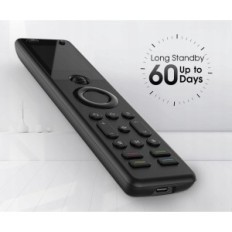
- Rechargeable battery with the possibility of loading up to 60 days in standby mode
- Design with a scroll wheel, 2-inch screen and illuminated keys
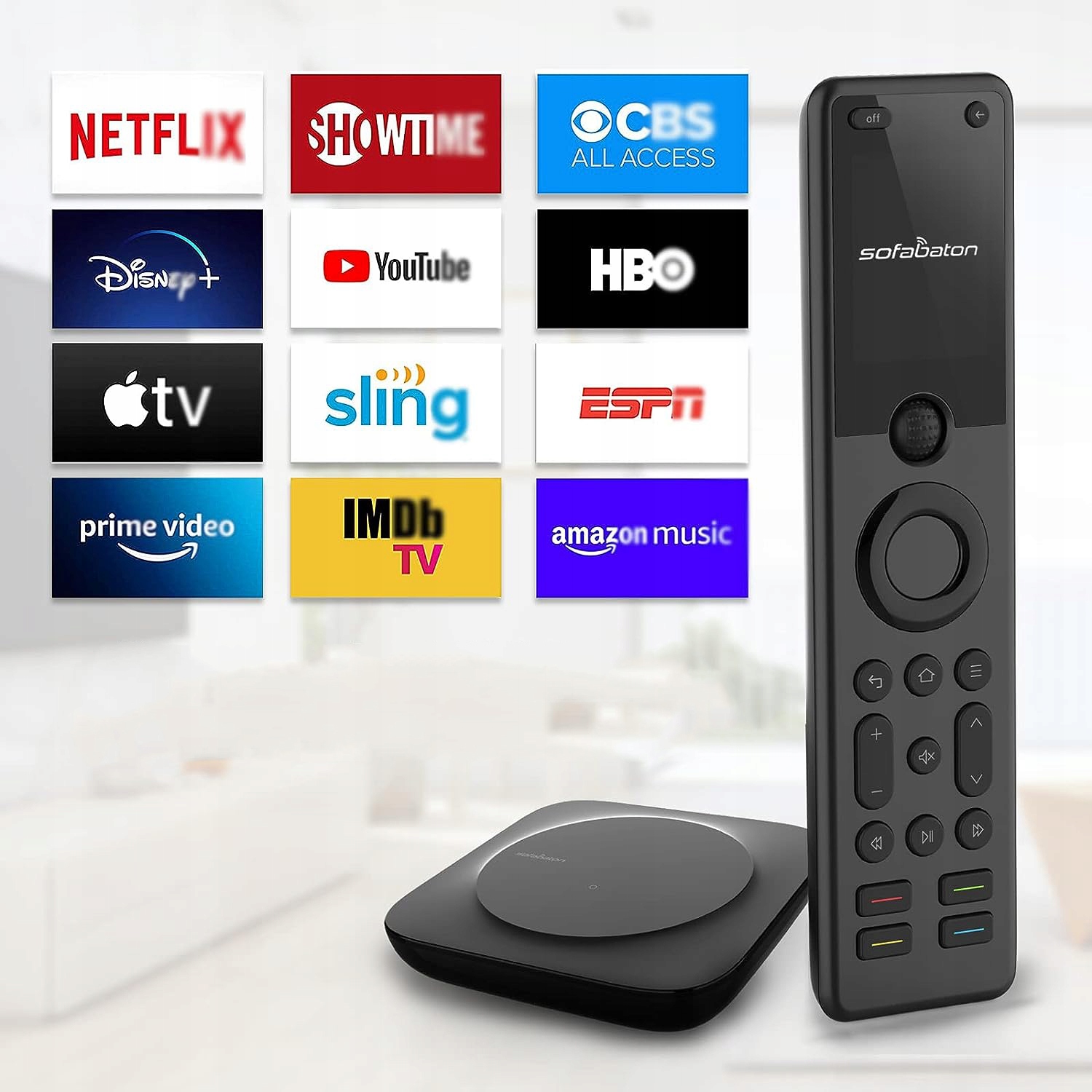
Compressibility without restrictions
The most advanced universal X1 remote control is equipped with a hub that can control most home entertainment devices. A powerful database is compatible with up to 500,000 IR and Bluetooth devices, from a TV and game console for AV receiver and Blu-ray player, even your Philip Hue and Sonos speaker.
Customize simultaneous actions by one touch
Facility to the functions of non-standard actions. Create a performance called "Music Time", just press one button to turn on the TCL TV, Stereo Panasonic and Philips Hue and enjoy life alone.
Works with Alex and Google Assistant
Easily call the Hub to control the device using voice commands. You can even start "Action" to play your favorite music, turn on the TV, change channels and adjust the volume. Your voice commands make everything works like magic.
A powerful hub with a stable signal
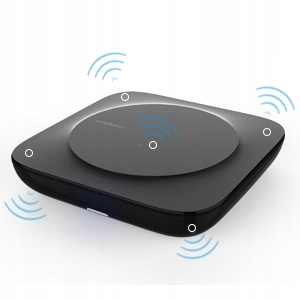
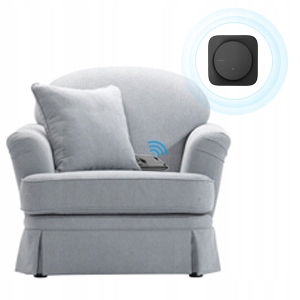
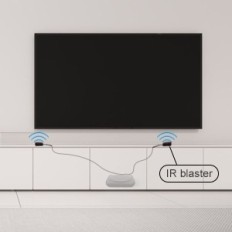
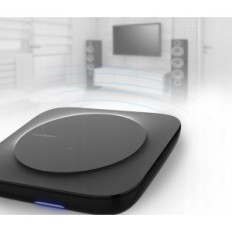
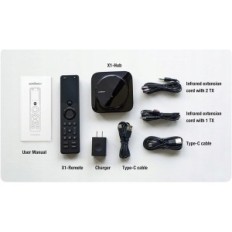
Supports infrared signals, WiFi or Bluetooth, passing commands from the remote control to the entertainment system, you do not have to worry about the distance and precision of the remote control. Place the hub against any device or hide it into the cabinet, works with 2 wired infrared transmitters without worrying about the IR signal break.
More details about the remote control X1
Battery with high capacity, even for 60 days in standby mode; The 2-inch display in conjunction with a scrolling wheel allows quick change of devices. With illuminated keys it is easy to use even in a dark room.
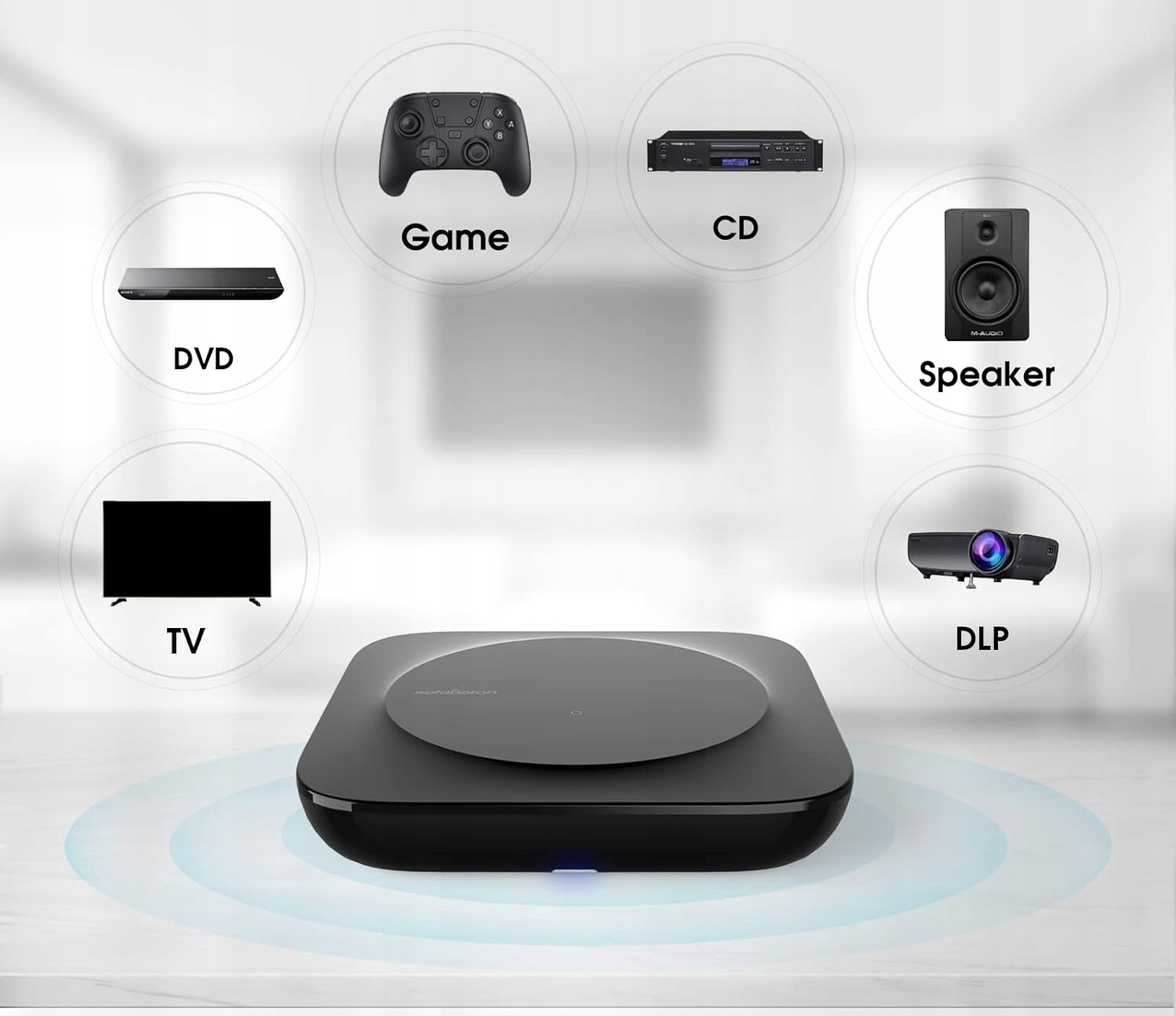
A powerful code base (device codes are added on a regular basis each day)
Thanks to the complete global collection of device codes, the Pilot Sofabaton X1 is universally compatible practically with all popular audio and video equipment brands, including TV TVs, DVD players, Blu-ray, decoders Cable, game consoles, Ap * Le TV devices, RO * U devices and others.
Let us know if you can not find your devices, update the database to match the latest devices.
It supports almost all popular home entertainment equipment with infrared and Bluetooth support.
How to add your devices?
Adding infrared devices:
Simply enter the brand and model of the device directly.
For some devices that can not be found in the code database, you can perform a blurred search by brand. Just enter the brand, click "I can not find the exact model" and then "Search" and test the found code databases.
For devices with Bluetooth support:
1. Select your Bluetooth device in the application (if you can not find your device, try to select "Other");
2. Confirm the device information and send them, use the original remote control to go to the Bluetooth search menu and pair the device from Sofabaton X1 using Bluetooth.
For devices with WiFi support: (currently only RO * U devices are supported, Son * N speaker and Phil * PS Hue bulb.)
Make sure your device is enabled and connected to the same Wi-Fi network as a hub. You can add devices after scanning by clicking on the list.
Manual science mode:
All you need to do is follow the instructions in the application to complete the operation.
Customize a personalized remote control using a smart Sofabaton application
Turn your phone into a spare pilot to quickly control everyone
Install Sofabaton on your mobile device and configure the Hub. Then you can program home appliances to the remote control at any time. Enter the brand and model of your TV, media player, Blu-ray player or game console, and it will appear on the remote control list.
Personalized actions by one touch using the Sofabaton application
Long and boring day. You only want to roll on the sofa, turn on Phil * PS Hue, relax with the movie or enjoy the music. Sofabaton will perform a series of required actions with a single button.


 Français
 Polski
 English
 Čeština
 Dansk
Dansk Deutsch
 ελληνικά
 Español
 Eesti keel
 Suomi
Suomi Hrvatski
 Magyar
 Italiano
 Nederlands
 Bokmål
 Português PT
 Svenska
 Slovenčina
 Slovenščina
 Lietuvių kalba
 Latviešu valoda




 Secure payment
 Easy going back
 Fast delivery