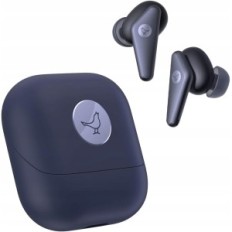
LDAC-CODEC and Hi-RES sound: Dynamic wool composite transducers provide a clear and detailed sound. Thanks to the LDAC codec and Hi-RES Audio Certification, wireless headphones transmit 3 times more data than ordinary TWS, which effectively reduces the signal deterioration during wireless transmission to keep the sound detail. LDAC is not compatible with iOS devices.
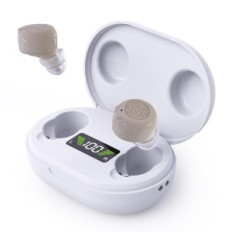
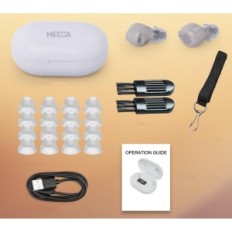
Lightness and Supreme Comfort: Weighing only 4.5 g Wireless Earfun Air 2 headphones are designed for all-day comfort. The ergonomic design is professionally shaped to match the different shapes of the ears, and the set includes 4 ear tips to help you achieve the perfect seal.

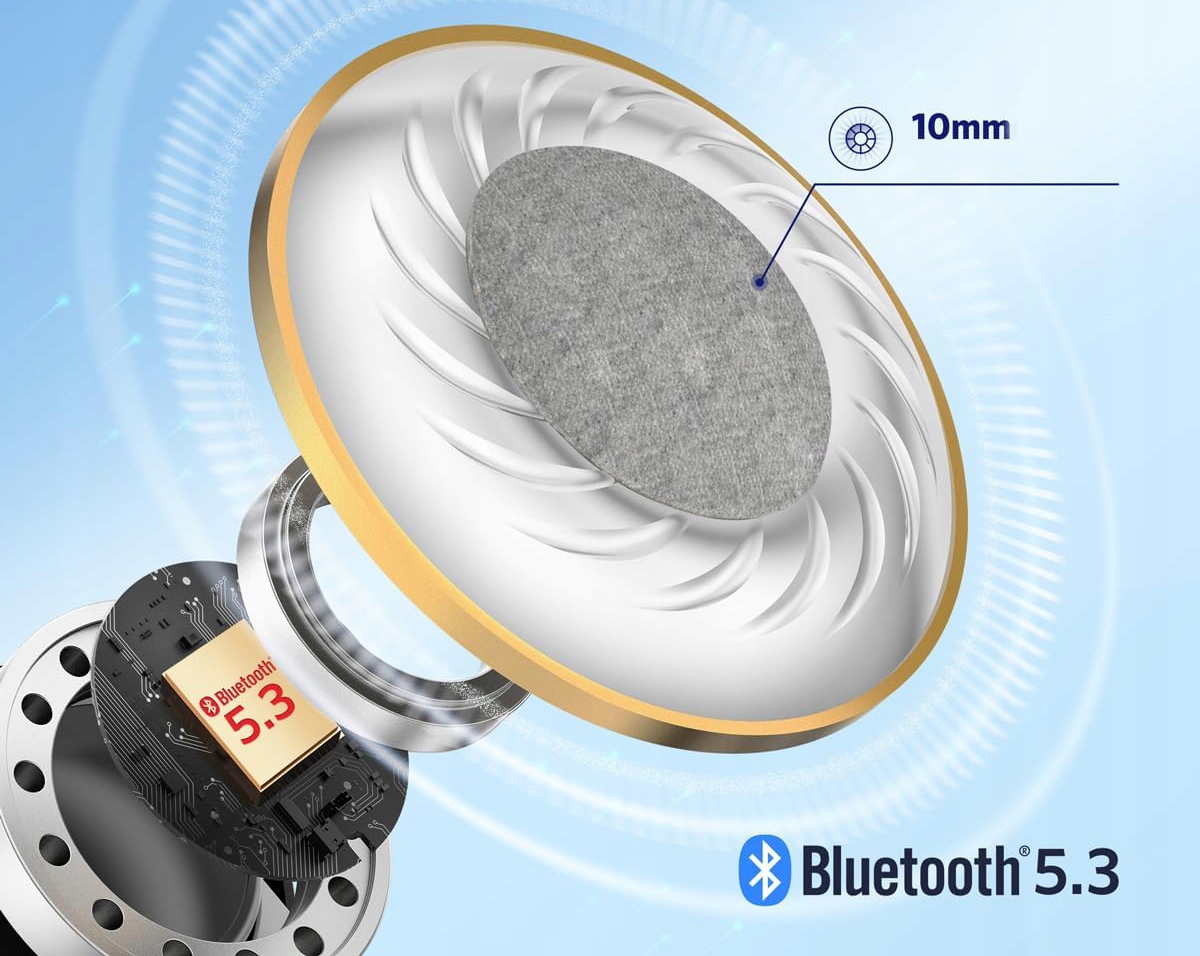
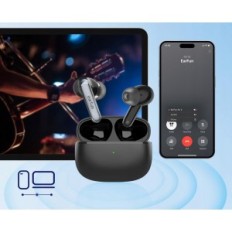
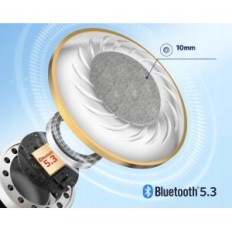
Multi-point and Bluetooth connection 5.3: Truly wireless headphones have the latest Bluetooth 5.3 technology to provide a quick and stable connection. Thanks to multi-point technology, you can remain connected to two devices at the same time, switch between connections and media or continue your tasks without effort. We recommend turning off LDAC to get a more stable connection.
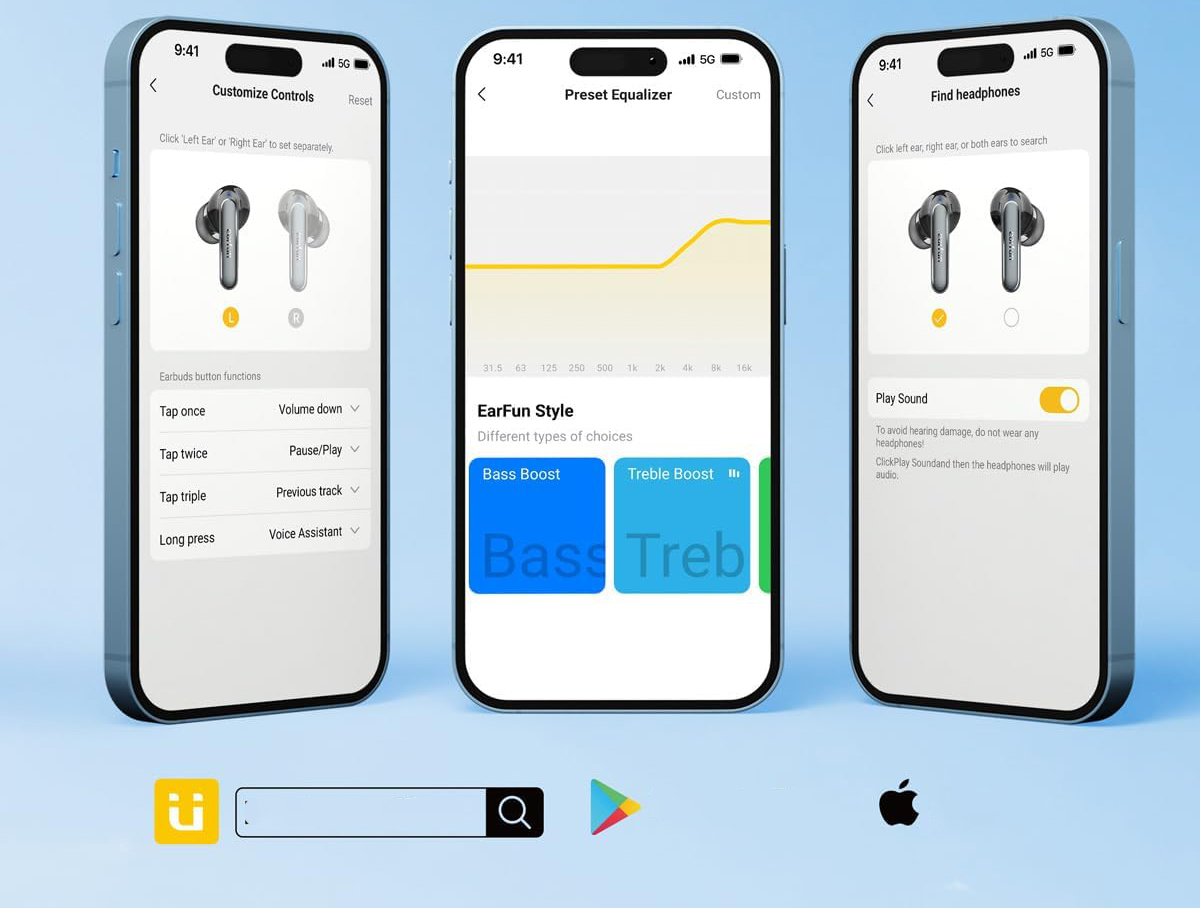
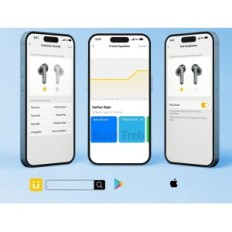
Dedicated Earfun application: Use the EARFUN application to adjust the sound and preferences. Customize Multi-EQ, adjust the touch control, check the battery life and much more. You can also use the "Find Headphones" function to send sounds to the lost headphones and find them.
4 ENC microphones for exceptional connection clarity: equipped with 4 active microphones, earfun air 2 Bluetooth earphones precisely separate your voice from the noise of the surroundings to ensure that your voice is both transparent and Realistic.
40 hours of extended playtime: Enjoy 40 hours of total playback time from the USB-C loading case and 9 hours on one charge (in LDAC mode, the total playback time is 23 hours and on one charge 5.5 hours). On the move you can conveniently use universal wireless chargers for quick charging.
Tips: 1. In LDAC mode, it is normal that battery life is short and some scenes will be interrupted. 2. After switching on LDAC, press "Safe", after which the device will start again with the LDAC. 3. It is recommended to use headphones at a distance of 2 m when LDAC is on. 4. Turn off LDAC for a stable connection when you use a multi-point connection.


 Français
 Polski
 English
 Čeština
 Dansk
Dansk Deutsch
 ελληνικά
 Español
 Eesti keel
 Suomi
Suomi Hrvatski
 Magyar
 Italiano
 Nederlands
 Bokmål
 Português PT
 Svenska
 Slovenčina
 Slovenščina
 Lietuvių kalba
 Latviešu valoda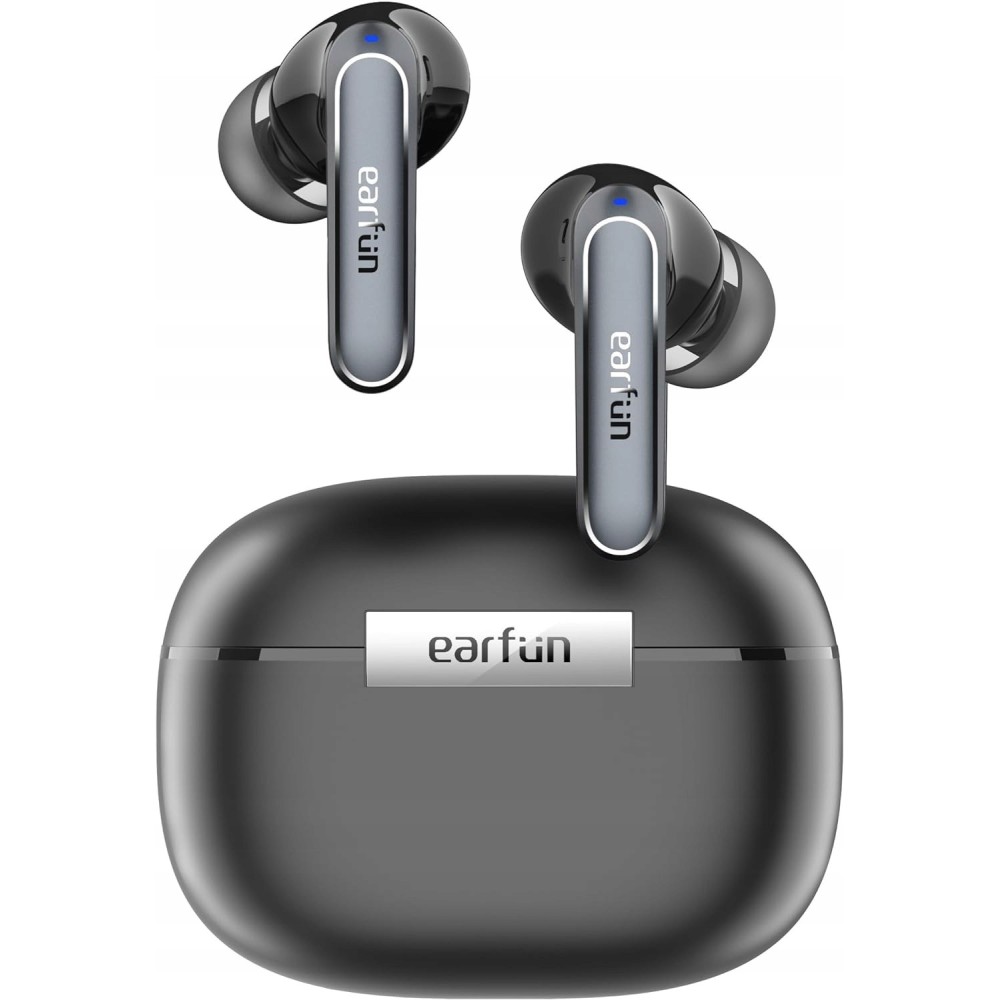


 Secure payment
 Easy going back
 Fast delivery