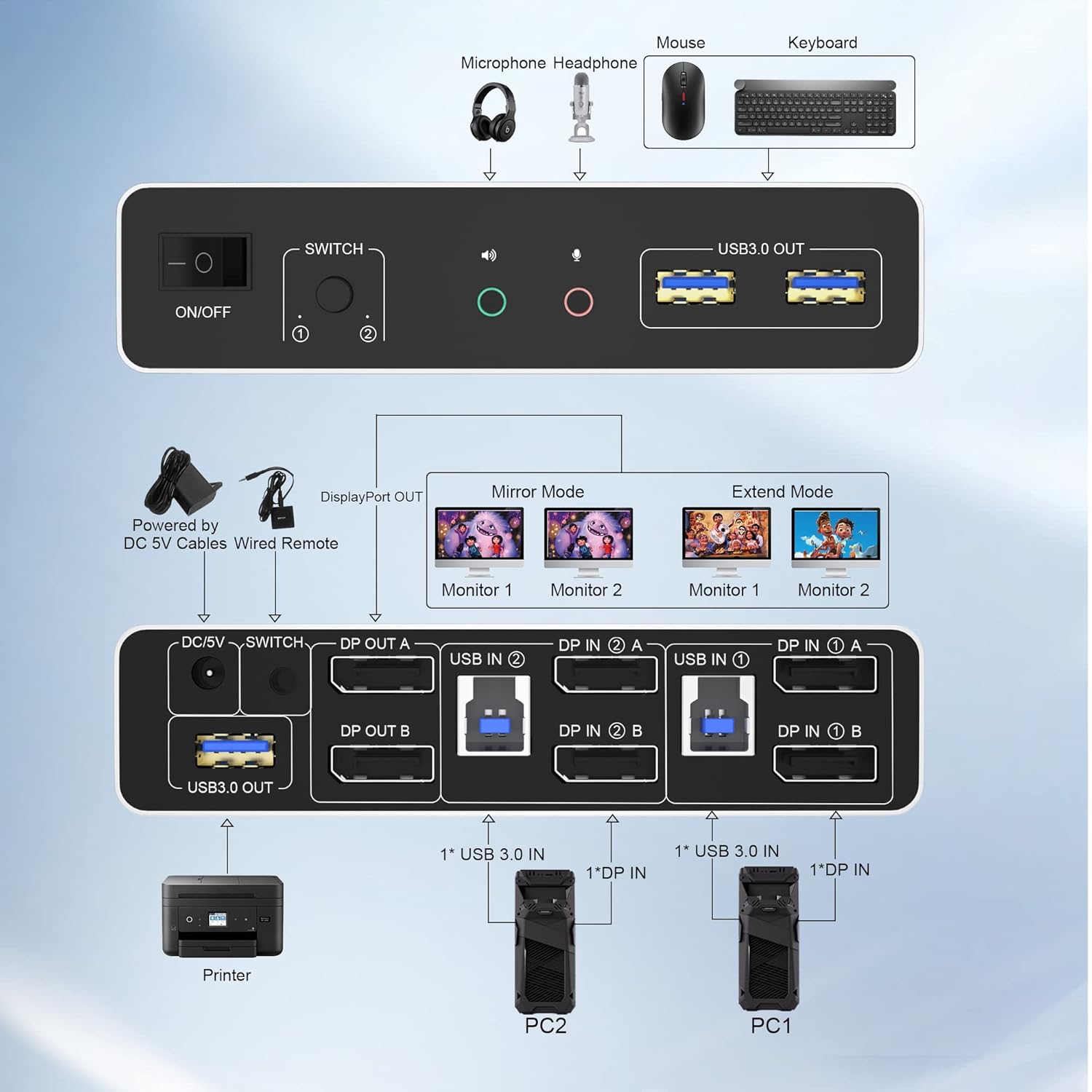
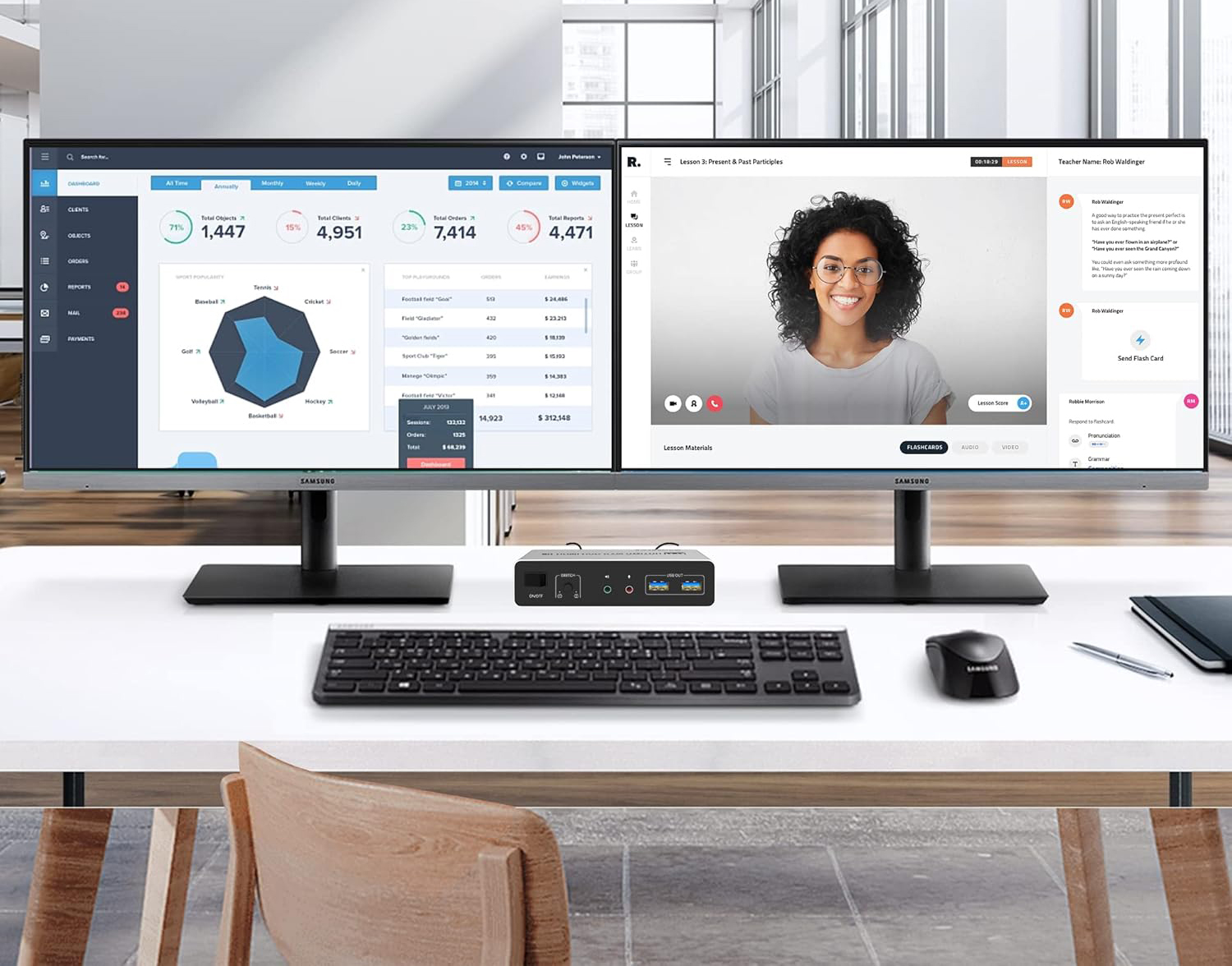
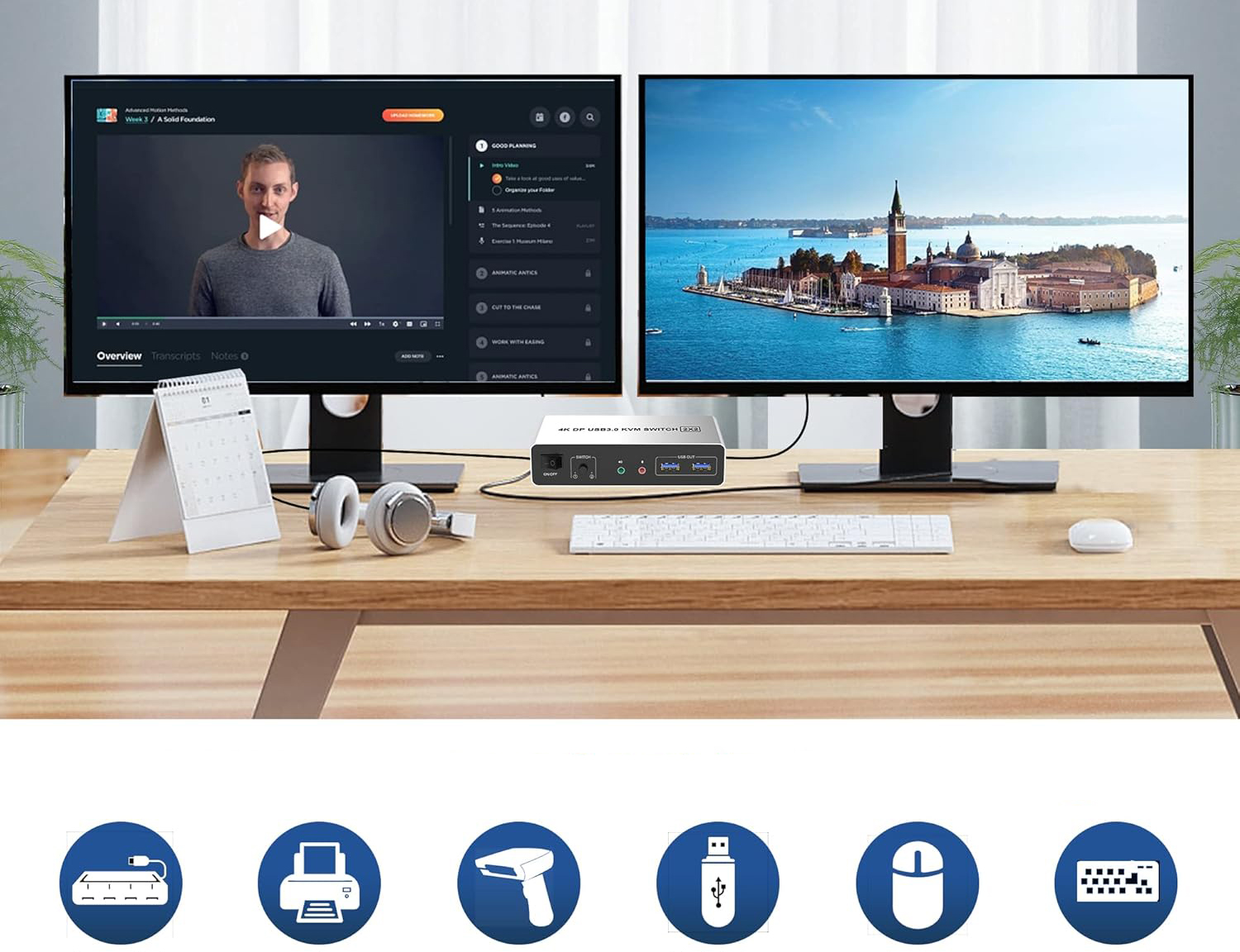
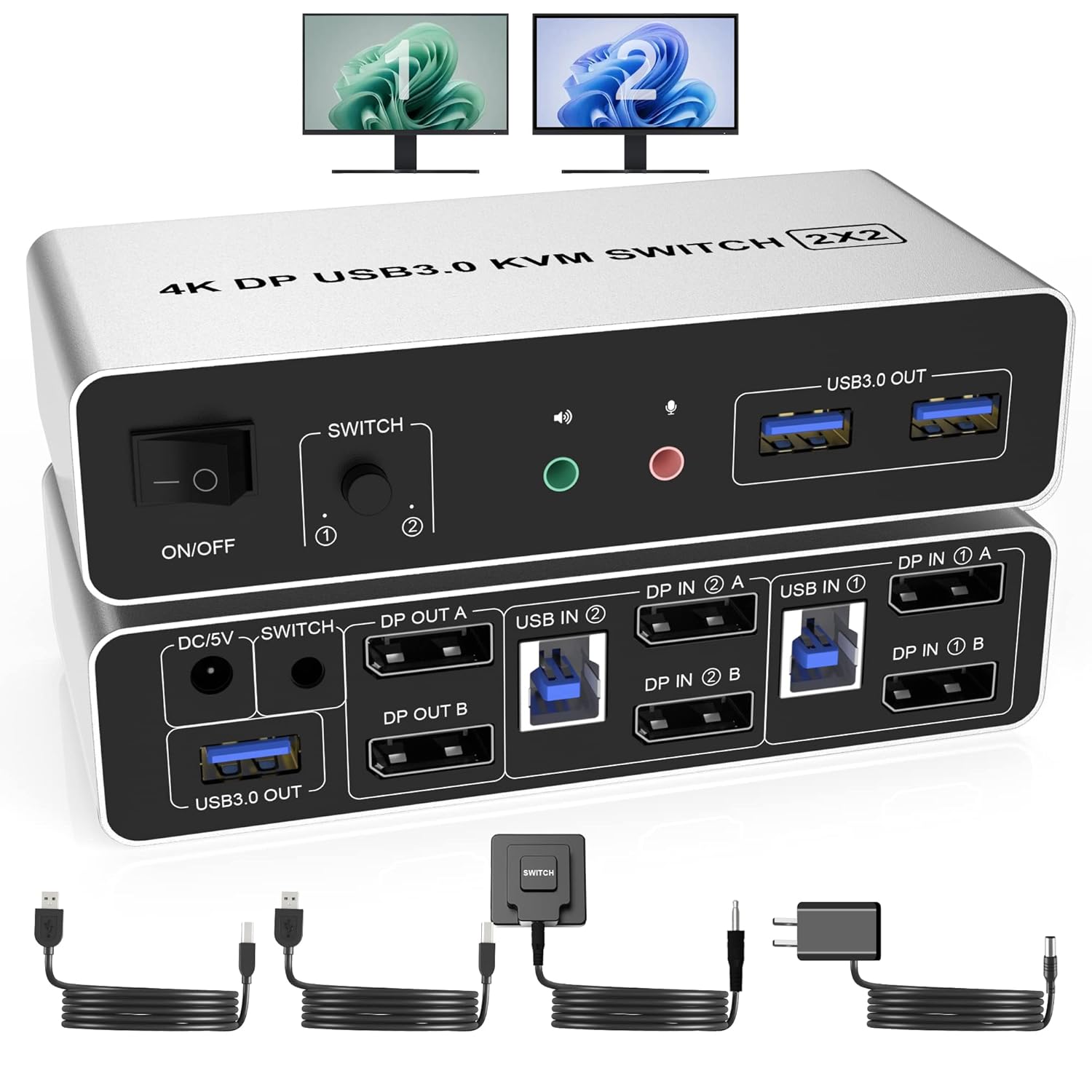
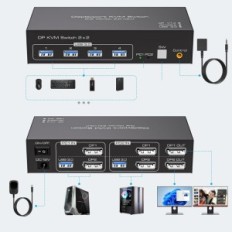
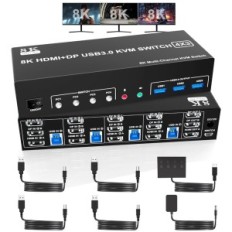
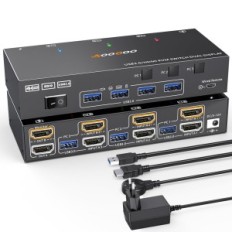
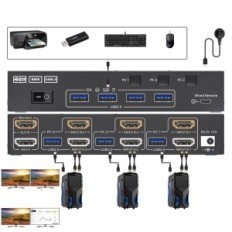
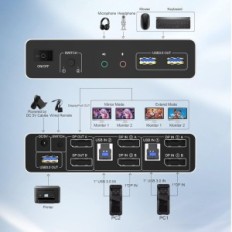
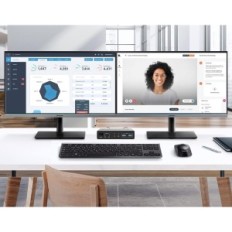
[USB 3.0 DisplayPort KVM Switch Dual Monitor] The USB 3.0 Dual DisplayPort KVM switch can control 2 monitors and 2 computers with DisplayPort ports using one kit and mouse set, and 2 monitors can display a mirror image of the main computer desktop or Extended desktop. NOTE: It is required that each computer has 2 outputs DisplayPort and supported extended display, otherwise this DP switch KVM Dual Monitor does not fulfill the extended display function on two monitors.
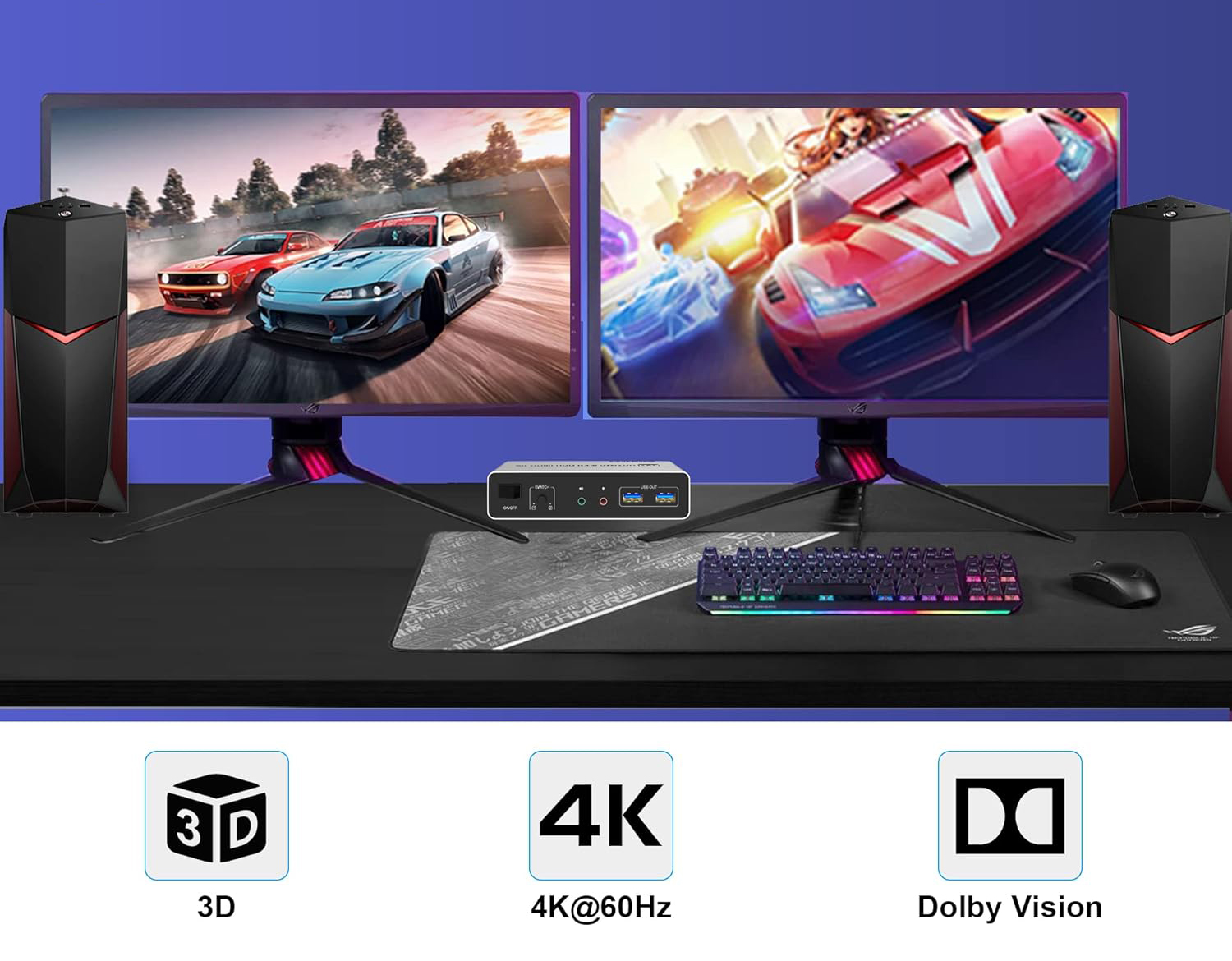
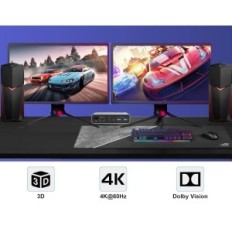
[USB 3.0 KVM Switch Displayport 4K@60Hz] The USB 3.0 DisplayPort KVM switch supports the maximum resolution of 4K @ 60Hz (3840x2160), and also supports 3D and 1080p @ 60Hz or other lower resolutions (compatible down). There are no delays in image transmission, the image quality is very clear. The heat discharge structure can effectively extend the life of KVM.
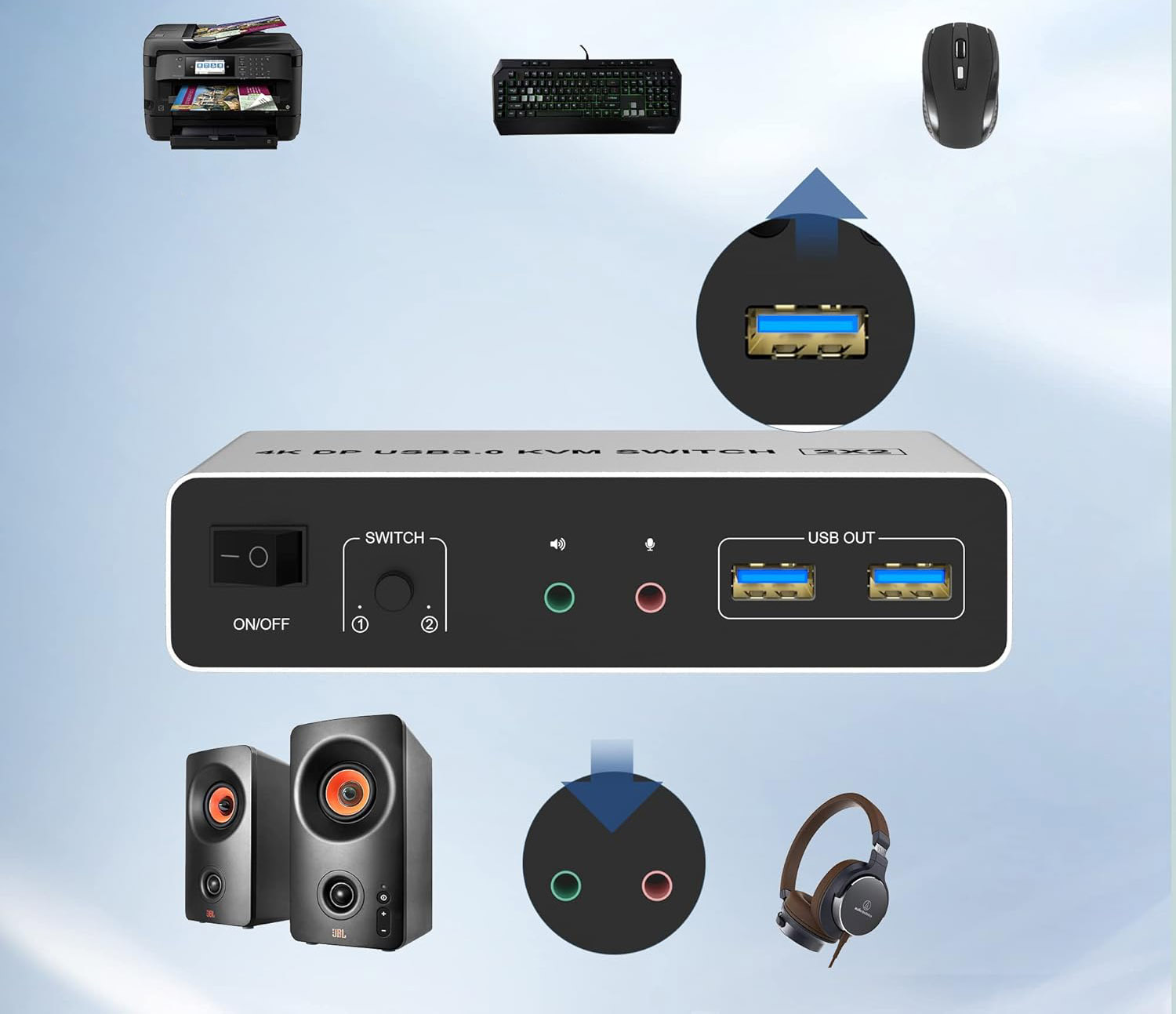
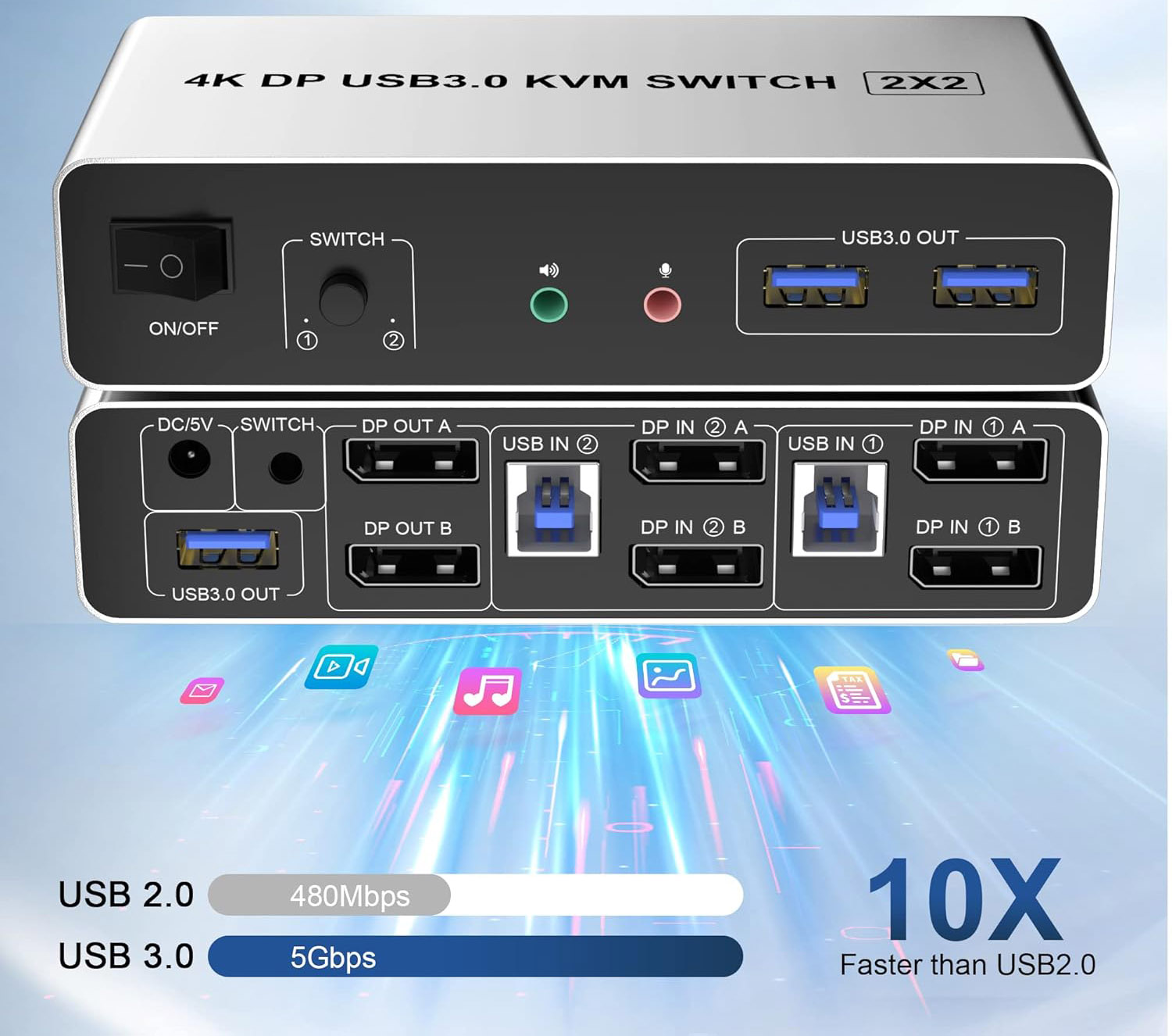
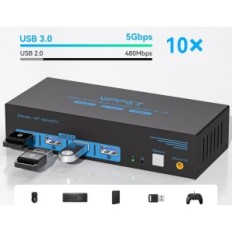
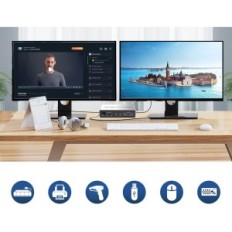
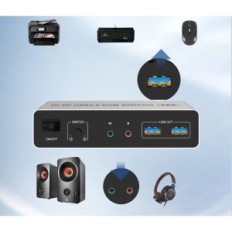
[3 porty USB 3.0] The KVM DisplayPort switch has 3 USB 3.0 ports that can handle a variety of USB 3.0 devices, allowing faster reading and transferring files, which facilitates work, eg share of USB discs, scanners, Printers, cameras. Supports ultra-fast data transfer USB 3.0 to 5GBPS. The USB3.0 Dual Monitor Monitor DisplayPort KVM also supports a separate audio and microphone output.
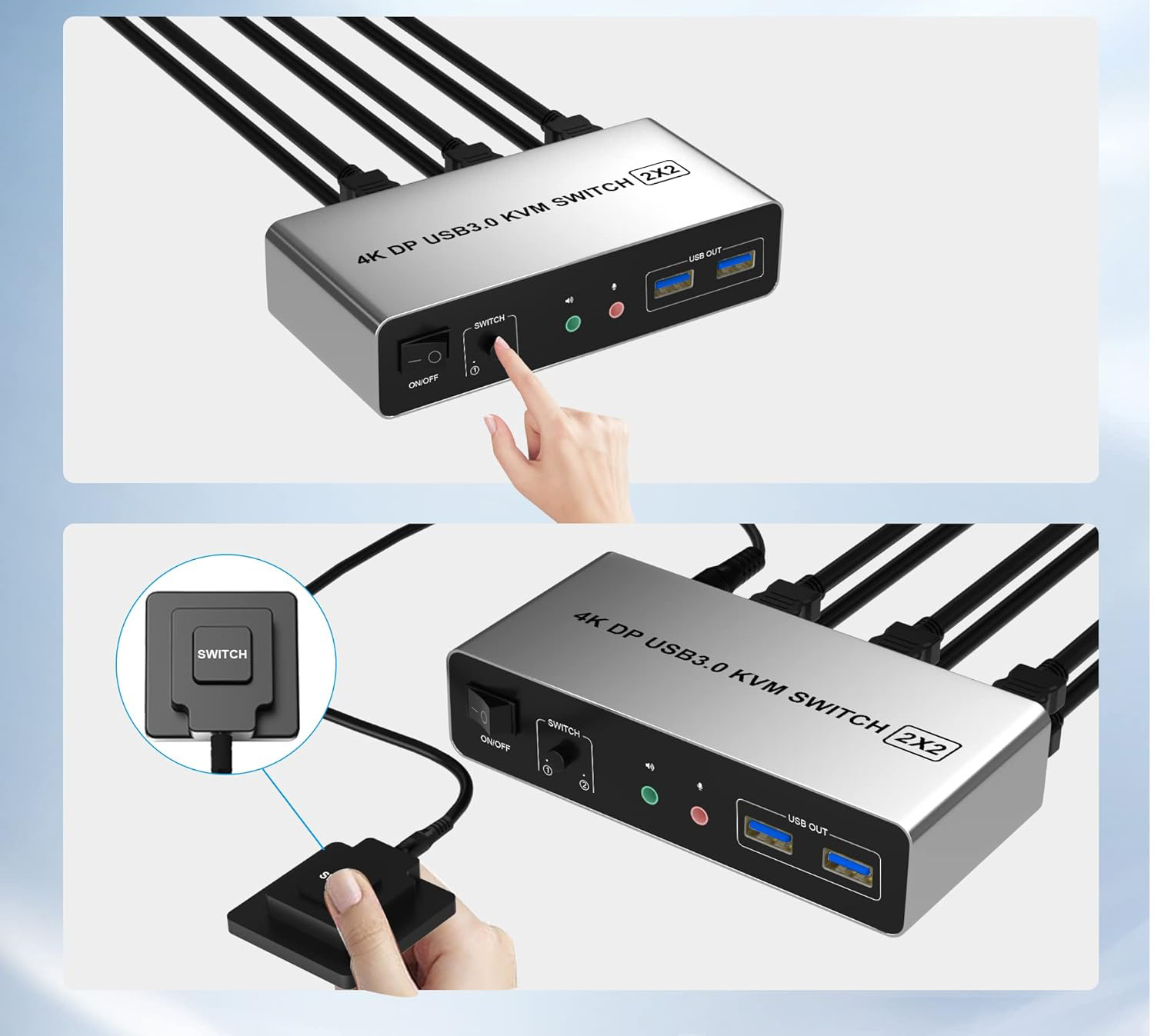
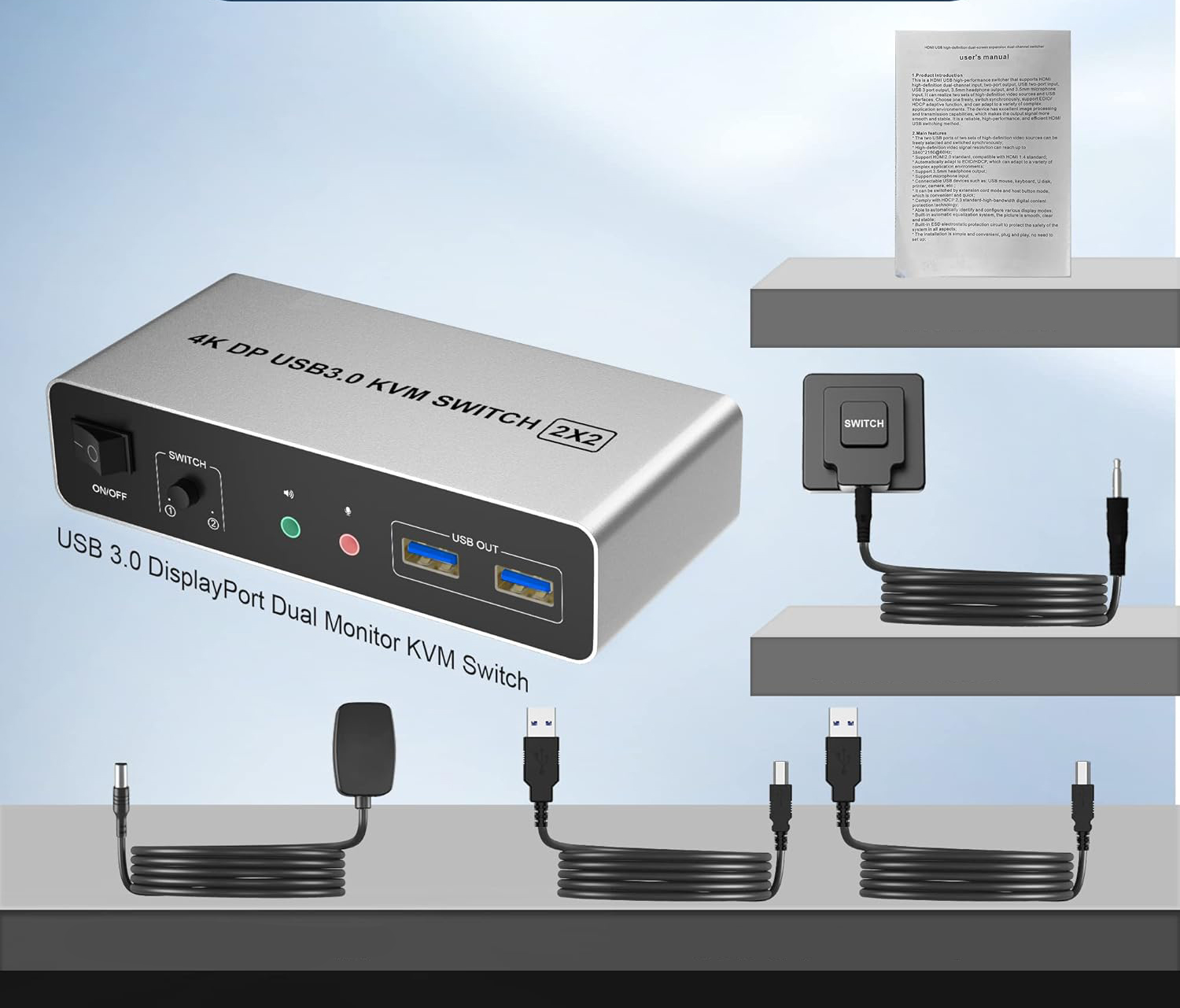
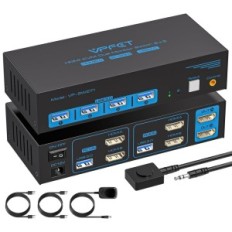
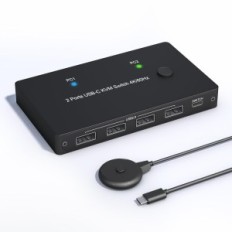
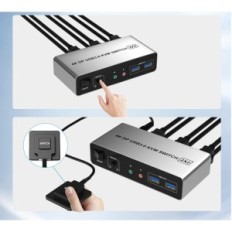
[Przełącznik KVM z dwoma przyciskami] DisplayPort KVM Switch has one switching button and a wired switching remote control, and switching to another computer only takes 2-4 seconds. The USB 3.0 DisplayPort KVM switch is compatible with various computer systems such as Windows, Linux, Mac, UNIX, Ubuntu, Raspberry and most other main operating systems.
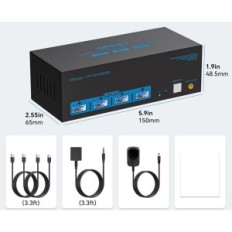
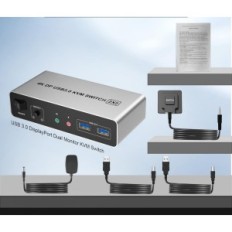
[Zestaw] The set includes 1 * DisplayPort Dual KVM SWITCH, 2 USB cables for connecting 2 computers, 1 * Wired switching remote control and 1 * Power supply. Make sure that a total of 6 DP cables (not included) + 2 USB cables up to 2 computers are correctly connected to KVM.

 Français
 Polski
 English
 Čeština
 Dansk
Dansk Deutsch
 ελληνικά
 Español
 Eesti keel
 Suomi
Suomi Hrvatski
 Magyar
 Italiano
 Nederlands
 Bokmål
 Português PT
 Svenska
 Slovenčina
 Slovenščina
 Lietuvių kalba
 Latviešu valoda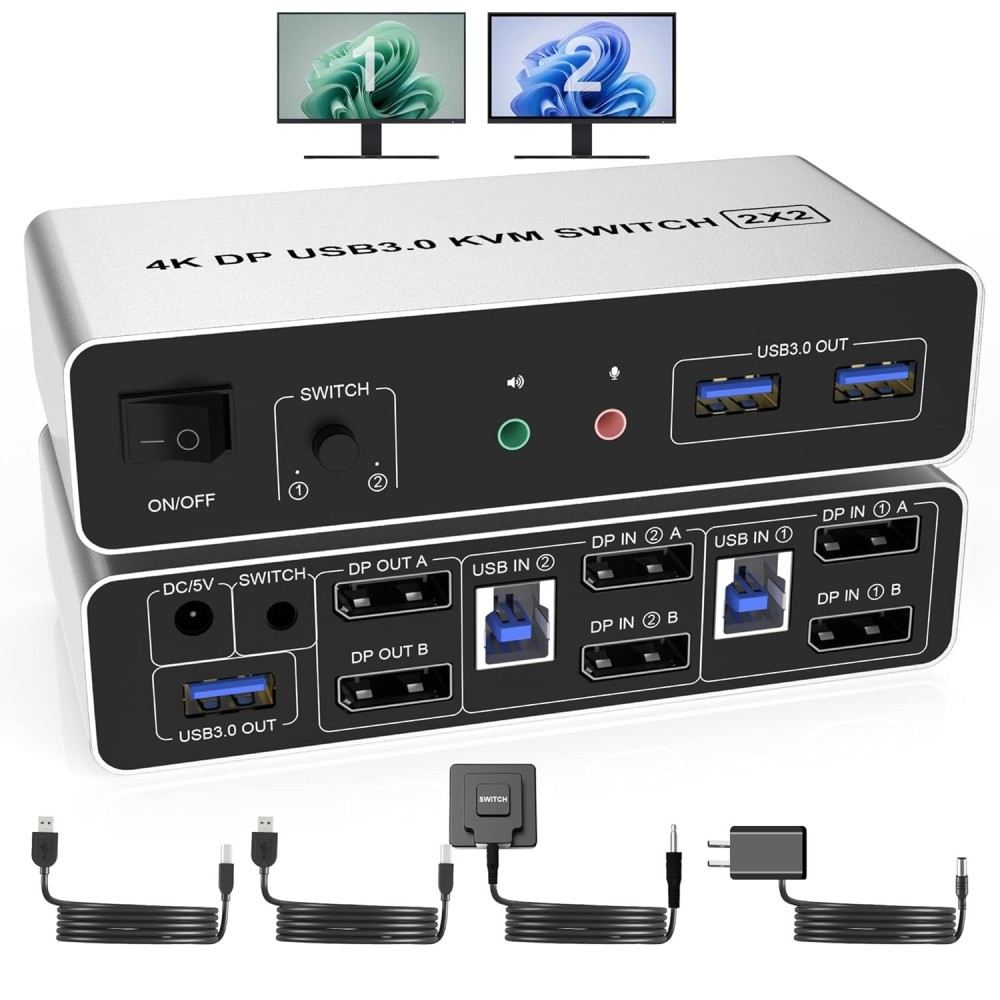
 Secure payment
 Easy going back
 Fast delivery