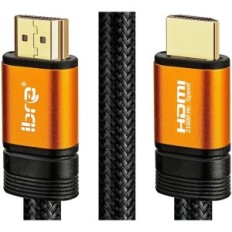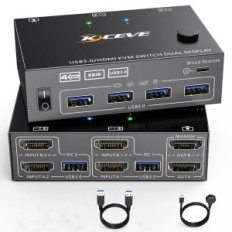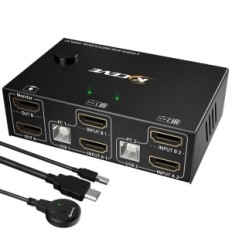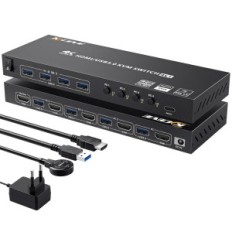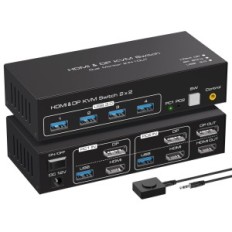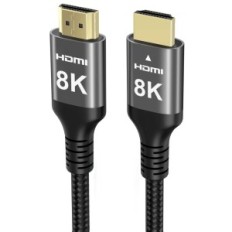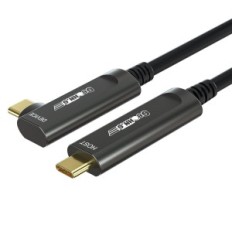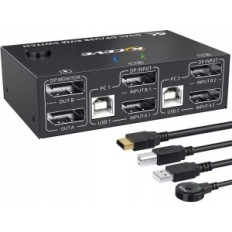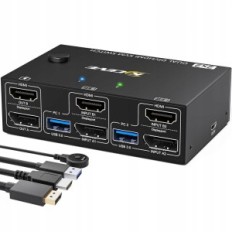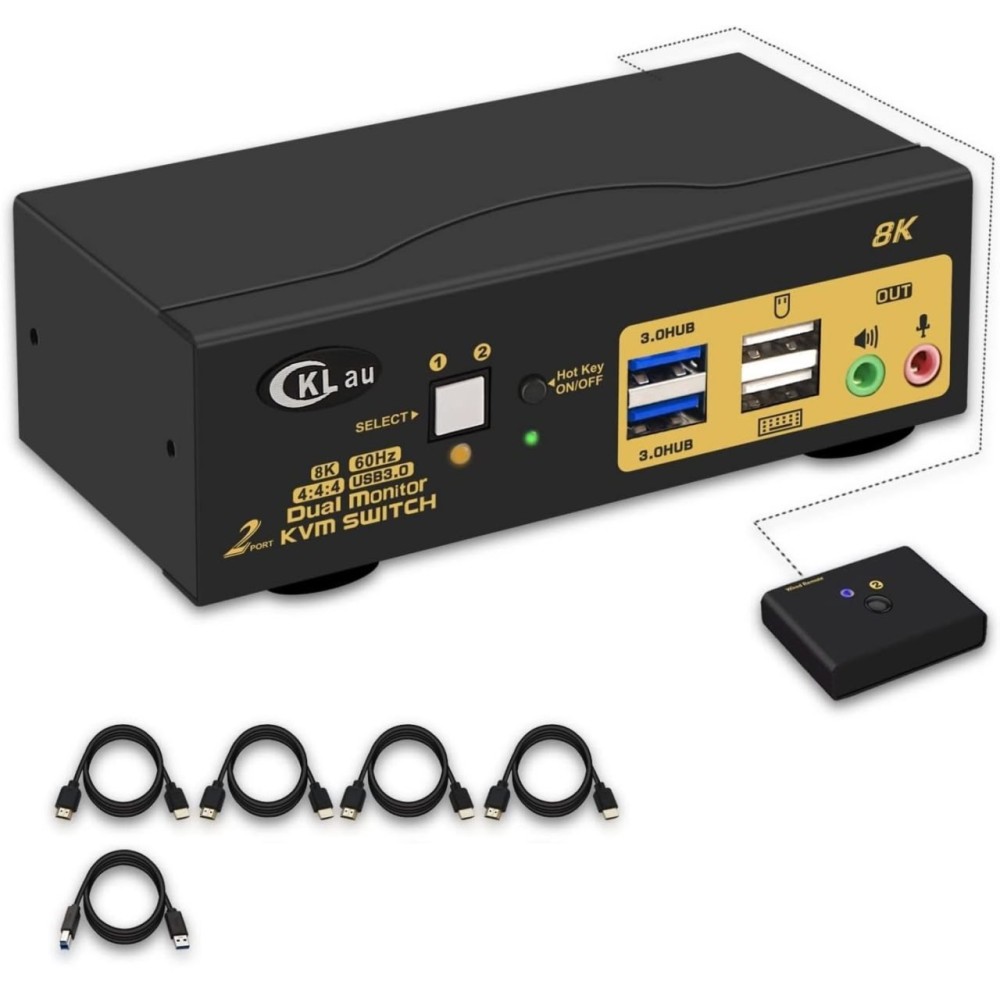
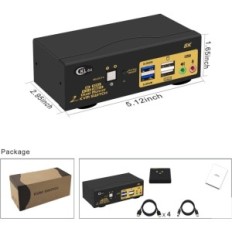
KVM CKLUU 2x2 controller USB 3.0 HDMI 2.1, 8K at 60 Hz 4K at 144 Hz
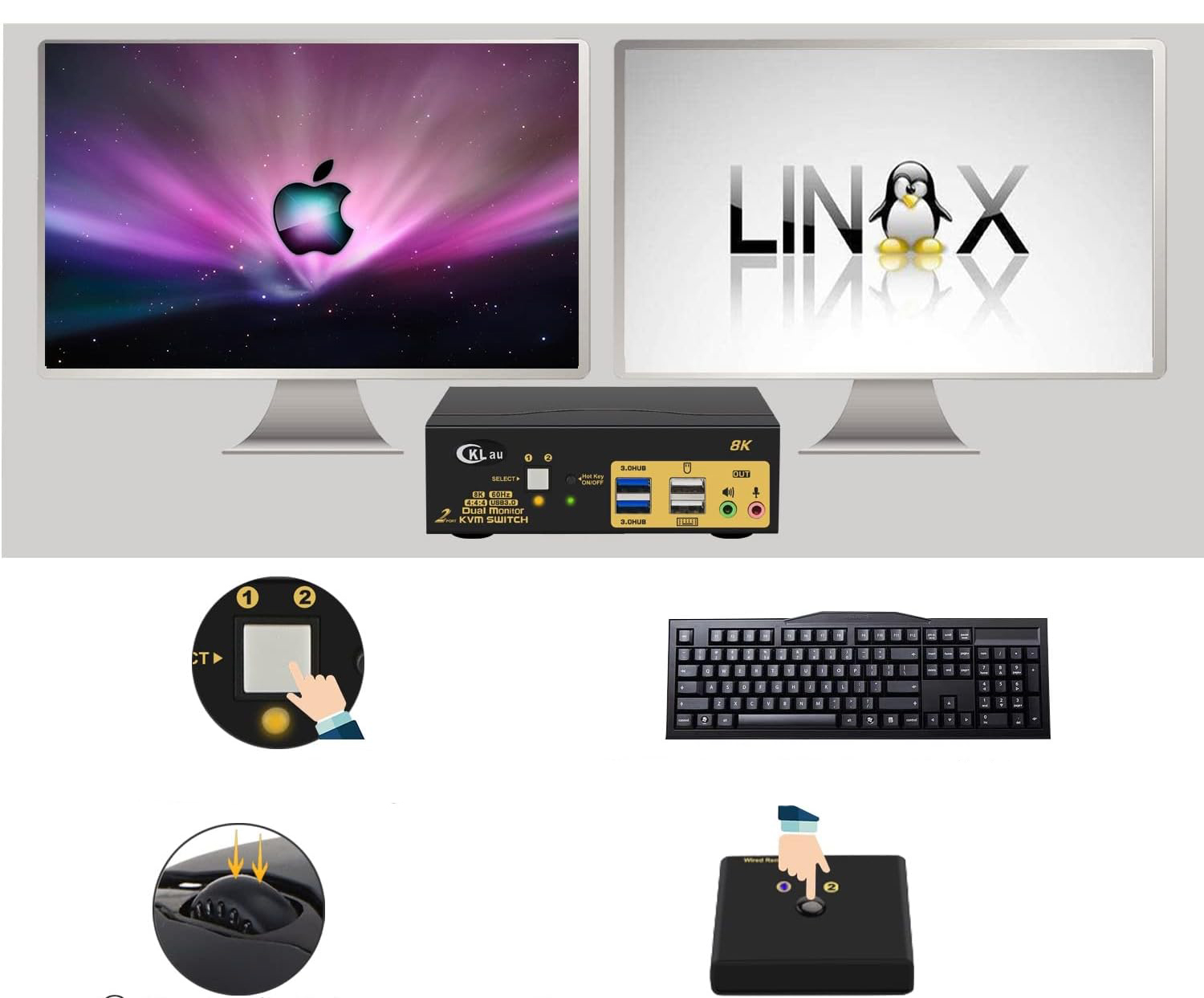
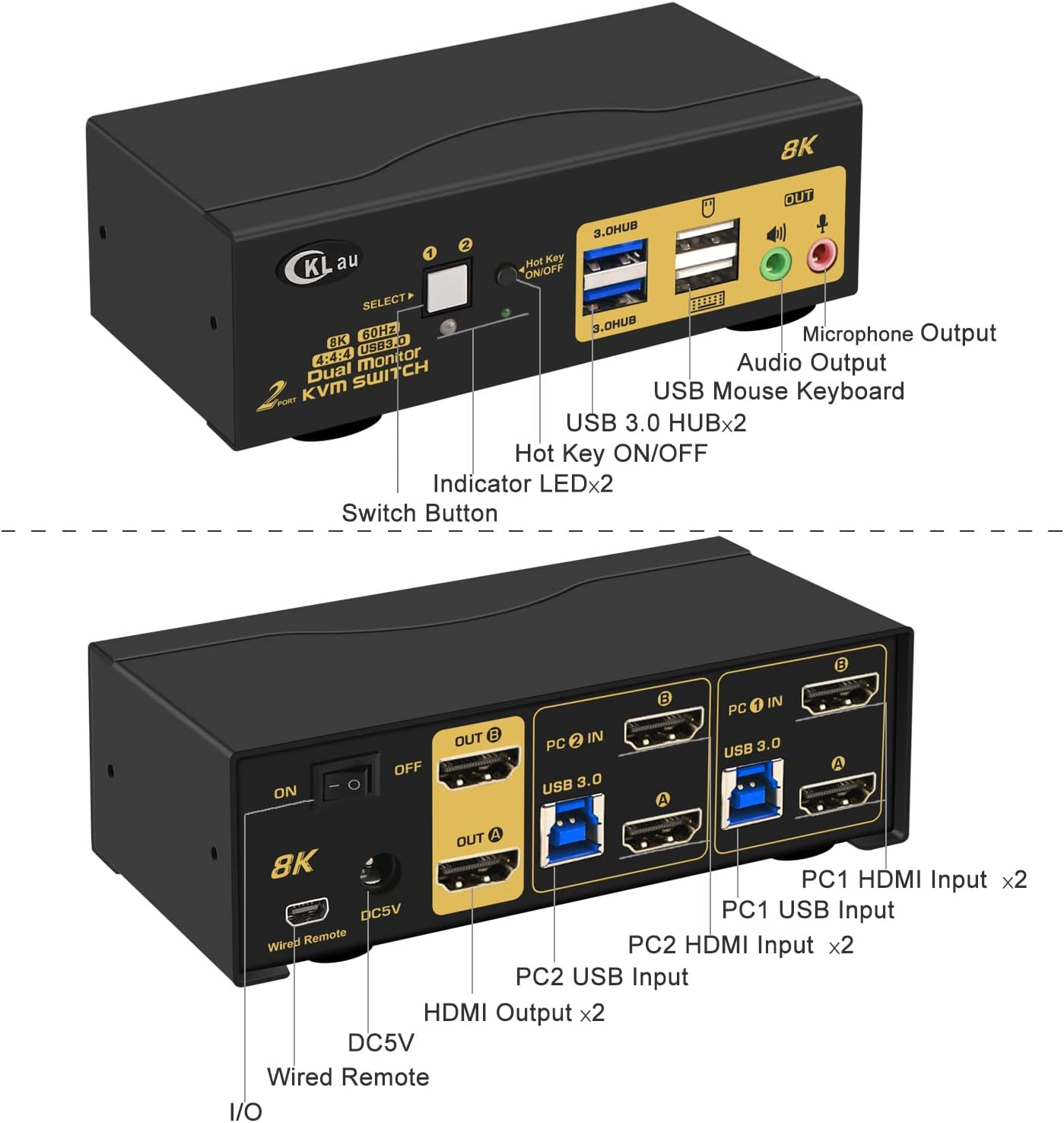
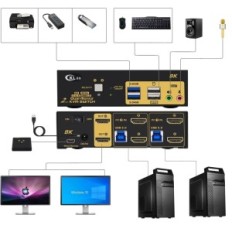
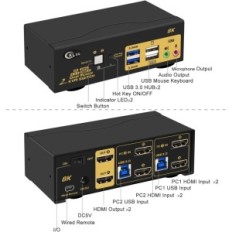
- KVM switch with two HDMI monitors: 2 computers / laptops dividing one keyboard and mouse set, 2 monitors, sound, microphone and 2 USB peripherals 3.0. HDMI support 2.1, HDCP 2.2, HDR 10. (Tips: 1. This KVM switch requires each of the computers to have 2 video outputs. 2. This KVM switch does not have EDID emulation, so the sizes can change after switching and location of windows.)
- 8K KVM switch with two USB 3.0 monitors: We have been a certified HDMI user for over 10 years. Excellent image processing and transmission ability, thanks to which the output signal is more liquid and stable. No drivers for Windows 10/7/7/70 / XP / Vista, Linux, Mac, Debian, Ubuntu, Fedora, Raspbian, Ubuntu, etc.
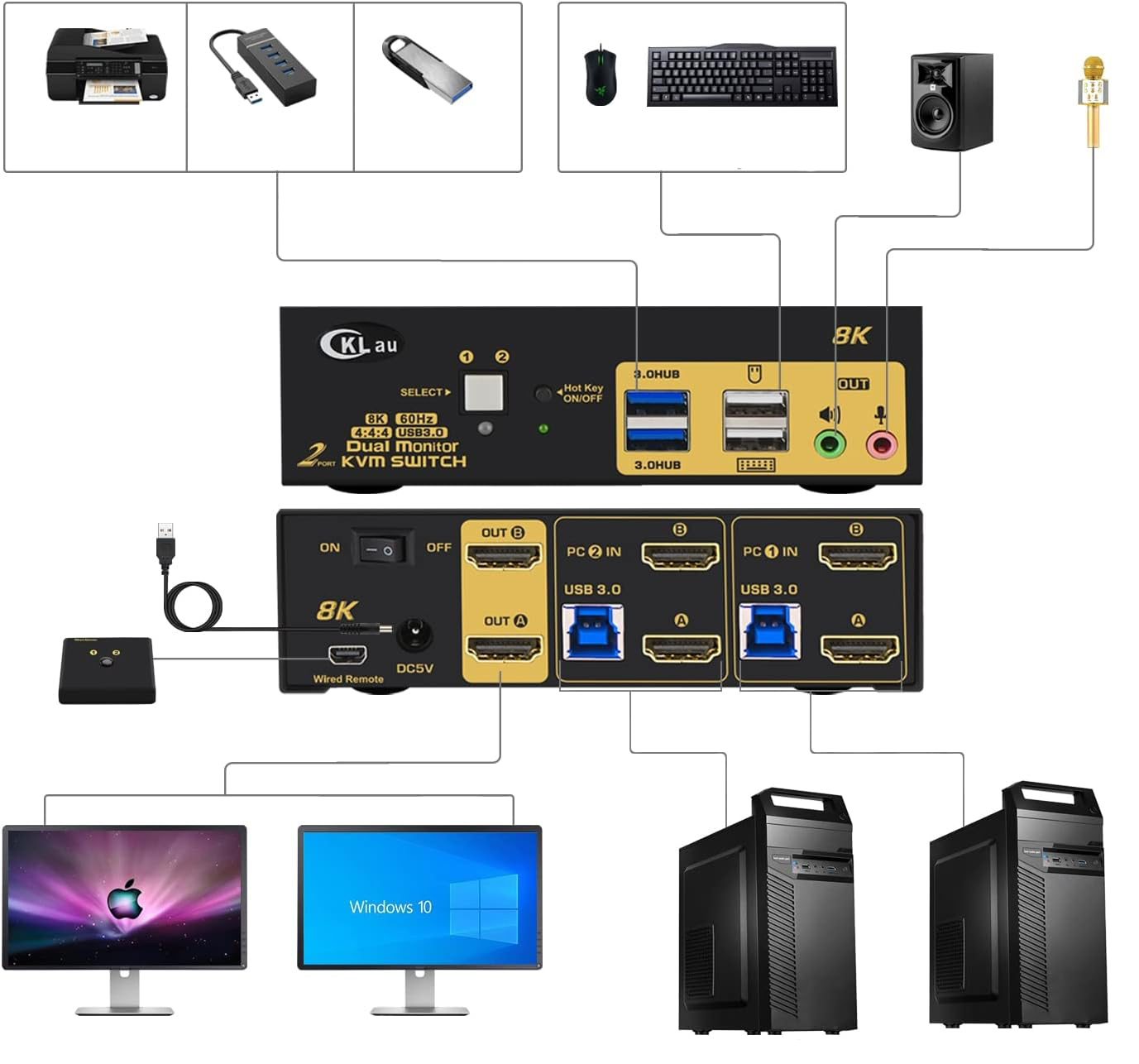
- HDMI switch monitor 144Hz: Compatible resolution 10240x4320 @ 60Hz, 7680x4320 @ 60Hz, 5120x2880 @ 50 / 60Hz, 4096x2160 @ 50/60/100 / 120hz, 3840x2160 @ 60/120 / 144Hz, 3840x1620 @ 60/120 / 144Hz, 3440x1600 @ 60/120 / 144hz, 3440x1440 @ 60/120 / 144Hz, 3840x1080 @ 60/120/144/165 / 240Hz, 3200x1800 @ 60/120/144/165 / 240hz, 2560x1440 @ 60/120/144/165 / 240Hz, 2048x1536 @ 60/120/144/165 / 240Hz, 2048x1280 @ 60/120/144/165 / 240Hz, 2048x1080 @ 60/120/144/165 / 240Hz, 1920x1200 @ 60/120/144/165 / 240Hz, etc.
- KVM switch with two HDMI monitors: Wired / wireless / united keyboard support, Keyboards Apple (The shortcut key is variable), touch screens, OLED screens, 16: 9 panoramic monitors, ultrapanoramic 21: 9, etc.
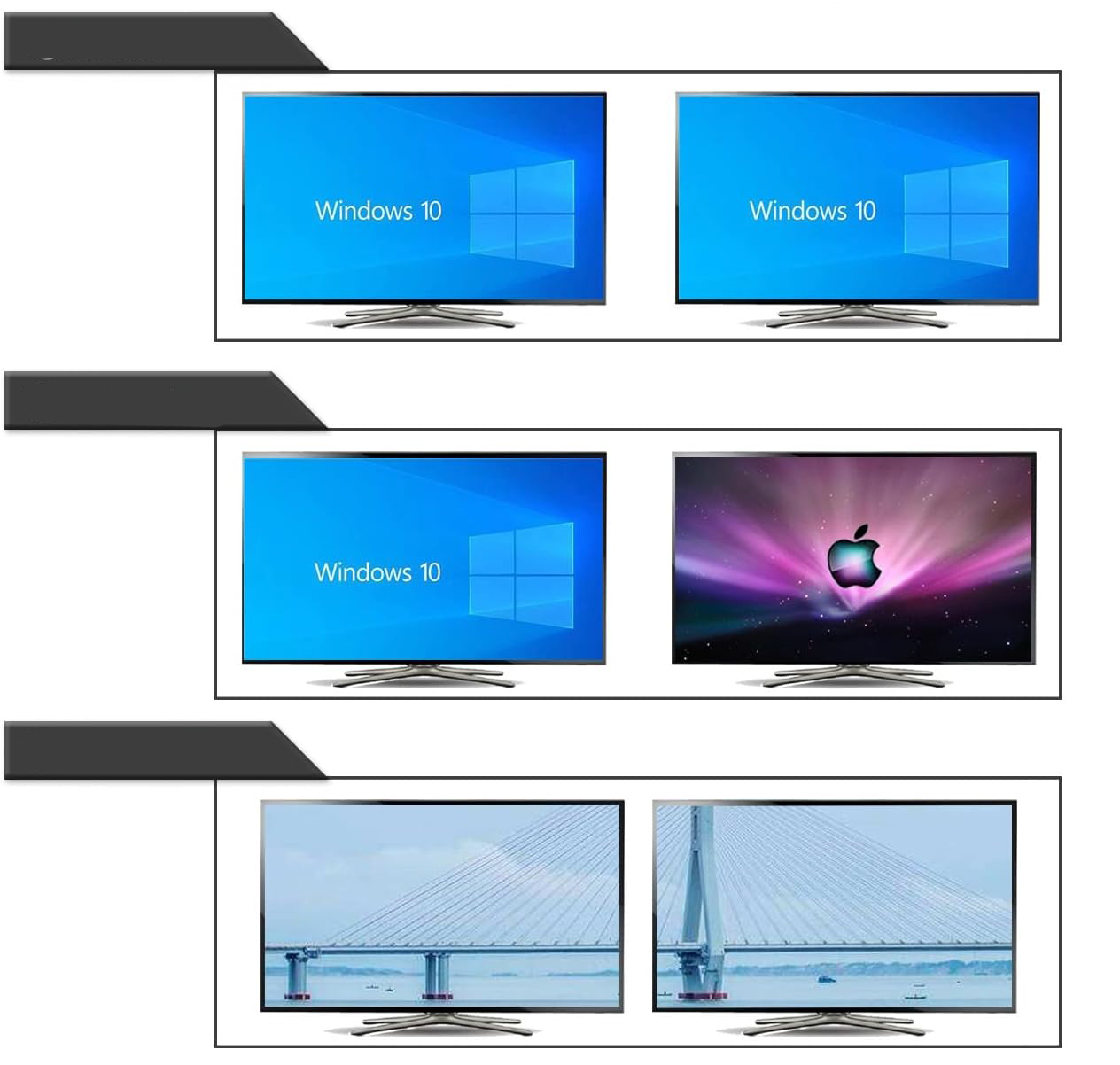
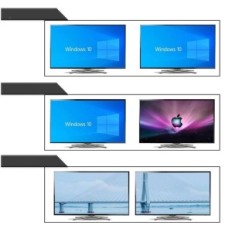
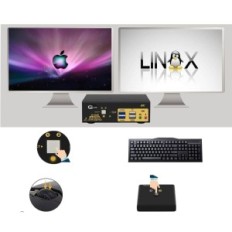
- KVM HDMI switch with two monitors: Four switching options: Switching the keyboard shortcut keys (Num Lock + Num Lock + 1/2 + ENTER, or Ctrl + Ctrl + 1/2 + ENTER, or Scroll Lock + Scroll Lock + 1/2 + Enter), Mouse switching (click the mouse wheel 2 times), Manual switching with the button, Switching the wired remote control. 3 Display modes to choose from: Extended display, Mirror display, Connecting display.
- IMPORTANT: If only one computer is based on BIOS, start with it, log on and wait for the image display. Then switch to the second computer and turn it on. If both computers are based on BIOS, first start KVM, then the first computer with BIOS, log in, wait for the image display, switch KVM to the second computer and finally turn on the second computer with BIOS. In short, do not turn on both BIOS computers simultaneously to avoid problems such as black screen or disable keyboard and mouse.
Specific References
- EAN13
- 6957737961743
16 other products in the same category:


 Français
 Polski
 English
 Čeština
 Dansk
Dansk Deutsch
 ελληνικά
 Español
 Eesti keel
 Suomi
Suomi Hrvatski
 Magyar
 Italiano
 Nederlands
 Bokmål
 Português PT
 Svenska
 Slovenčina
 Slovenščina
 Lietuvių kalba
 Latviešu valoda
 Secure payment
 Easy going back
 Fast delivery