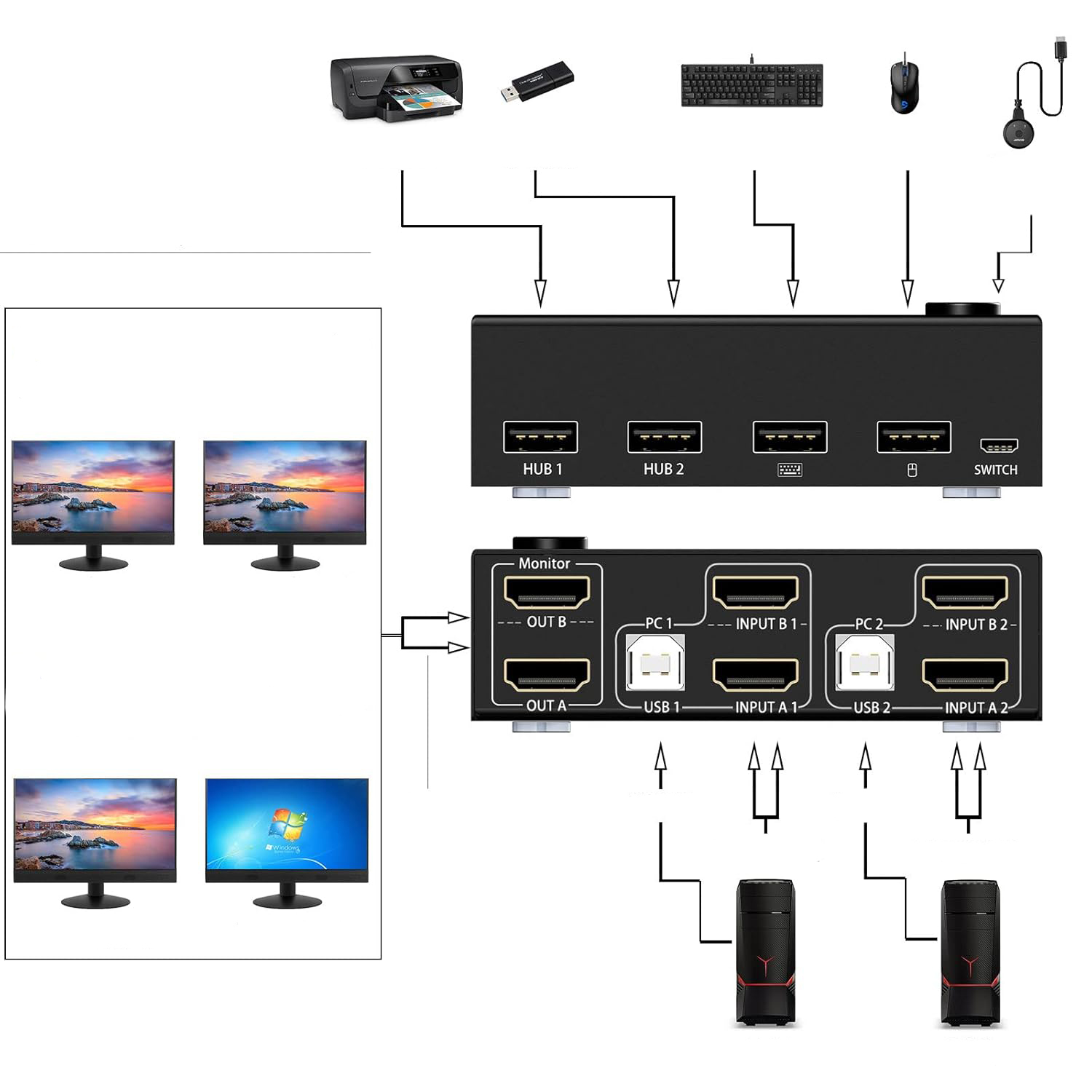
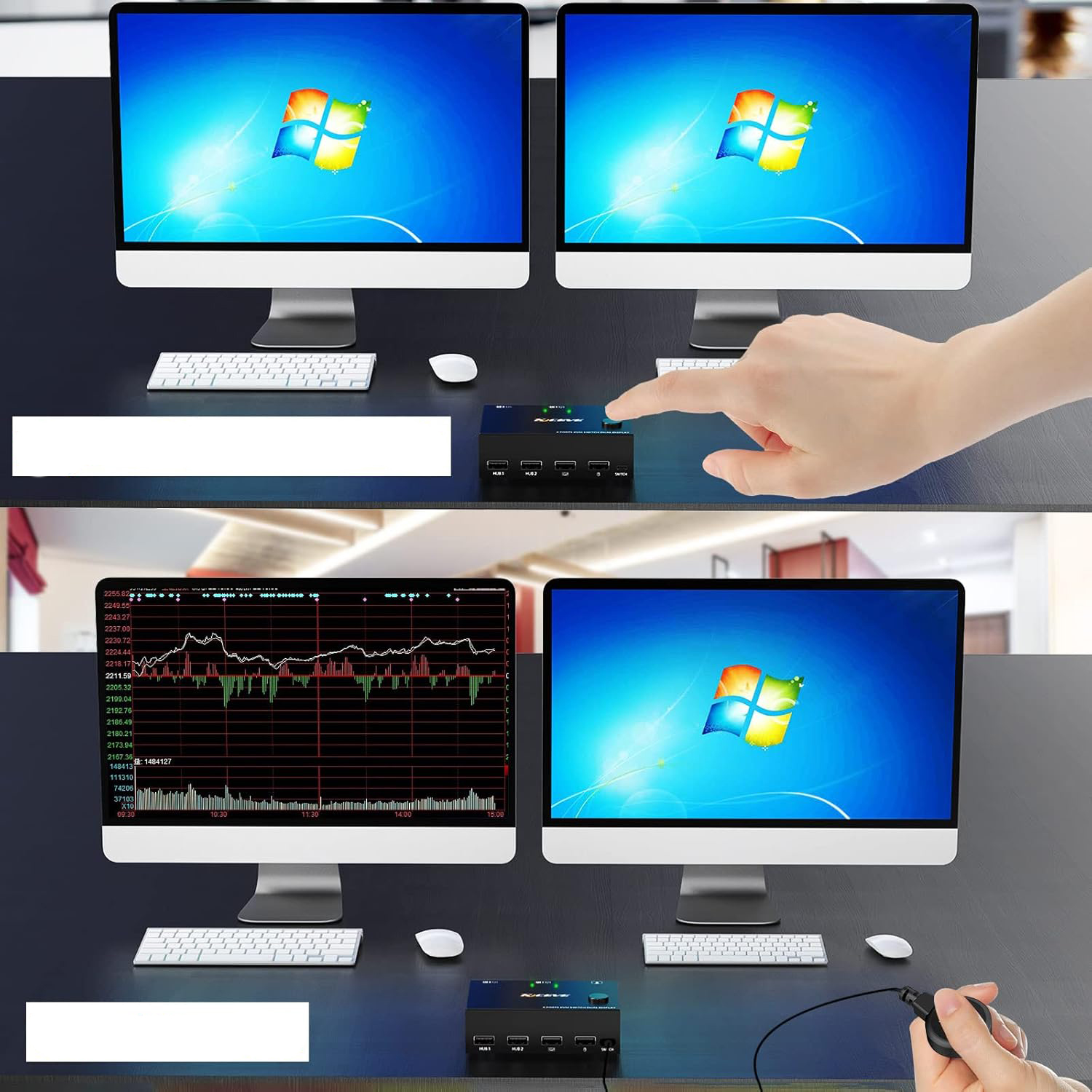
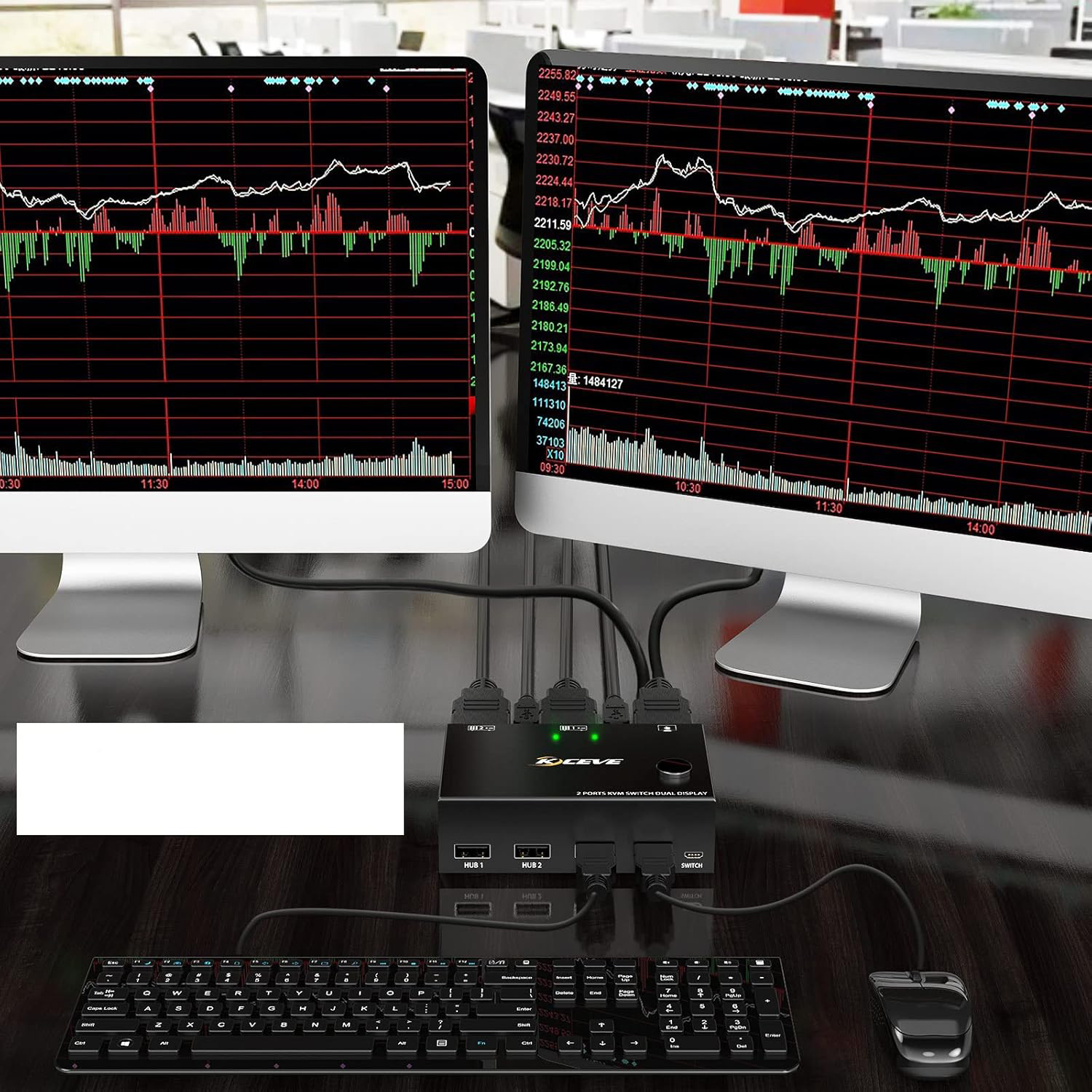
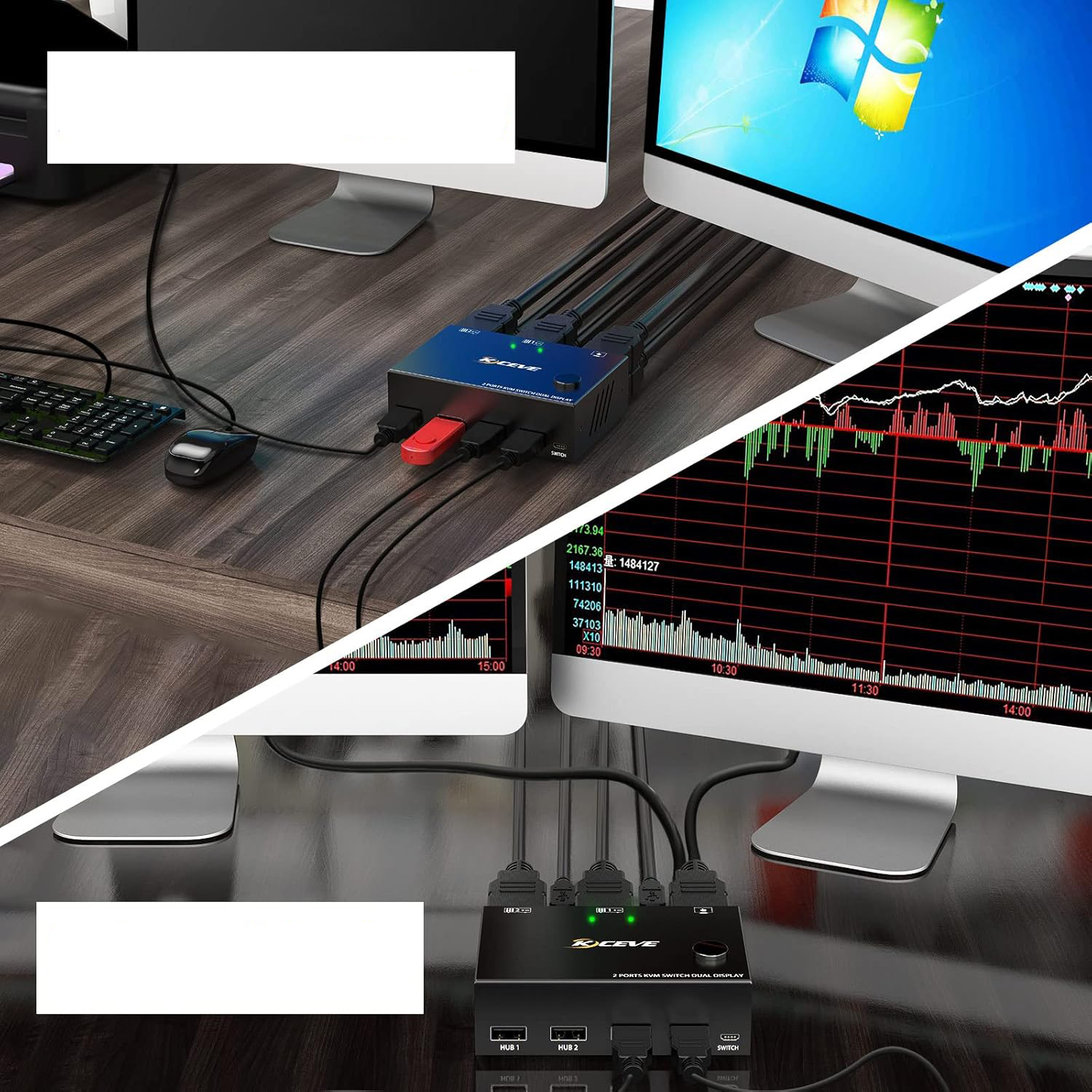
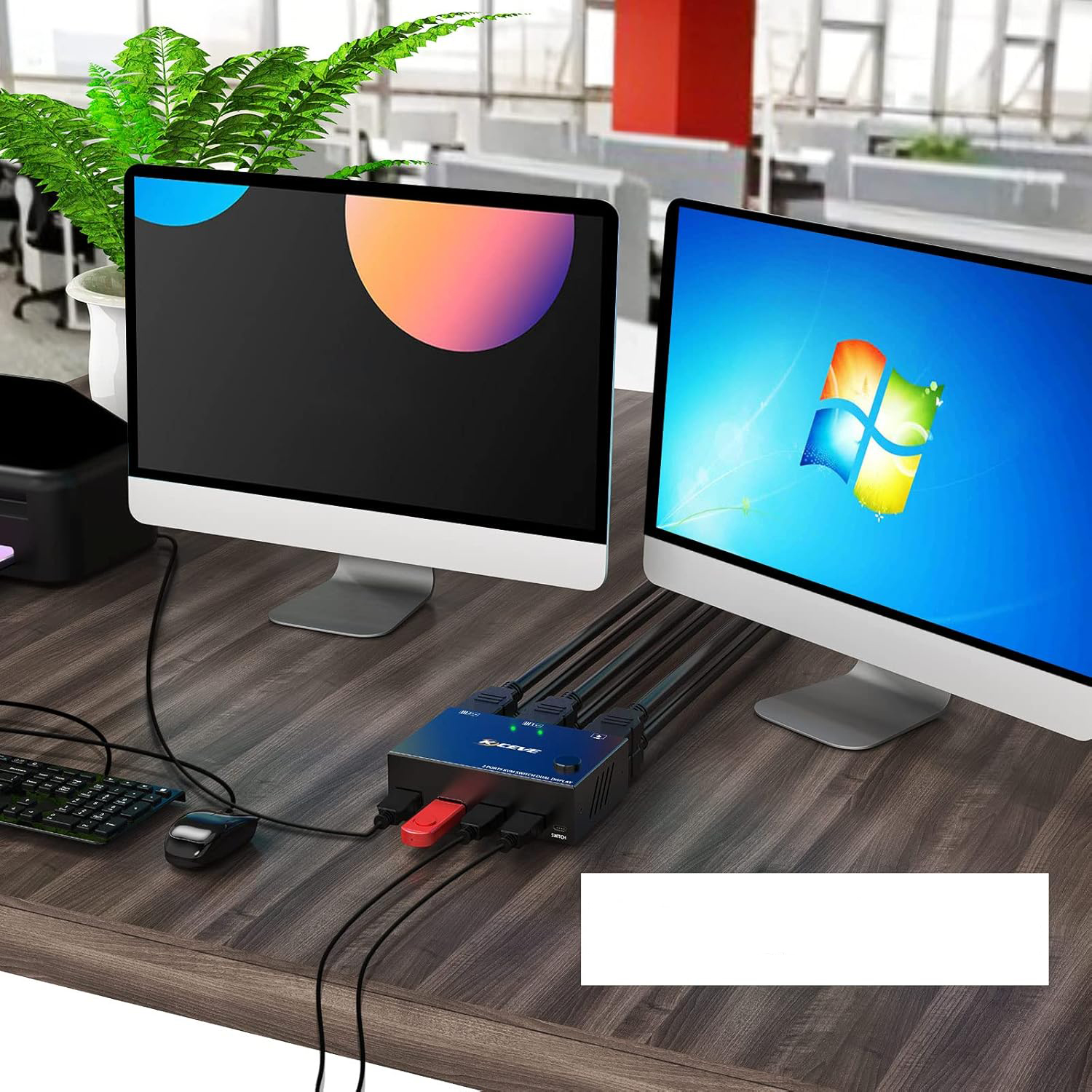
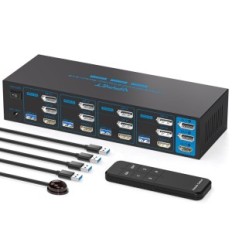
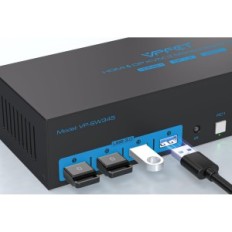
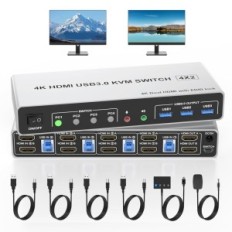
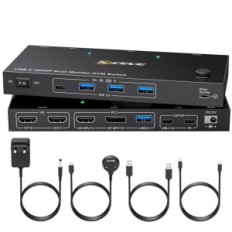
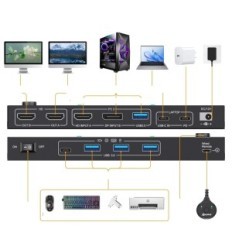
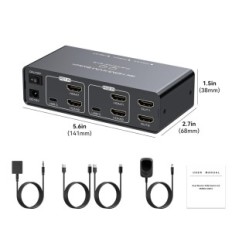
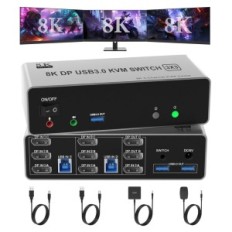
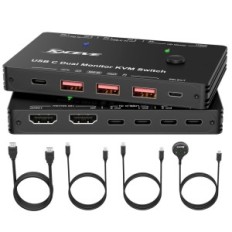
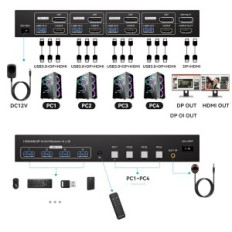
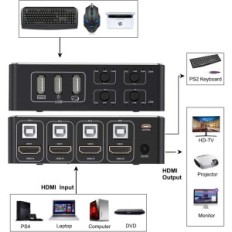
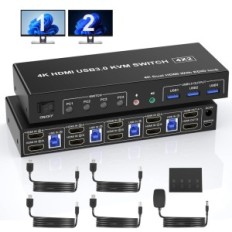
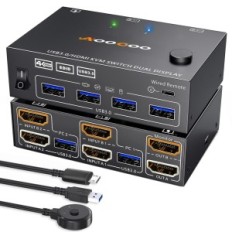
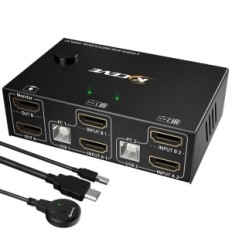
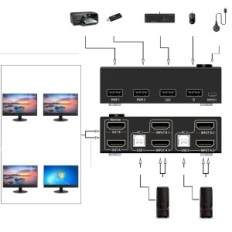
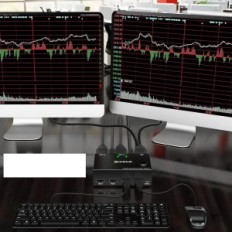
【KVM switch with supporting two HDMI monitors, 2 ports】 This KVM switch with two monitors allows you to control 2 computers with a single keyboard set and mouse, sharing 4 USB devices and 2 monitors (extended or mode or copied display). NOTE: In the extended mode, two different screens can be displayed, and in the copied mode two identical screens.
【Ultra HD 4K @ 60HZ】 KVM switch with two monitors support inputs with different resolutions such as 4K @ 60Hz, 1440p @ 60Hz, 3d and 1080p @ 60Hz or Lower. NOTE: For a 4K resolution, use the HDMI 2.0 cable and make sure that computers and monitors support 4K resolution!
【KVM Switch with 4 USB 2.0 ports】 HDMI KVM switch with USB 2.0 ports Allows you to connect devices such as wired / wireless keyboard and mouse, USB hard drive, printer or other USB devices. NOTE: This KVM switch is not compatible with HD cameras or MacBook Pro, so we do not recommend connecting them to this product.
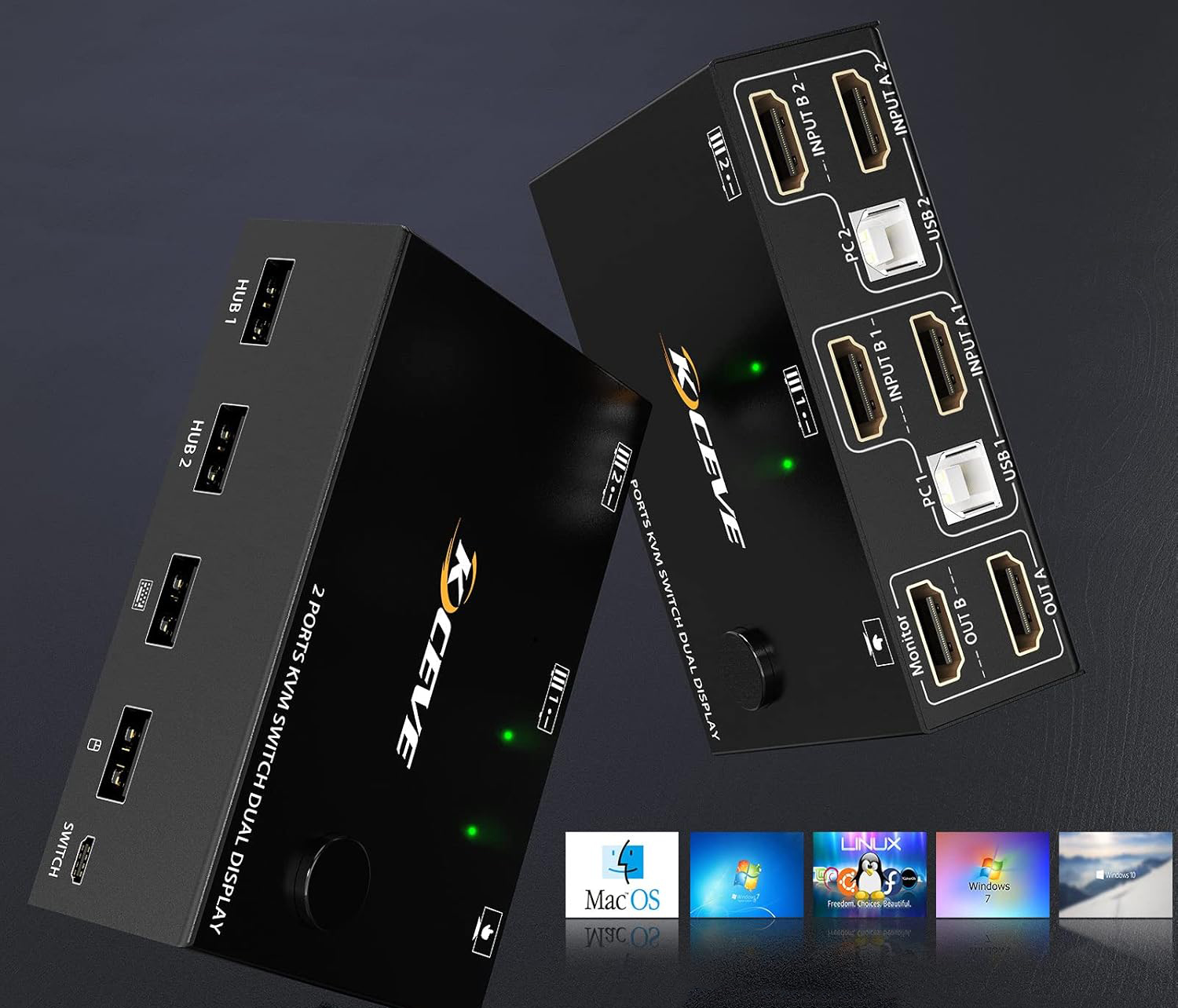
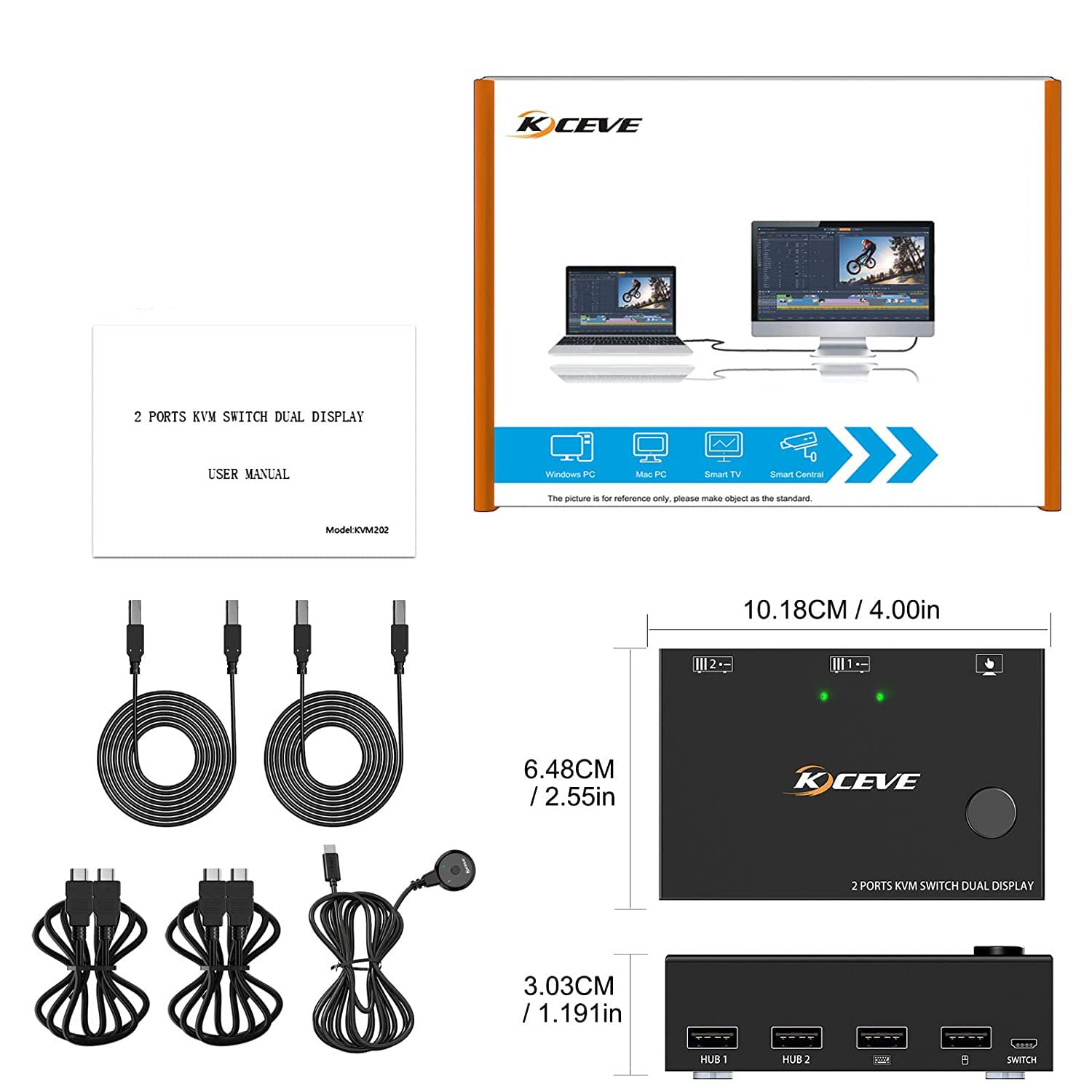
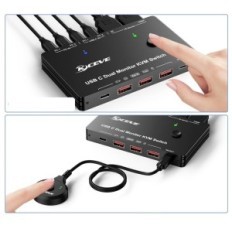
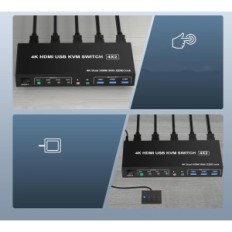
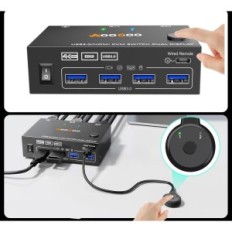
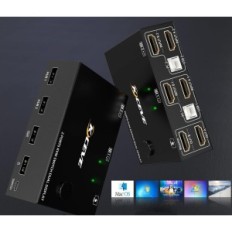
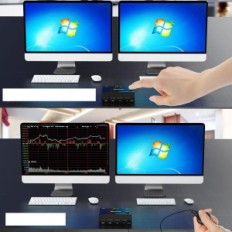
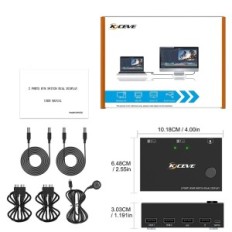
【Great compatibility and 2 switching modes】 KVM HDMI milk works without drivers in Windows 10/8 / 8.1 / 7 / Vista / XP, Mac OS and Linux. Plug and play, does not require external power supply. You can switch computers using the button on the panel or desk controller (included with the set). LEDs indicate an active computer.
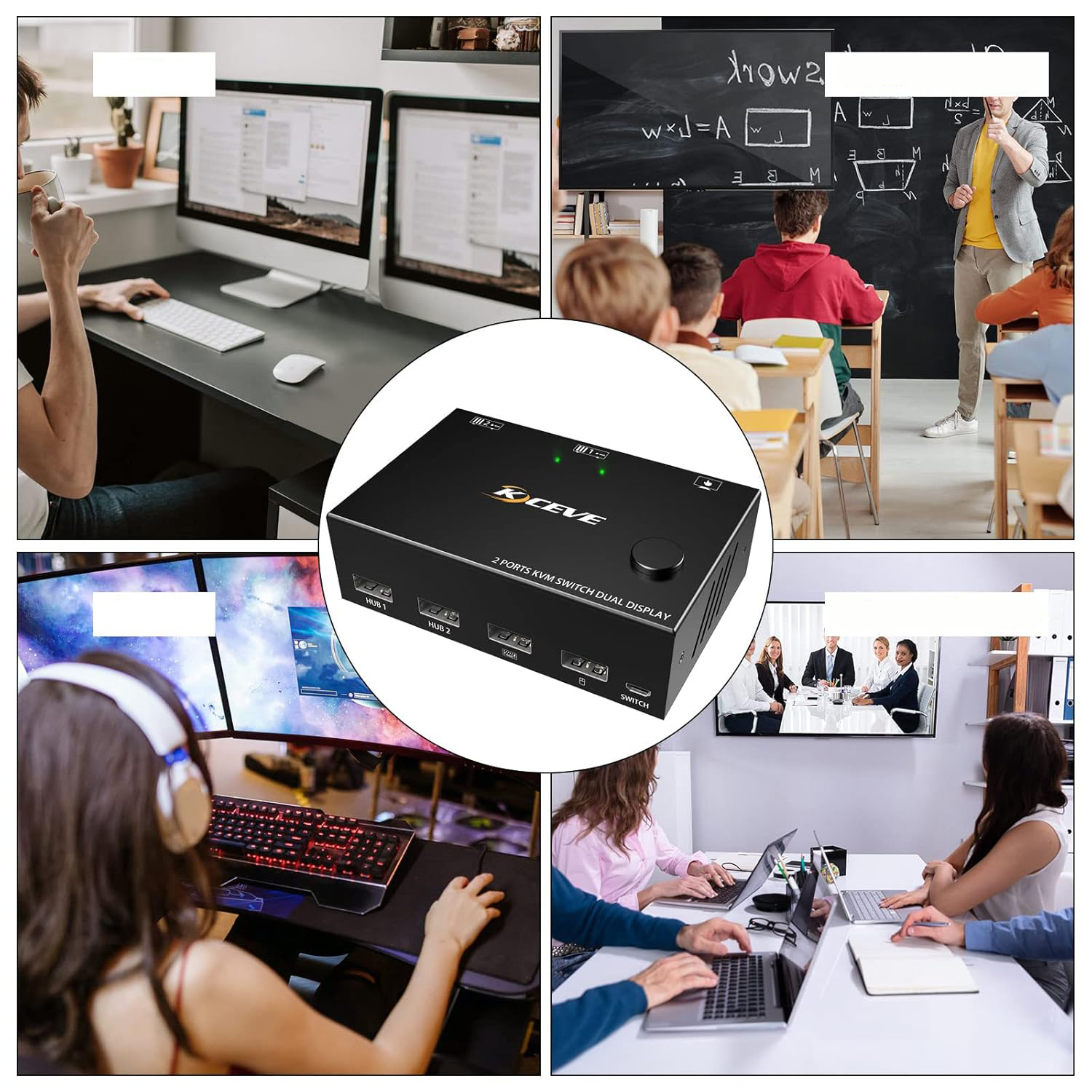
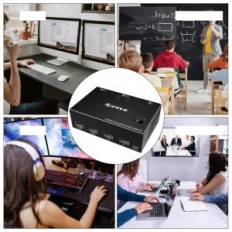
【USB HDMI KVM with wide compatibility】 KVM switch supports many types of input devices such as PC, laptop, Apple TV, PS3 / PS4, Xbox. Is widely used in offices, during multimedia teaching, conference rooms, etc.
【NOTE】 This KVM switch with two monitors requires that each computer has 2 HDMI ports and supported display in extended mode. Supports DVI / VGA / DP / USB C converters on HDMI. If the computer supports only one screen, this product will not allow the function of two screens.
After connecting computers and monitors with KVM, set the screen output mode on your computer (press Windows + P) and select the output mode in the window pop-up window. Otherwise, only one of the two connected monitors will display the image.


 Français
 Polski
 English
 Čeština
 Dansk
Dansk Deutsch
 ελληνικά
 Español
 Eesti keel
 Suomi
Suomi Hrvatski
 Magyar
 Italiano
 Nederlands
 Bokmål
 Português PT
 Svenska
 Slovenčina
 Slovenščina
 Lietuvių kalba
 Latviešu valoda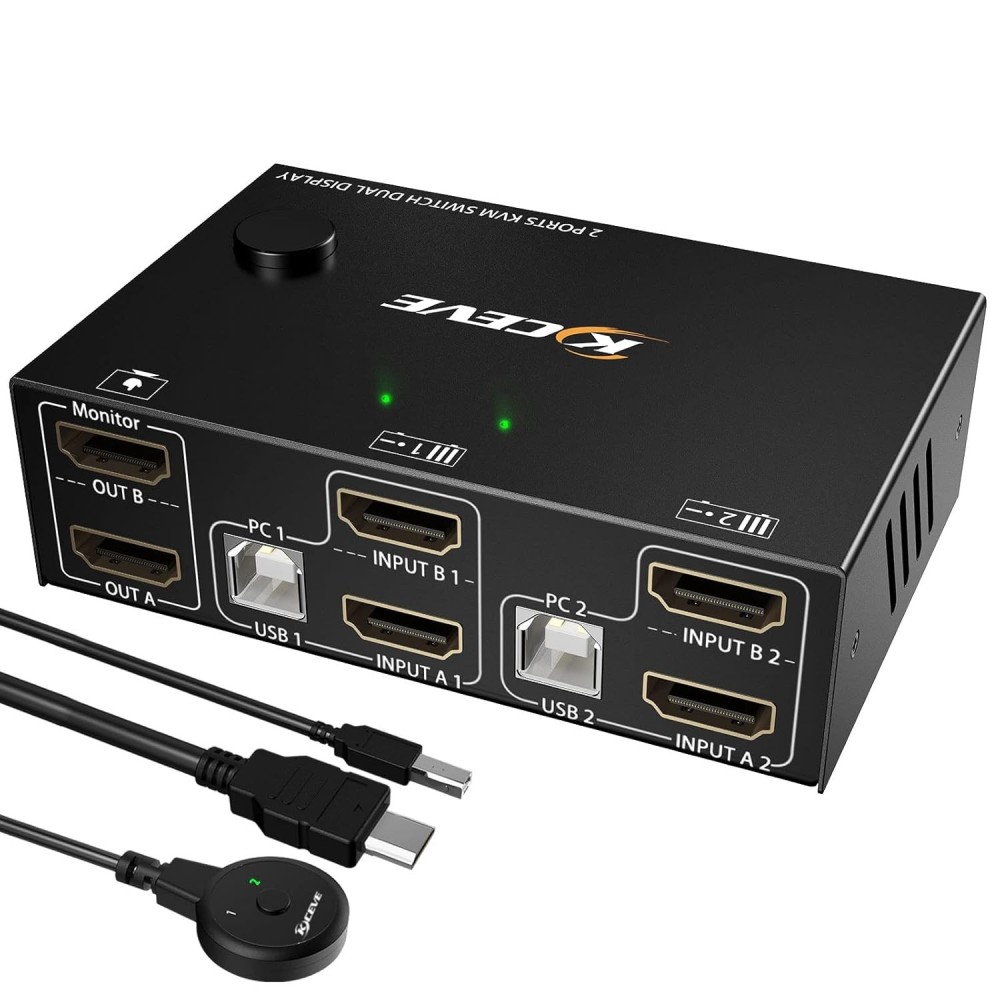

 Secure payment
 Easy going back
 Fast delivery