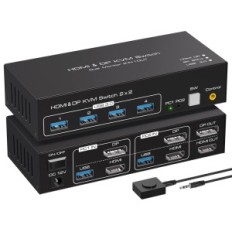
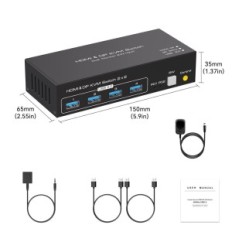
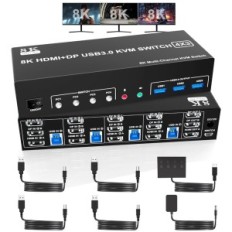
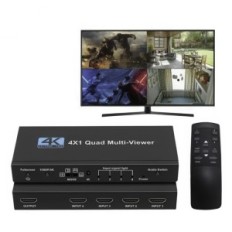
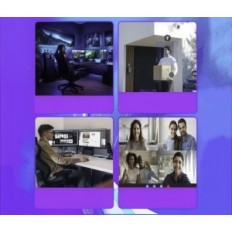
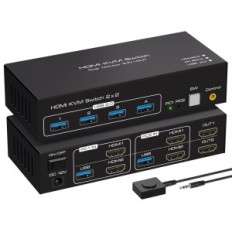
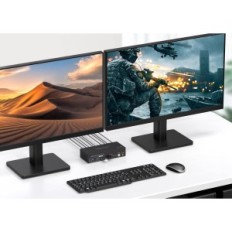
KVM switch to 4 computers 1 Monitor with audio function
4 computers share 1 monitor and 4 USB 3.0 devices
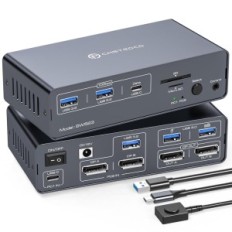
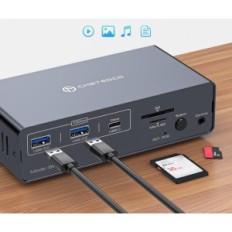
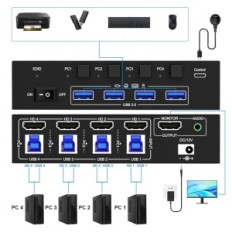
This 4-port KVM switch is used for computers or laptops with 4 HDMI ports to share 1 monitor and 4 USB 3.0 devices (keyboard, mouse, printer, scanner and other USB devices).
Visual Impressions in Ultra HD 8K 60 Hz / 4k @ 120 Hz
This KVM 4 in 1 switch gives the maximum resolution to 8K 60 Hz / 4K @ 120 Hz, each detail can be displayed without delay. DisplayPort 1.4 supports the maximum resolution to 8K @ 30Hz / 4K @ 120 Hz and is compatible back. HDMI 2.1 supports a maximum of 8K 60 Hz / 4K @ 60Hz and is compatible back with a lower resolution. Tip: The HDMI part does not support 4K @ 144Hz or 4K 120Hz
Important Note: The final resolution depends on the graphics card, cables, monitors and adapters.
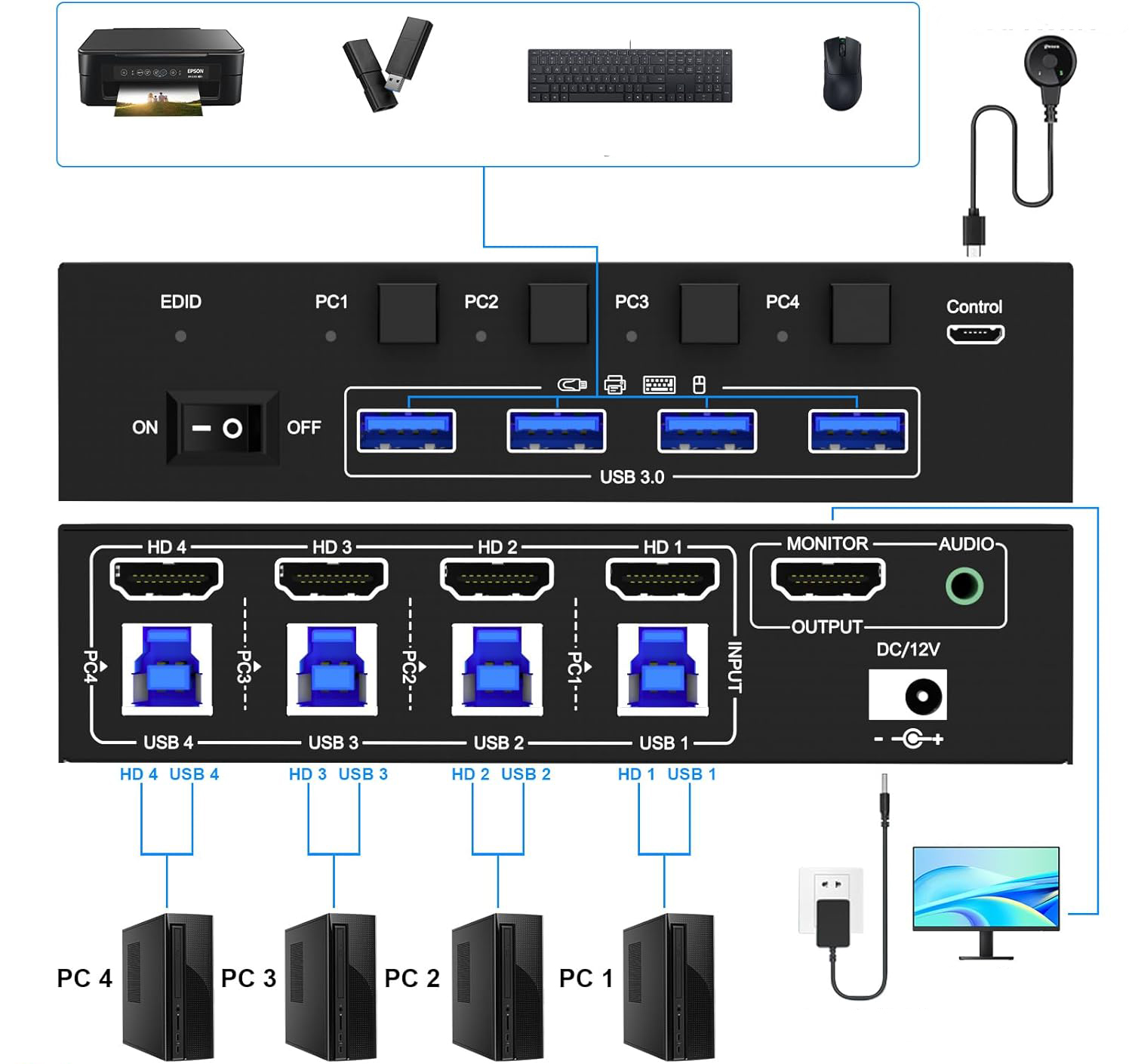
To enter each computer needs 1 HDMI port and 1 USB 3.0, to the output 1 HDMI connector
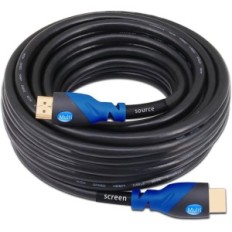
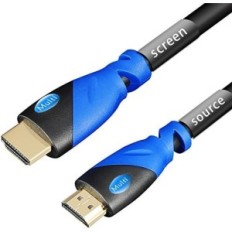
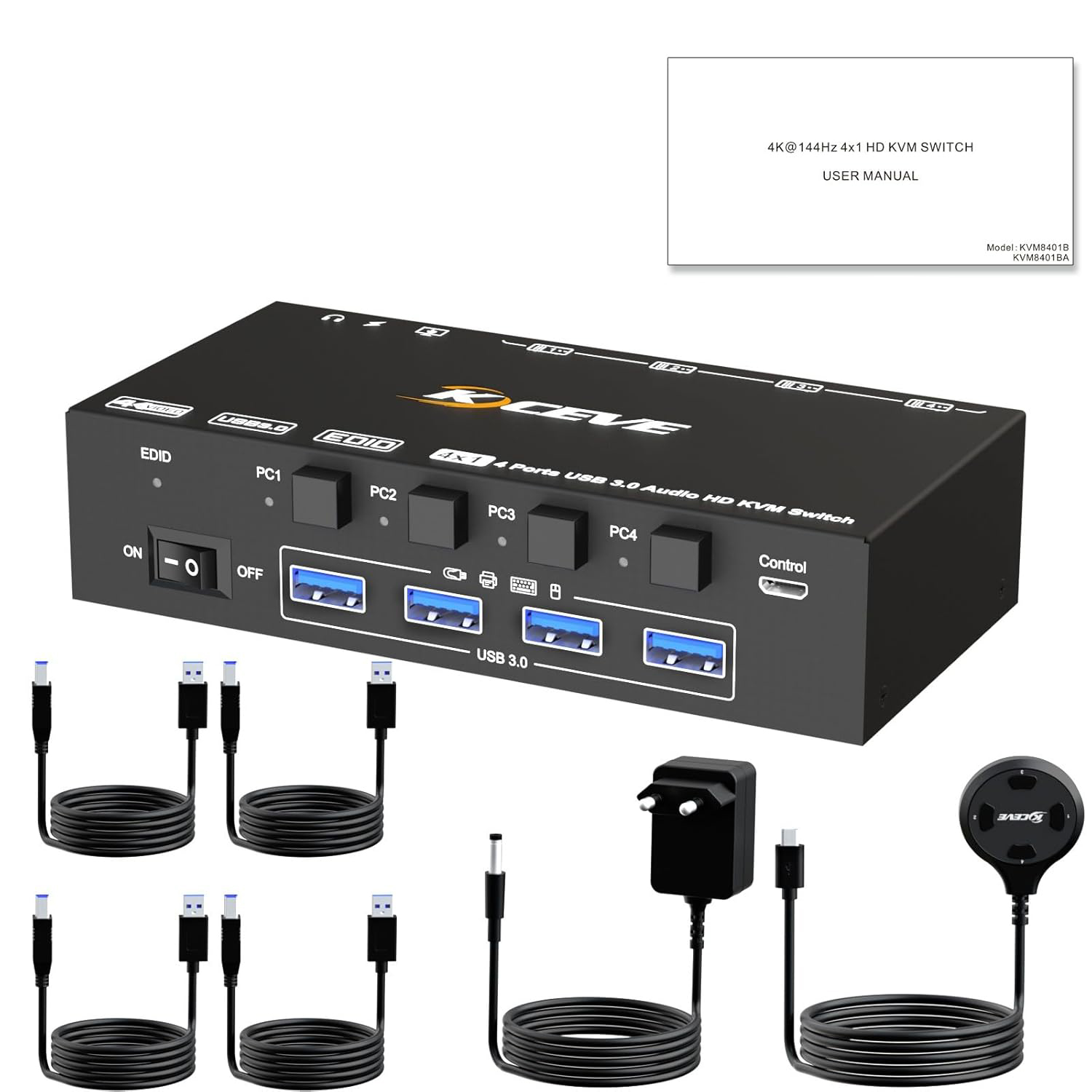
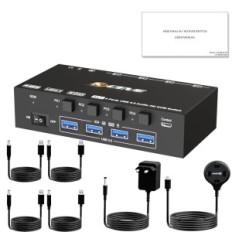
Step 1: Connect 1 HDMI cable + 1 USB cable to computer 1 and KVM switch (HD 1, USB 1). STEP 2. Connect 1 HDMI + 1 USB cable to a computer 2 and KVM (HD 2, USB 2) switch. STEP 3. Connect 1 HDMI + 1 USB cable to a computer 3 and KVM switch (HD 3, USB 3). Step 4. Connect 1 HDMI + 1 Cable USB cable to PC 4 and KVM (HD 4, USB 1). Step 5. Connect 1 HDMI cable to the monitor (output). Step 6: Connect the USB device (keyboard and mouse) to the USB 3.0 port of the KVM switch. You can simultaneously connect to 4 USB devices 3.0. Step 7. Connect the wired remote control
Tip: Connect the 12 V DC power supply to ensure enough current. The use of shorter HDMI 8K can make the KVM switch more stable.
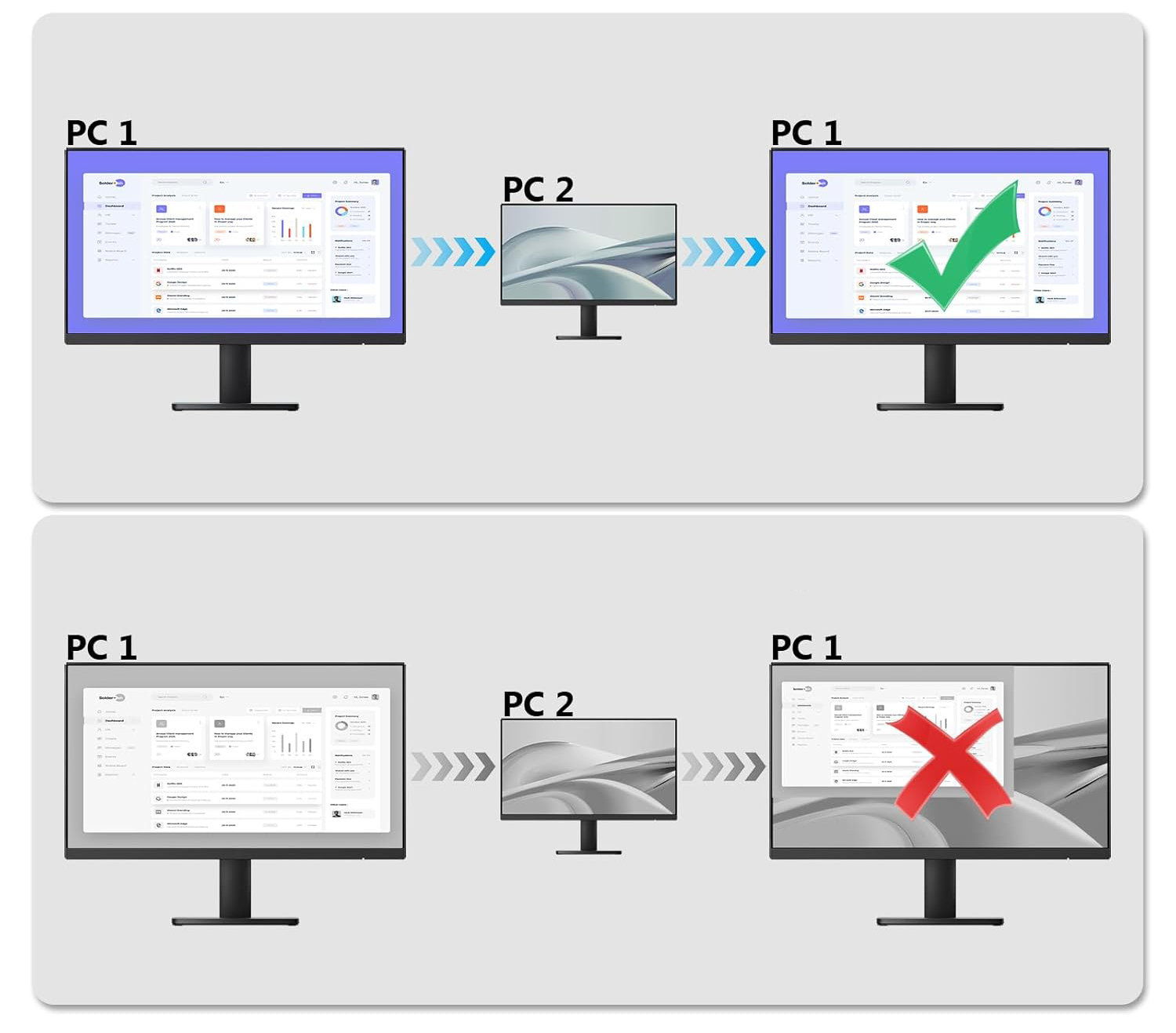
KVM 4 PC switch with EDID emulators in each input port
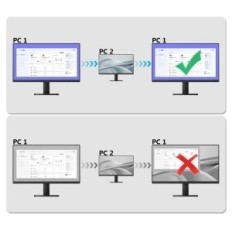
USB 3.0 KVM with EDID emulators in each input port, so that computers always have the appropriate display after switching. Most KVM switches on the market do not support the Edid screen lock function, which sometimes is not very practical.
Enjoy the display in 8K-HD quality
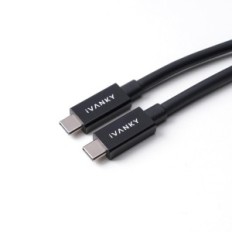
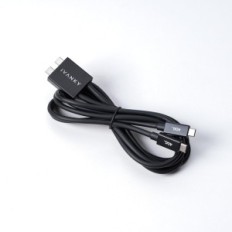
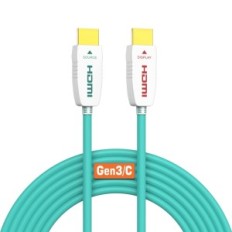
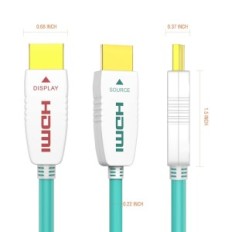
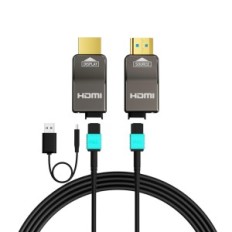
Supports 8K 60Hz resolution, 4K 120Hz, 4K 60Hz and lower resolution. To achieve a resolution of 8K, use the 8K cable. HDMI cable should not be too long (1.5 m would be stable)
With audio function
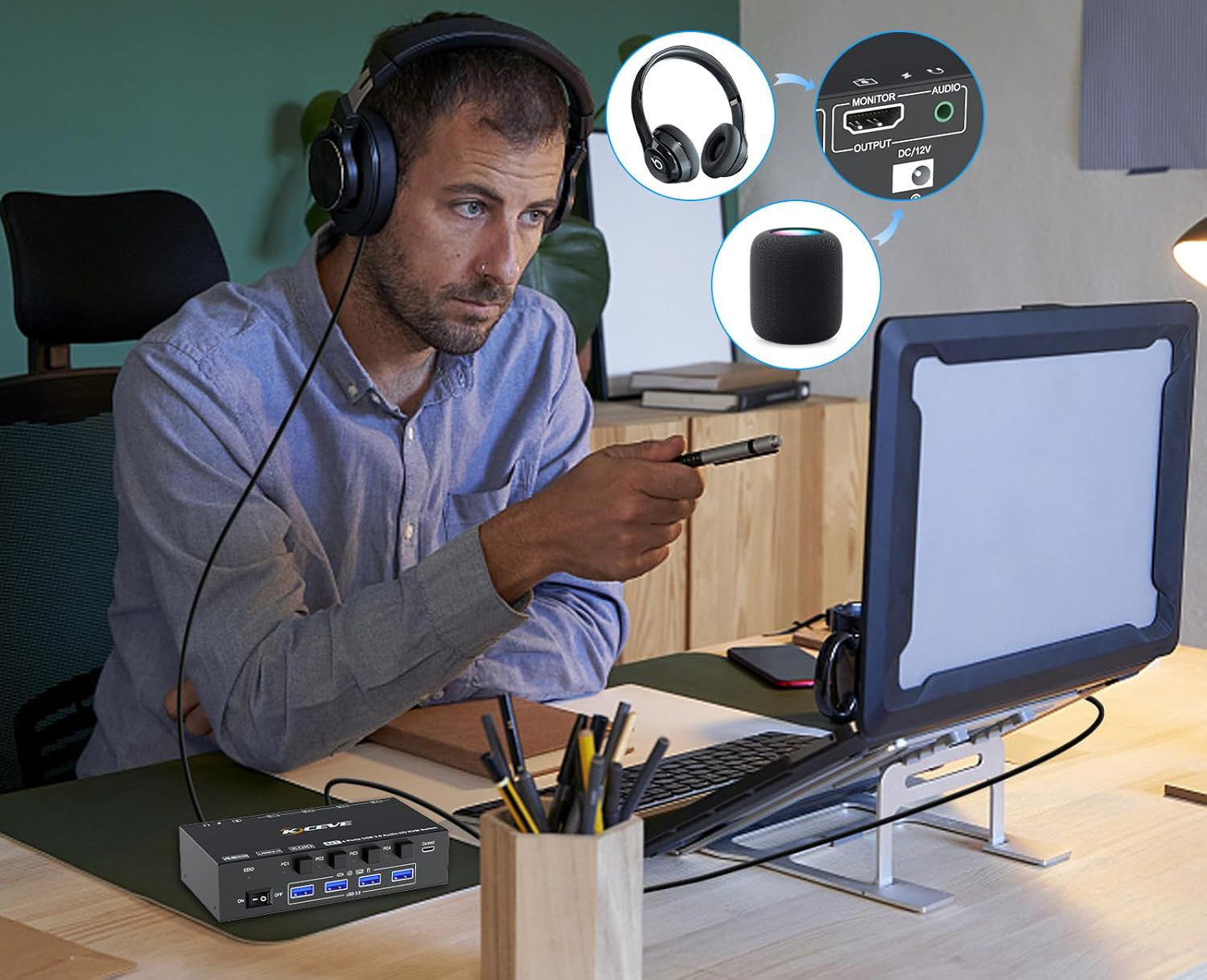
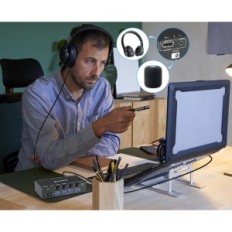
This KVM switch is equipped with sound for audio devices, such as power amplifier or headphones. The microphone is not supported.
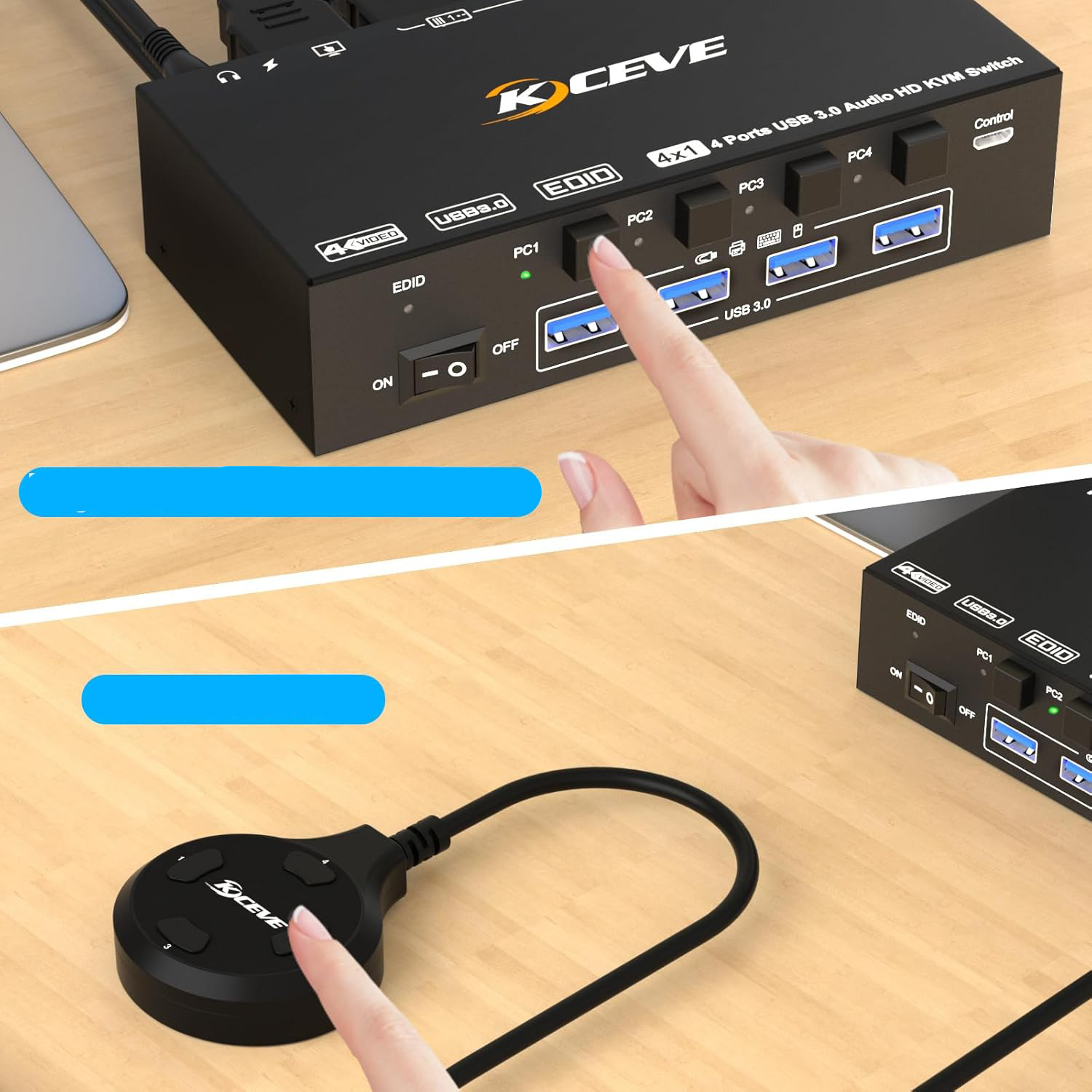
Supports 2 switching paths
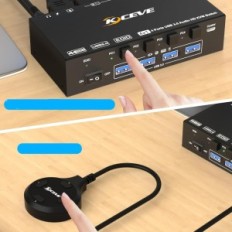
Physical control buttons. Wired control: We have improved wired control, is larger and more pleasant to the touch. This switching method reacts quickly and is flexible. The KVM switch from 4 PC can be held under the table and thus take care of order on the desk.
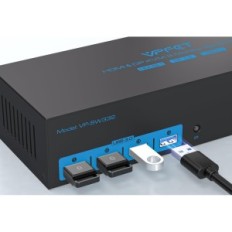
KVM 4 PC switch with 4 USB 3.0 ports
The USB 3.0 version provides a faster and more stable data transfer and is a great solution to many problems with disconnecting USB devices during use.
DC 12 V connection for power supply
In the case of normal USB devices, external power supply is not required. The DC12 power supply falls within the scope of delivery. If you connect a USB device with high energy consumption, connect the power supply to ensure stable operation.


 Français
 Polski
 English
 Čeština
 Dansk
Dansk Deutsch
 ελληνικά
 Español
 Eesti keel
 Suomi
Suomi Hrvatski
 Magyar
 Italiano
 Nederlands
 Bokmål
 Português PT
 Svenska
 Slovenčina
 Slovenščina
 Lietuvių kalba
 Latviešu valoda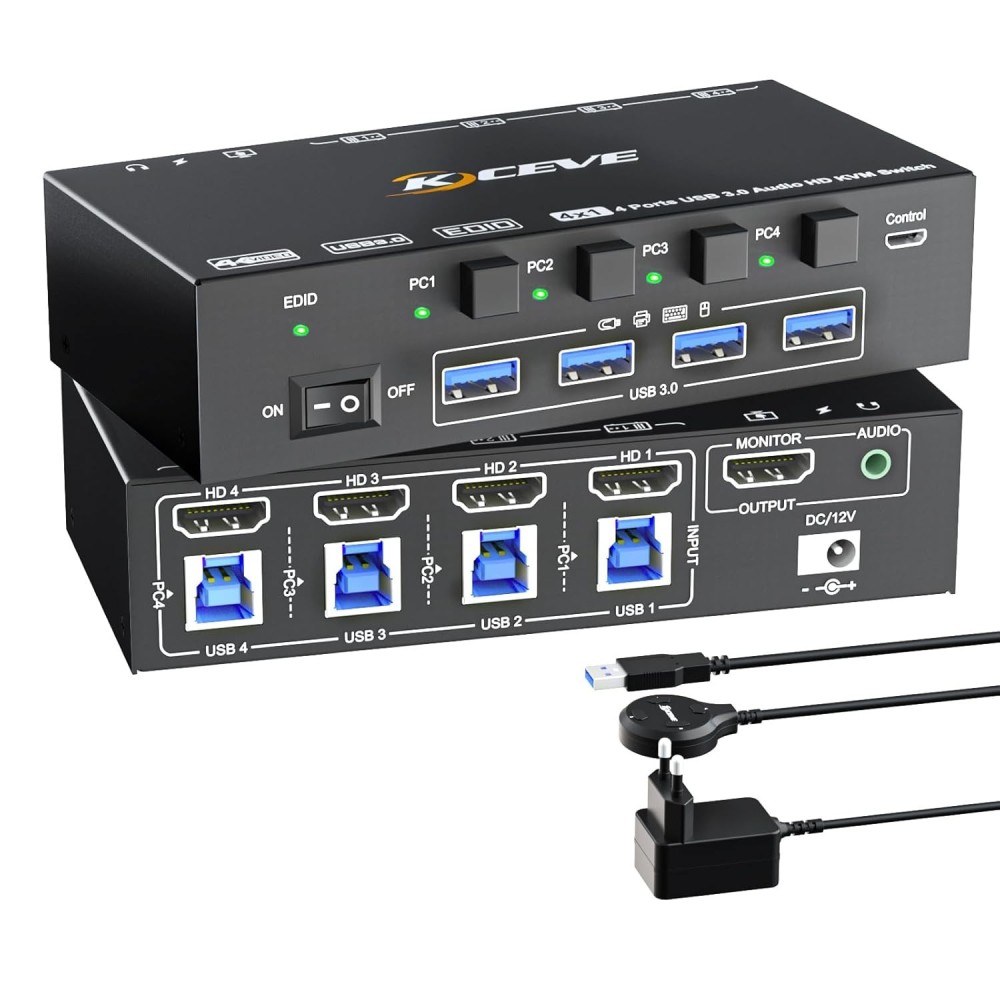
 Secure payment
 Easy going back
 Fast delivery