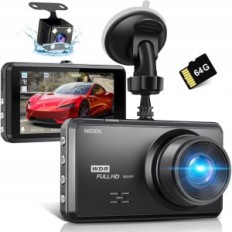
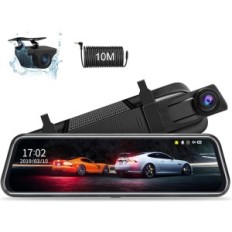
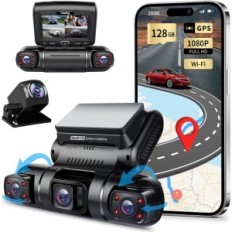
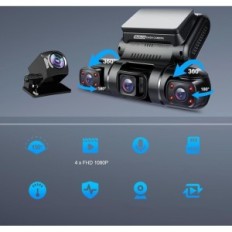
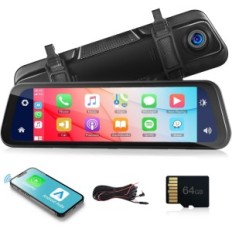
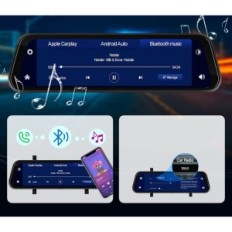
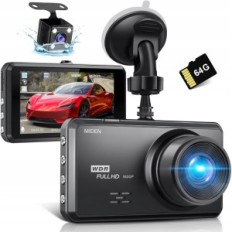
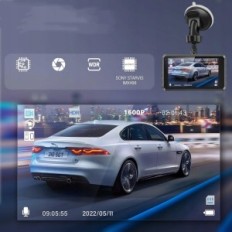
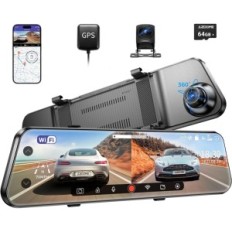
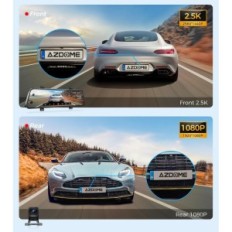
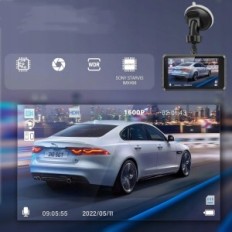
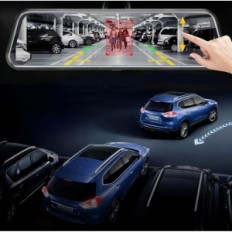
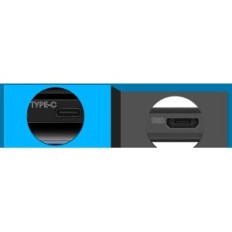
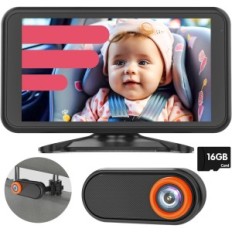
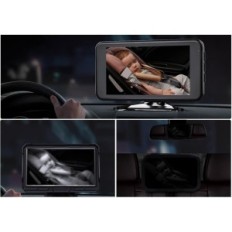
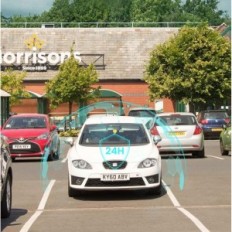
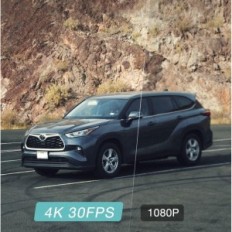
【4K UHD resolution and an innovative IPS 3 "】 display equipped with WDR, advanced sensor and a large aperture F1.8, the ID400 camera provides bright and clear video quality and restores the scene while driving during day and in Night. The 3-inch IPS screen enables easy operation and control of a dashing camera, as well as monitoring and playing moments anywhere and time. In addition to high-quality display, the device also offers a beautiful look, so it is perfectly suited as a gift for friends and family.
【Delivered MicroSD card, automatic recording and infinite loop】 When you insert the attached MicroSD 32 GB card, the camera automatically starts and stops after switching on / off. The continuous loop function automatically overwrites past unknown movies to free the place to new movies.
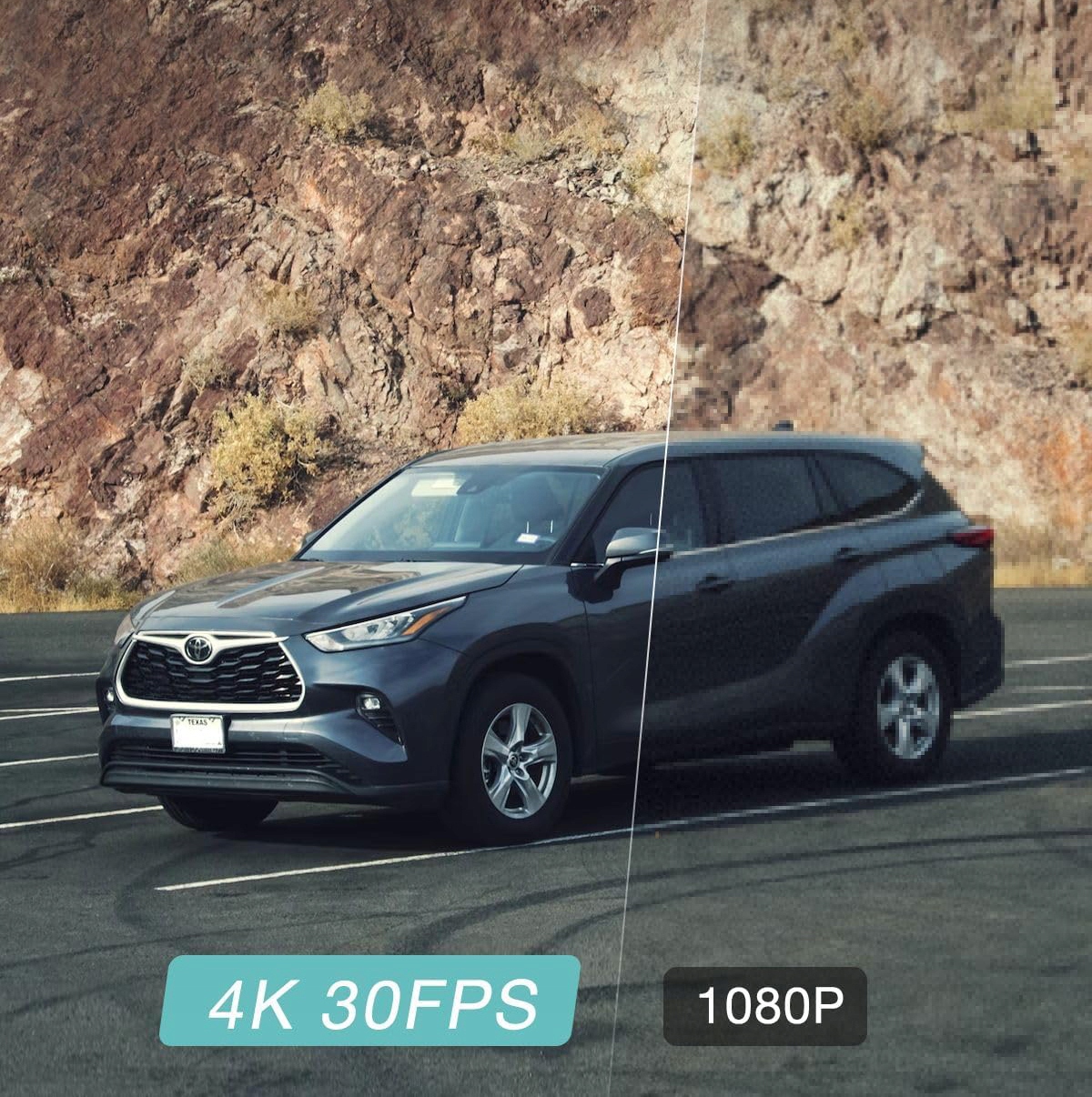
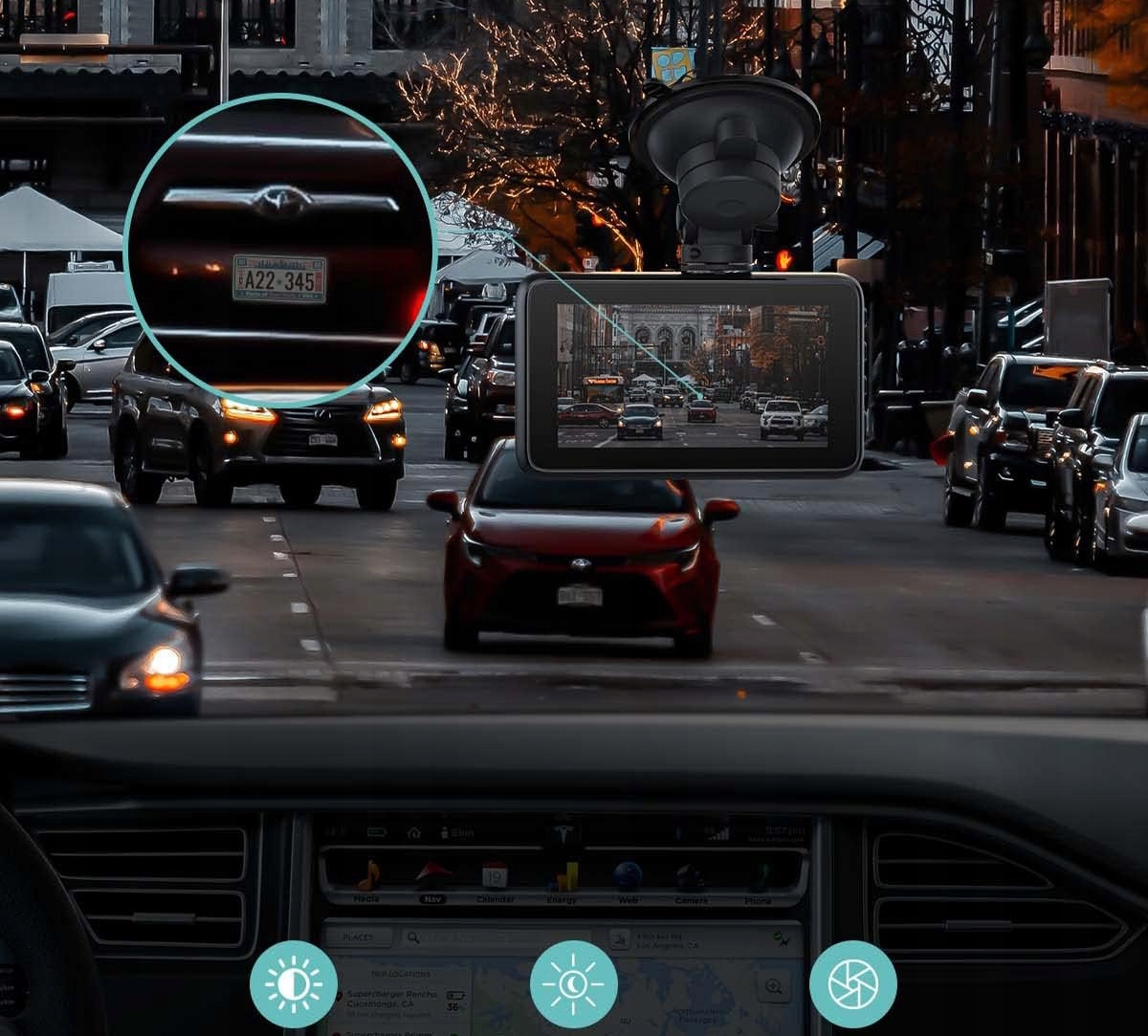
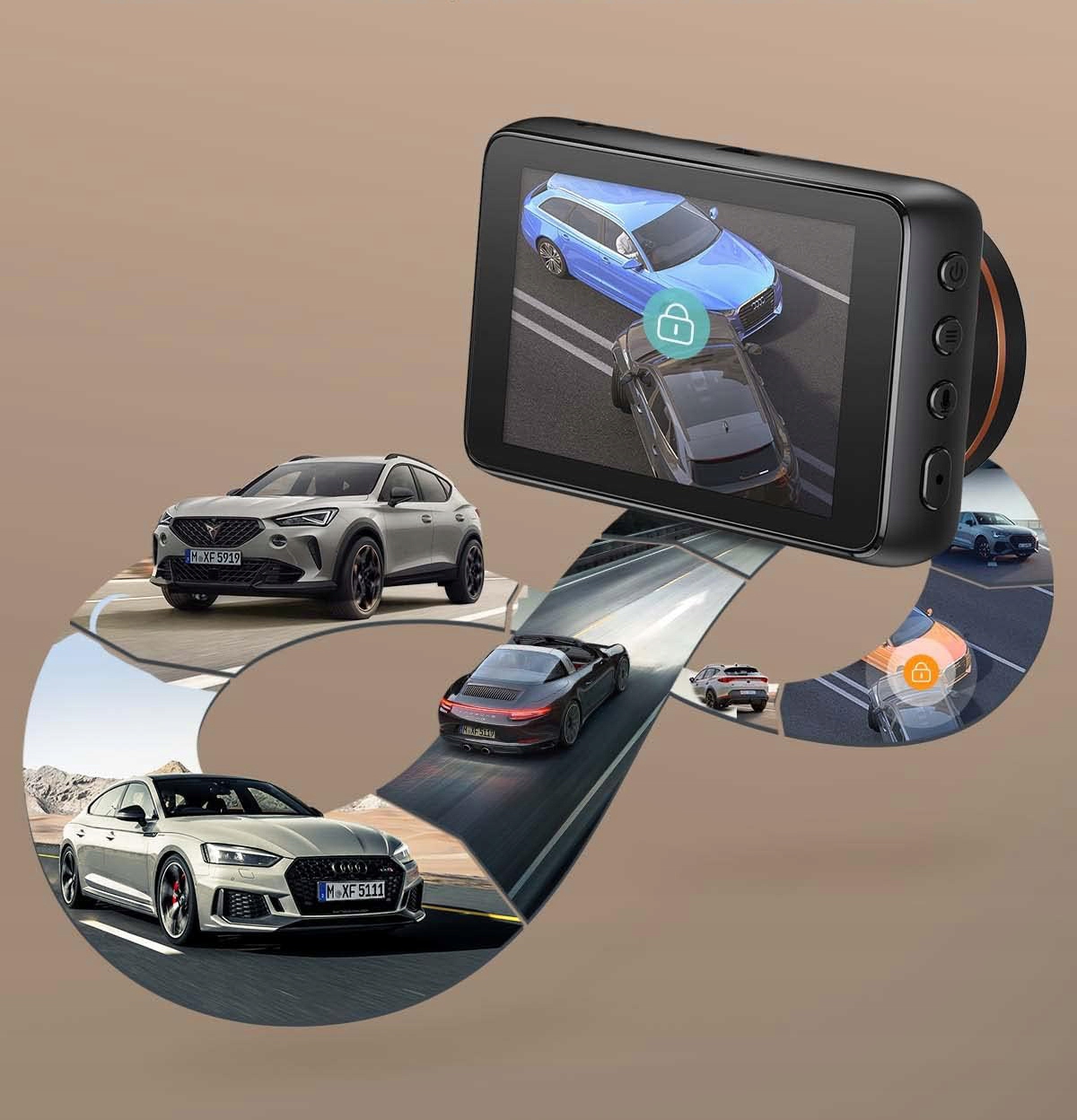
【Automatic and manually recording in an emergency】 Thanks to the built-in sensor G, the car camera automatically detects sudden vibrations or impacts and saves them as proof. Press the lock button to manually lock the current movie. Thanks to this, even when it does not get a collision, but on the street you can see something interesting / important, blocked recordings.
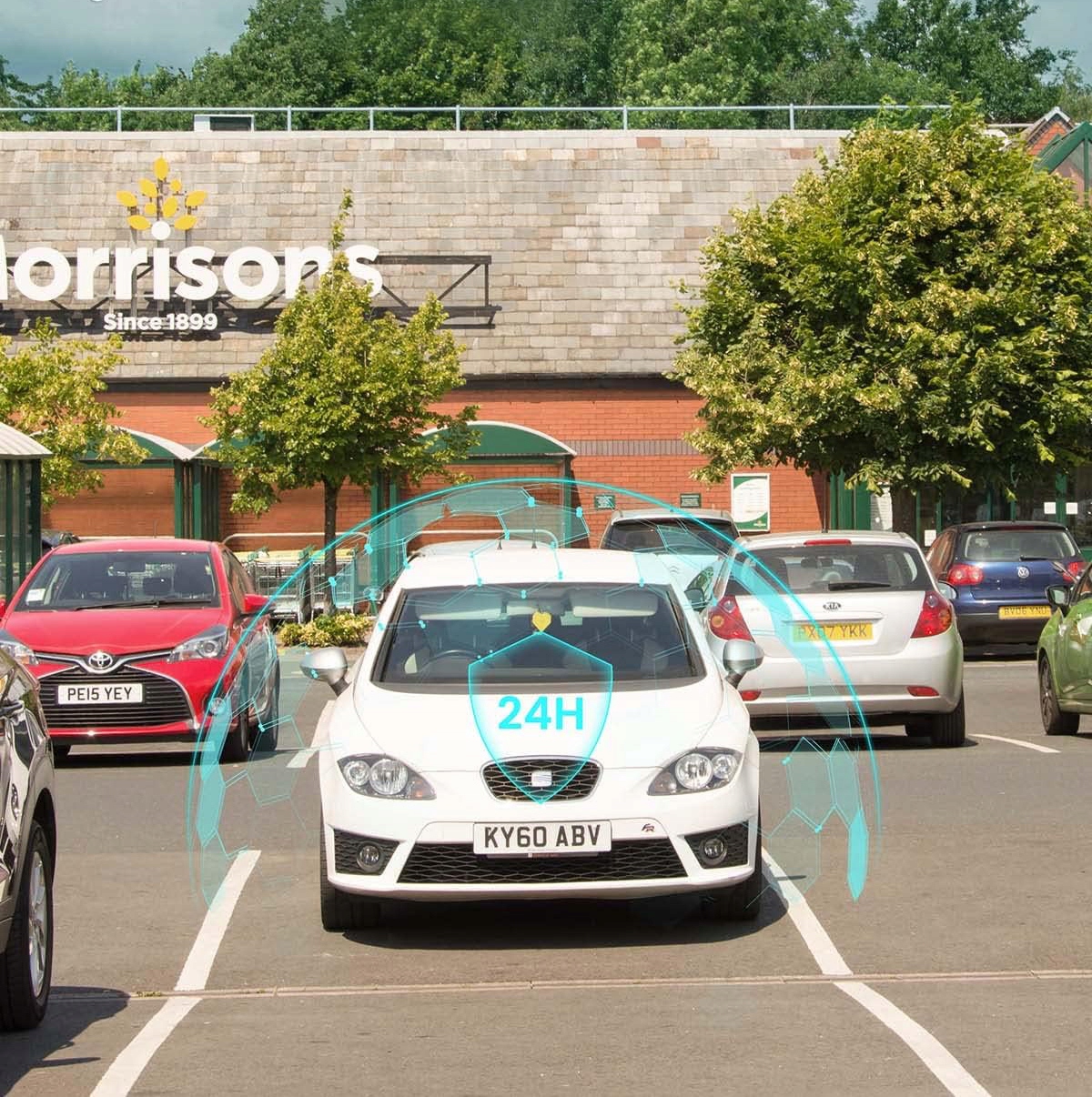
【Two parking modes】 When the parking monitoring function is enabled, the car camera records video up to 6-10 times (after 30 seconds each) after recognizing the vibration, which ensures effective protection for unmanned vehicles.
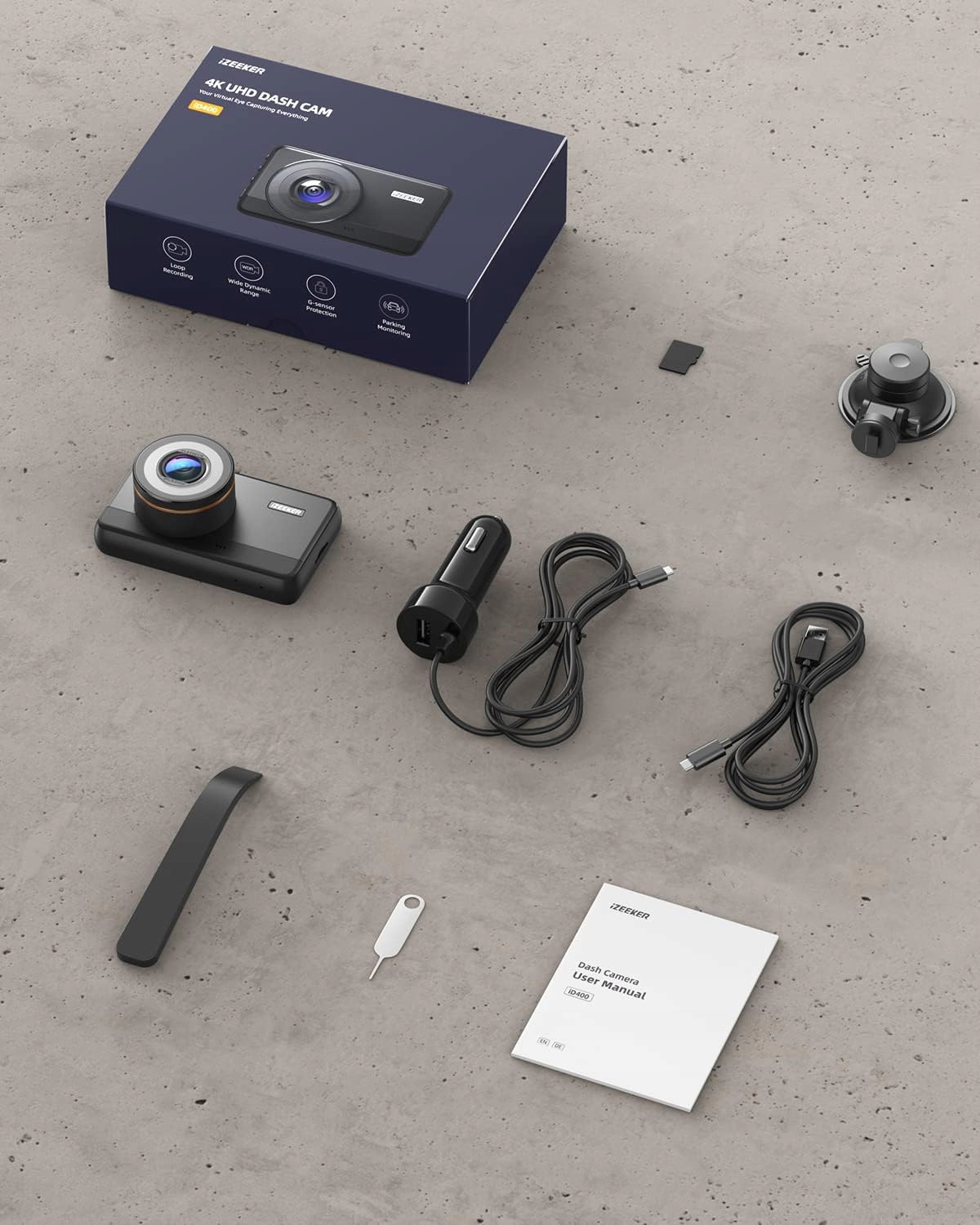
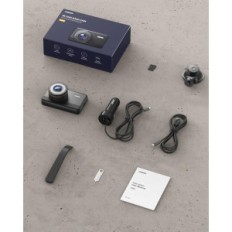
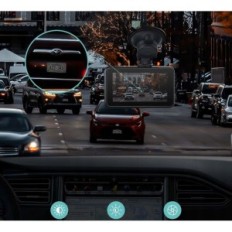
【Easy installation and easy operation】 This 4K car camera is fully equipped to save you worries. It is delivered with everything that is needed to capture. Thanks to the exclusive navigation in the key menu adapted to research and development, four buttons with screen on the side of the screen during the configuration that show that the key does. Easy configuration.
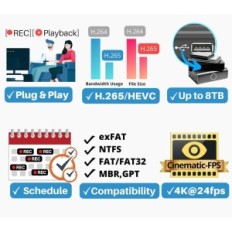
【Convenient video Viewing】 This car camera offers three comfortable and quick video display methods. 1. Immediate playback on the car camera using the playback function; 2. Display by inserting the SD card into a computer with a card reader; 3. Connect the car camera to the computer using the included USB cable to manage and displaying video files. Various display options ensure the best experience from watching video.


 Français
 Polski
 English
 Čeština
 Dansk
Dansk Deutsch
 ελληνικά
 Español
 Eesti keel
 Suomi
Suomi Hrvatski
 Magyar
 Italiano
 Nederlands
 Bokmål
 Português PT
 Svenska
 Slovenčina
 Slovenščina
 Lietuvių kalba
 Latviešu valoda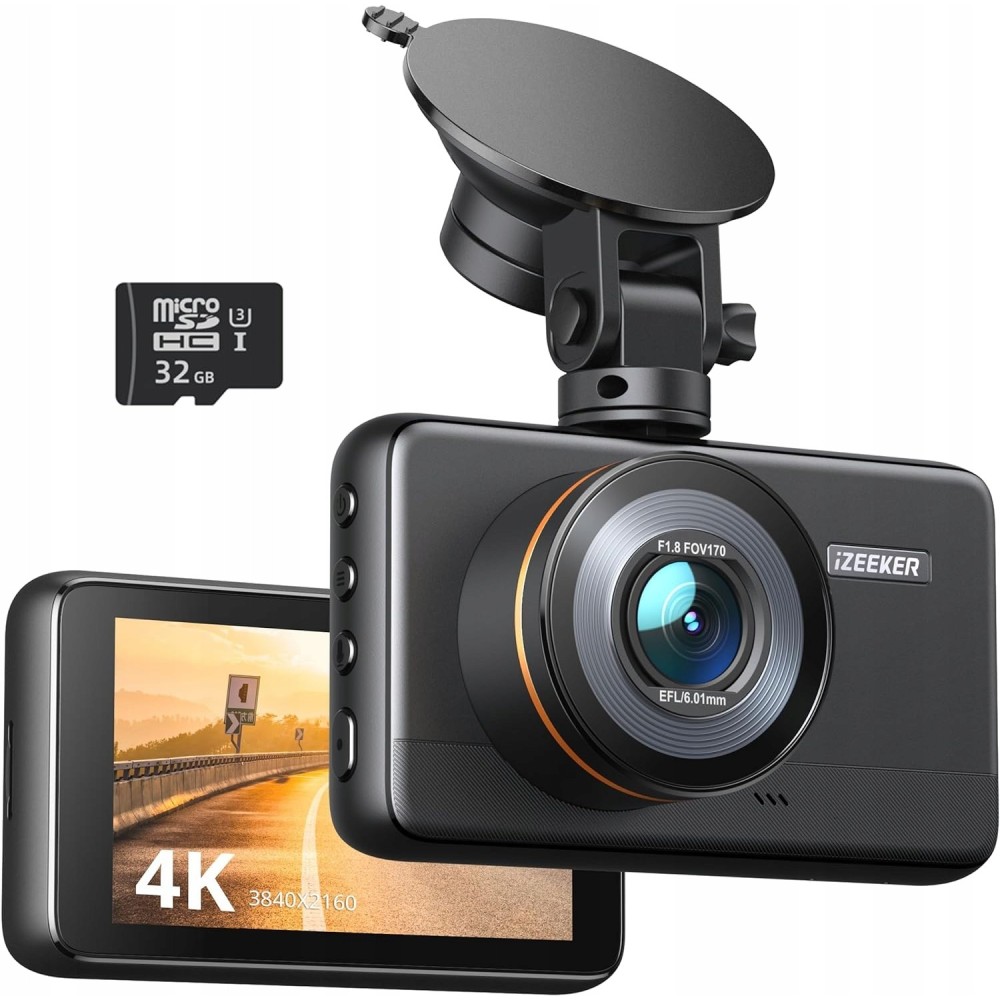
 Secure payment
 Easy going back
 Fast delivery