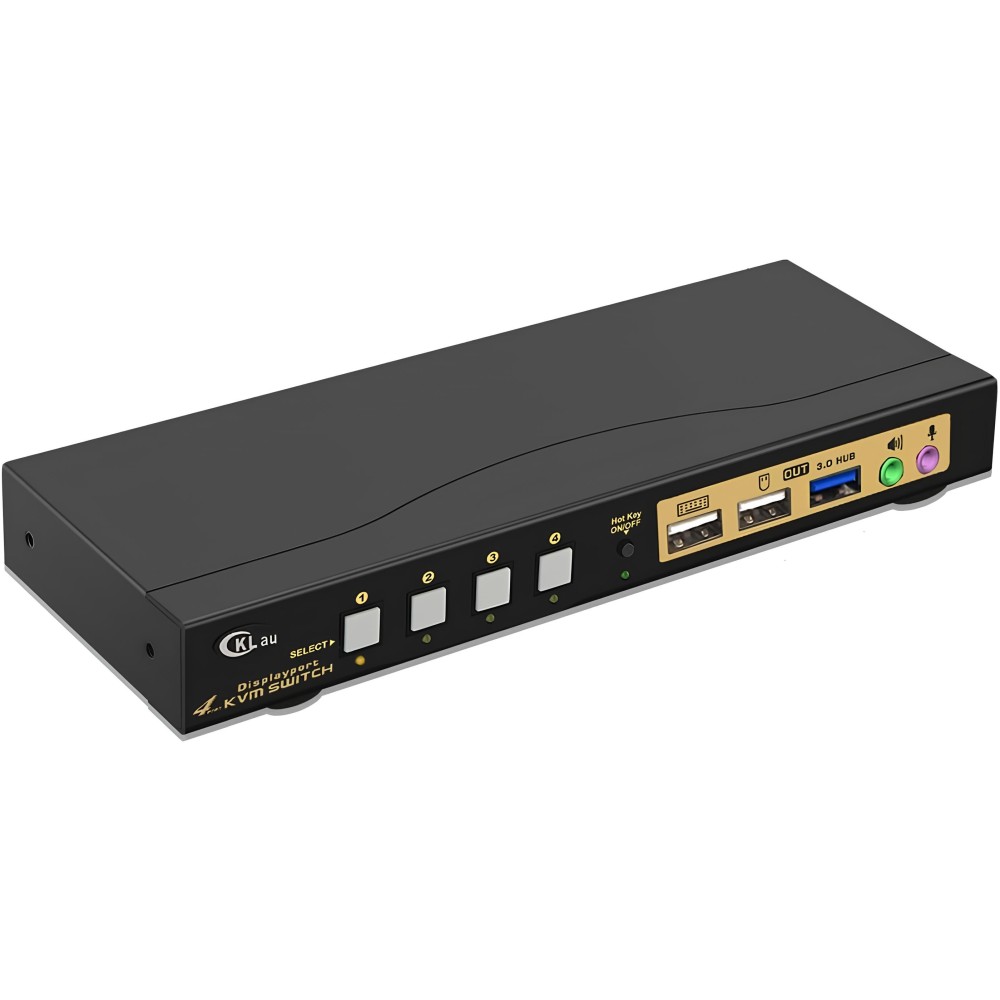
Switch KVM 4 Ports USB 3.0, 1.4, 4K 144 Hz 5V CKLUU switch to computers

Switch KVM 4 Ports USB 3.0, 1.4, 4K 144 Hz 5V CKLUU switch to computers

bez marki
B0BKG5H161
Switch KVM 4 Ports USB 3.0, 1.4, 4K 144 Hz 5V CKLUU switch to computers
Out of Stock
€161.78
Tax included
Quantity

Out-of-Stock
  Secure payment

By credit card and paypal

  Easy going back

Buy safely

  Fast delivery

With online tracking
2479551971f5dbc664afa1d77ac963c0.jpg
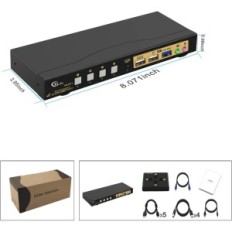
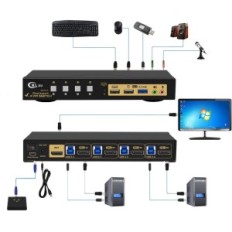
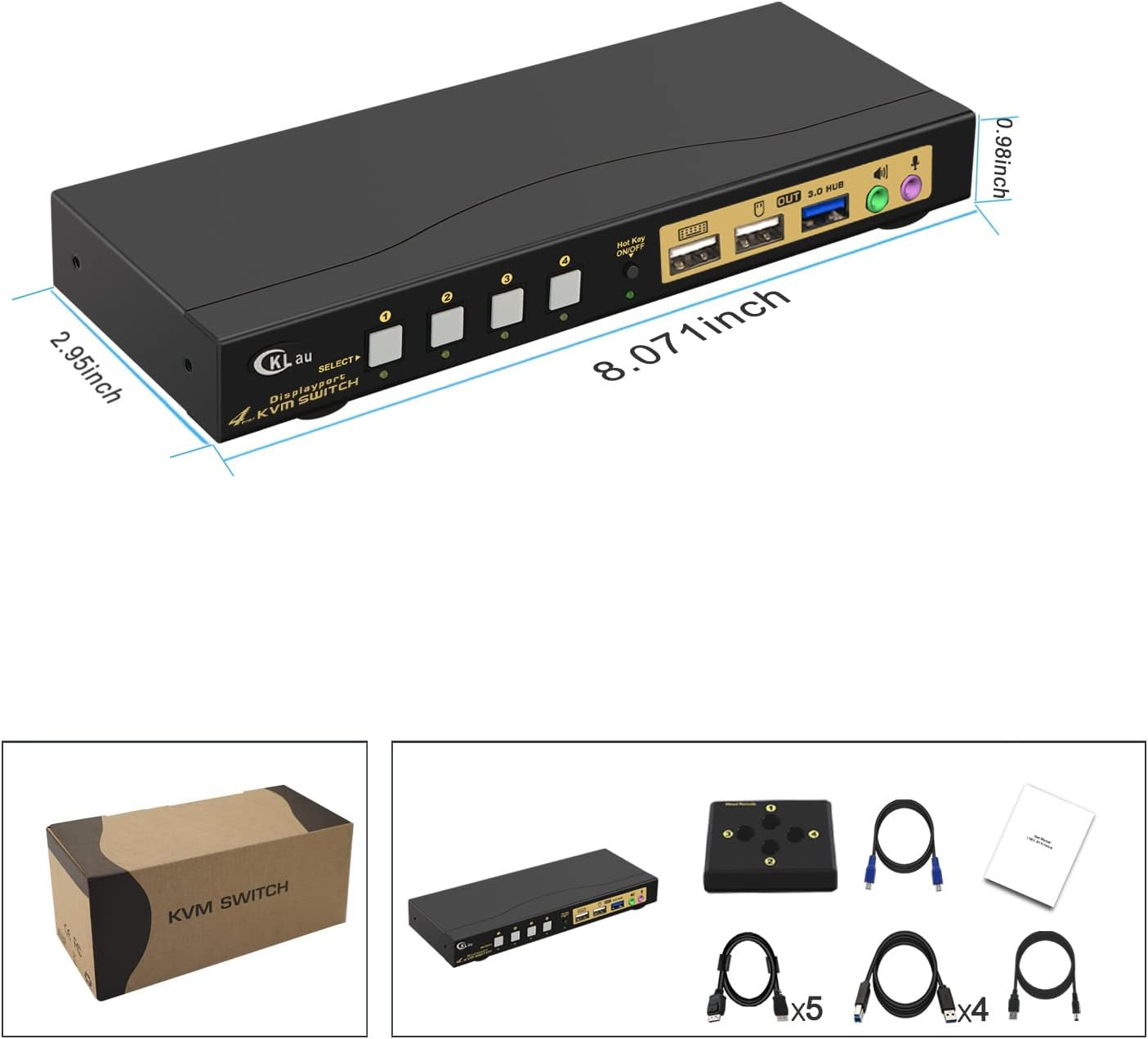
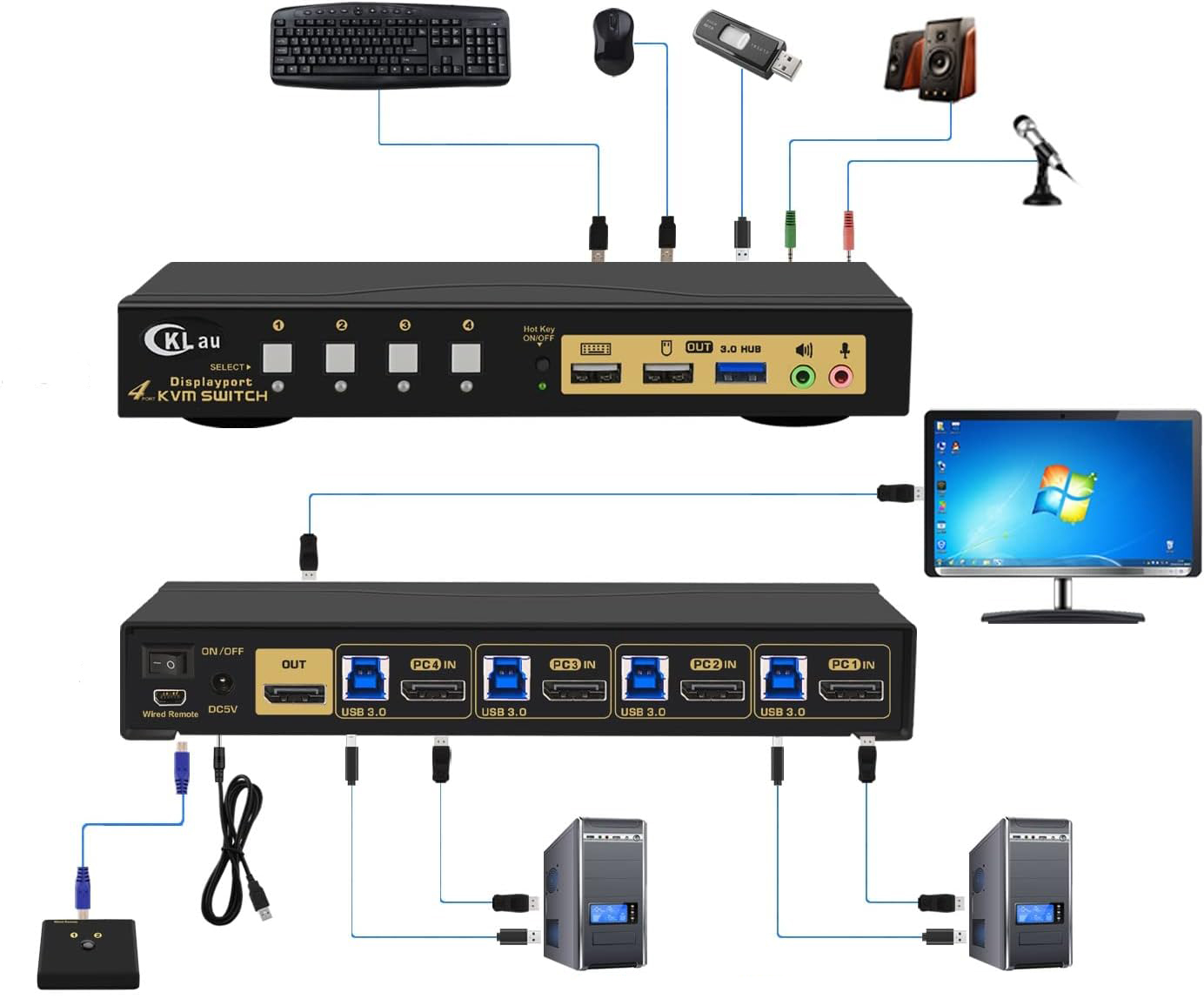
  • KVM 8K switch: Allows you to shares for 4 computers of one key of keyboard and mouse, one monitor, audio, microphone and one USB peripheral device 3.0. Includes 5 DisplayPort 1.4 cables with high shielding for entry and output. (Note: To avoid monitor flickers, use DisplayPort 1.4 cables supplied with KVM switch to connect computers and monitors).
  • Switch for one monitor and multiple computers: Compatible resolutions: 7680x4320 @ 30hz, 5120x2880 @ 50 / 60Hz, 3840x2160 @ 60/120 / 144Hz, 3840x1620 @ 60/120 / 144Hz, 3440x1600 @ 60/120 / 144Hz, 3440x1440 @ 60/120 / 144Hz, 3840x1080 @ 60/120/144/165 / 240Hz, 3200x1800 @ 60/120/144/165 / 240Hz, 2560x1440 @ 60/120/144/165 / 240hz, 2048x1536 @ 60/120/144/165 / 240Hz, 2048x1280 @ 60/120/144/165 / 240Hz, 2048x1080 @ 60/120/144/165 / 240Hz, 1920x1200 @ 60/120/144/165 / 240Hz, 1920x1080 @ 60/120/144/165 / 240Hz, etc.
  • Switch KVM DisplayPort 144Hz: Supports Keyboards and Mice wired / wireless, Unify / Gaming / Mechanical / Bluetooth /Apple, touch screen, OLED screen, 16: 9 panoramic monitors, ultra-panoramic 21: 9, etc.
50a8f13d811bfdface503cec1458861c.jpg

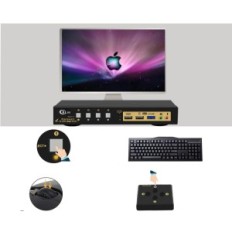
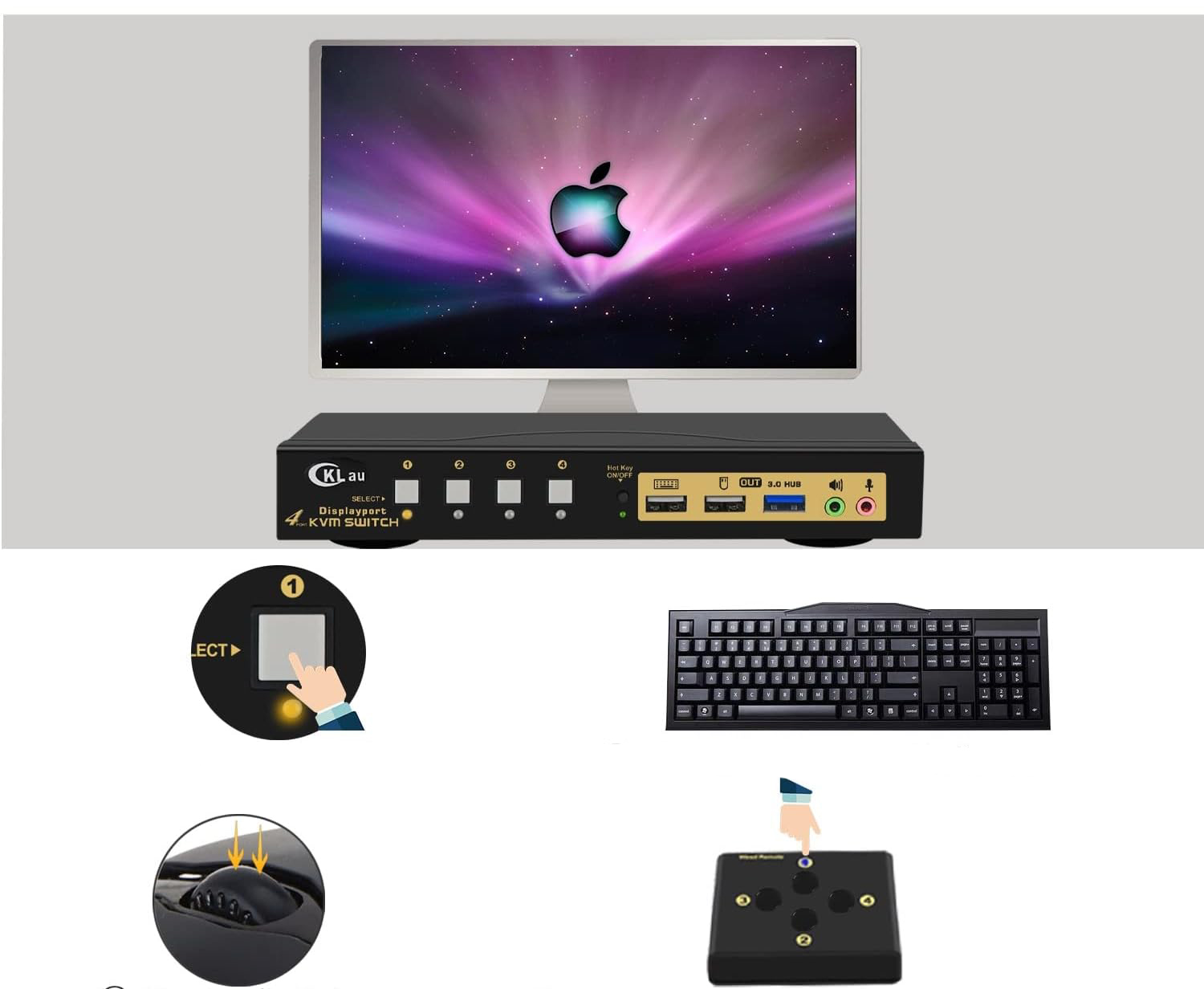
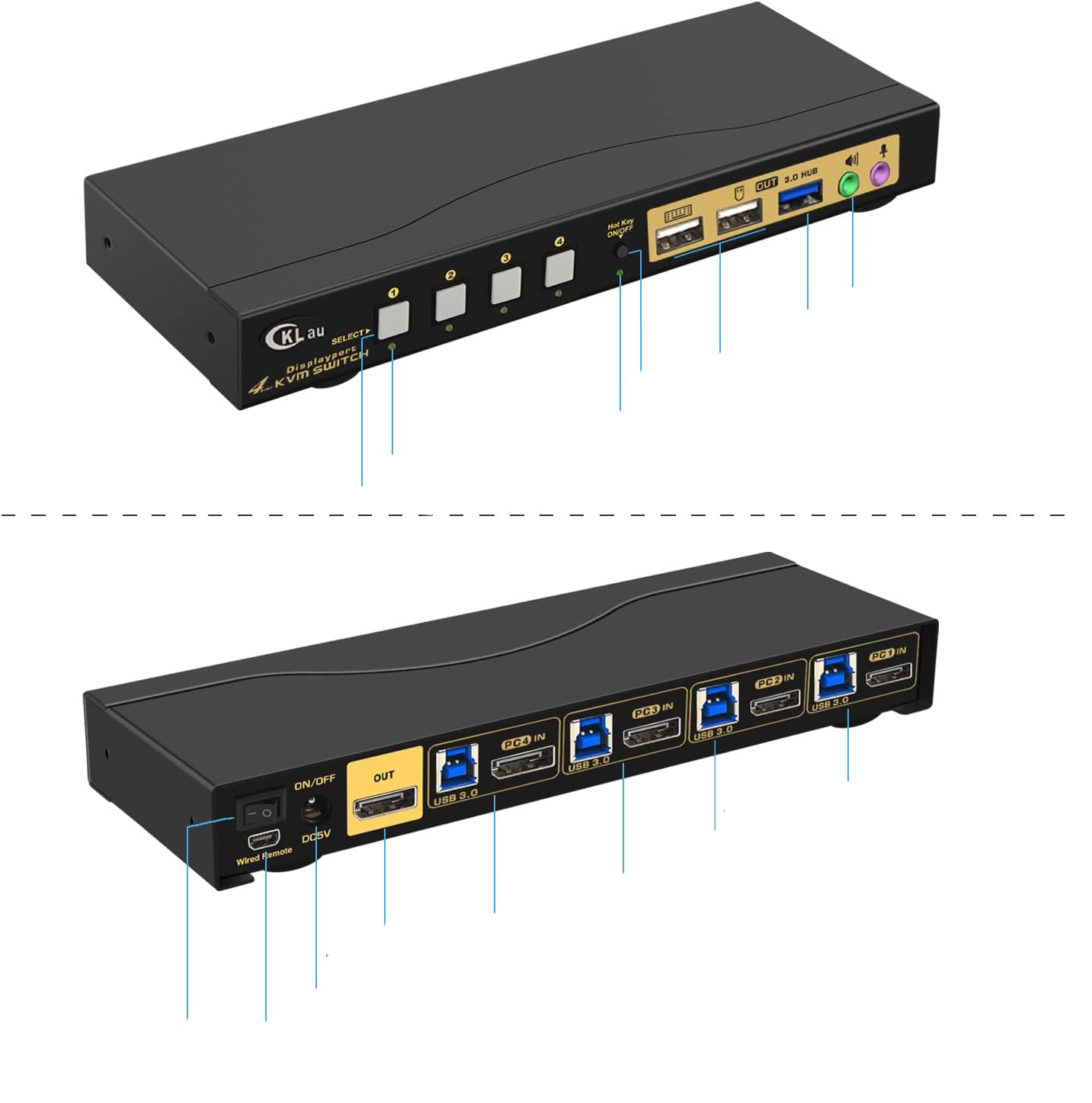
DP 1.4 KVM switch for 4 computers: Four switching options: Keyboard shortcut (Num Lock + Num Lock + 1/2 / 3/4 + ENTER, or Ctrl + Ctrl + 1/2/3 / 4 + ENTER, or Scroll Lock + Scroll Lock + 1/2/3/4 + ENTER), Mouse switching (click two times the mouse roll), Manual button, Wired remote switch.

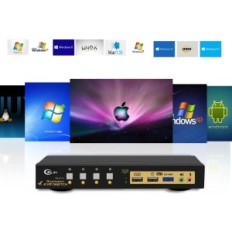
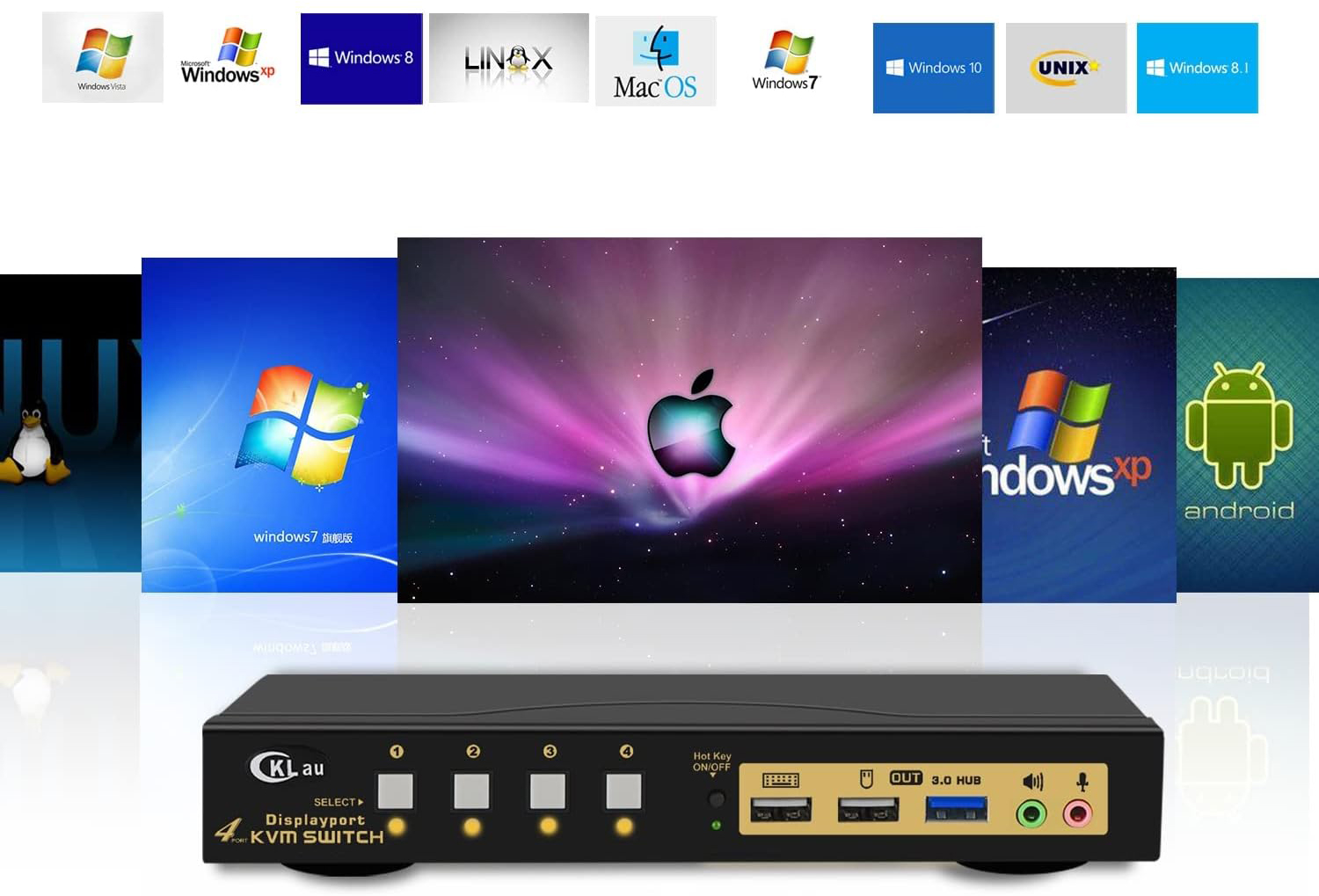
4-Port KVM DP switch: Supports automatic detection, scanning, waking, with memory function in case of no power. It does not require drivers for Windows 10/7/70 / XP / Vista, Linux, Mac, Debian, Ubuntu, Fedora, Raspbian, Ubuntu, etc.

Important: If only one computer uses BIOS, first turn it on, log in and wait for the screen to display. Then switch KVM to the second computer and run it. If both computers use BIOS, run KVM, then the first BIOS computer, log in, wait for display, switch KVM to the second computer and run it. In short, do not start both BIOS computers simultaneously to avoid problems such as black screen or disable keyboard and mouse.

965e6b4f75e59f4723af1d4a212e7c0e.jpg
60a2509bd1735f9bb7d155b637c79264.jpg
e931976efe1eaa1b1af6d8059d106a3e.jpg
--deleted-from-1--
bez marki
: B0BKG5H161
Out of Stock

Specific References

EAN13
6957737962047

15 other products in the same category:


Viewed products